
Less guesswork. More understanding.
Every feature.
In practice.
From your first import to sales forecasting. Understand what each report means, how to set it up and what to do next.
Find your guide44 guides34 screenshots32 video guides
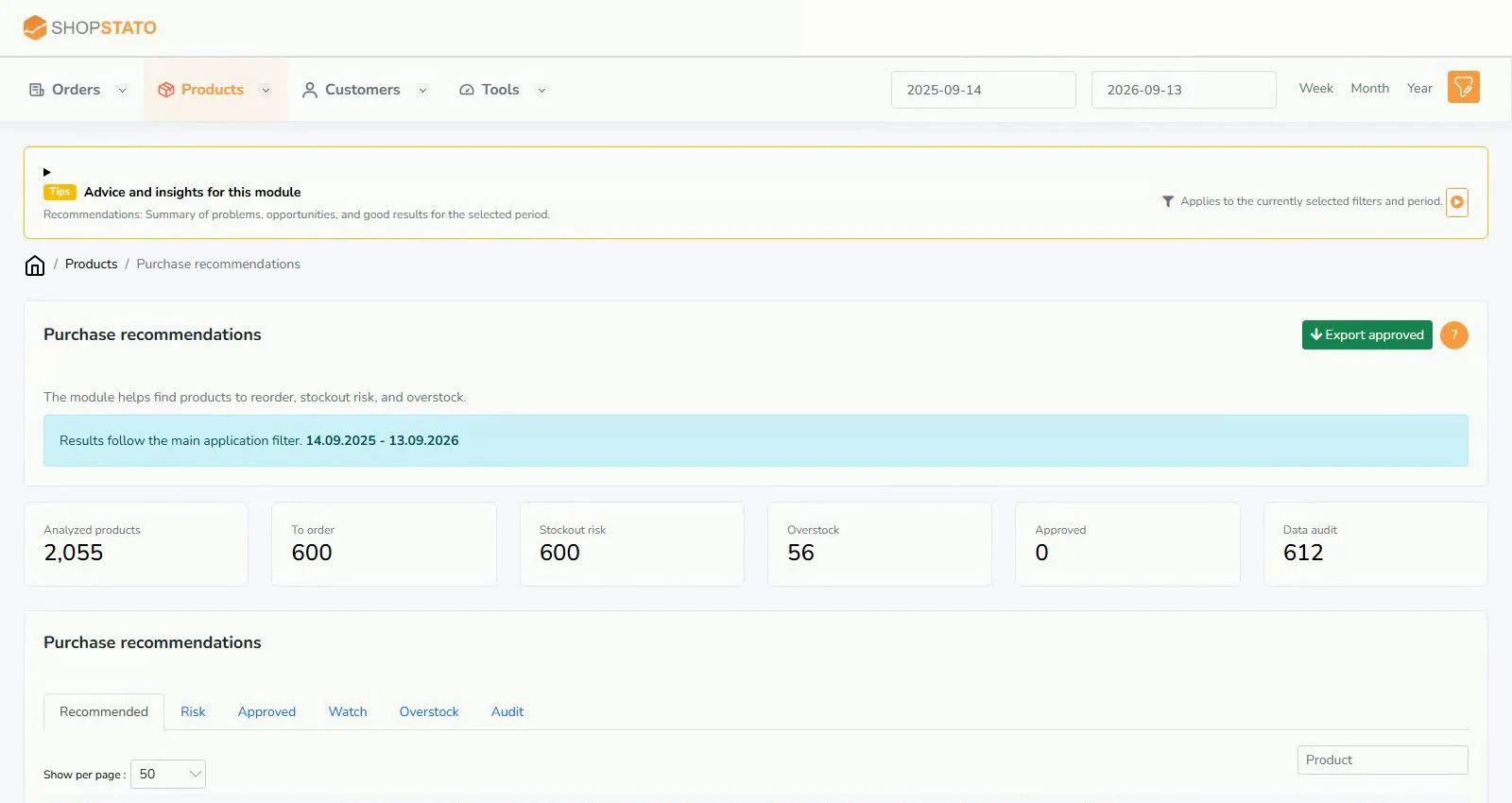 What should you reorder, and what should stay on the shelf?Read the guide
The whole library in one place
Find an answer by topic
Guides found: 10Clear filters
Automatic reports and alerts
Email reports are a quick worklist for review. Check product details and current data before acting on an alert.
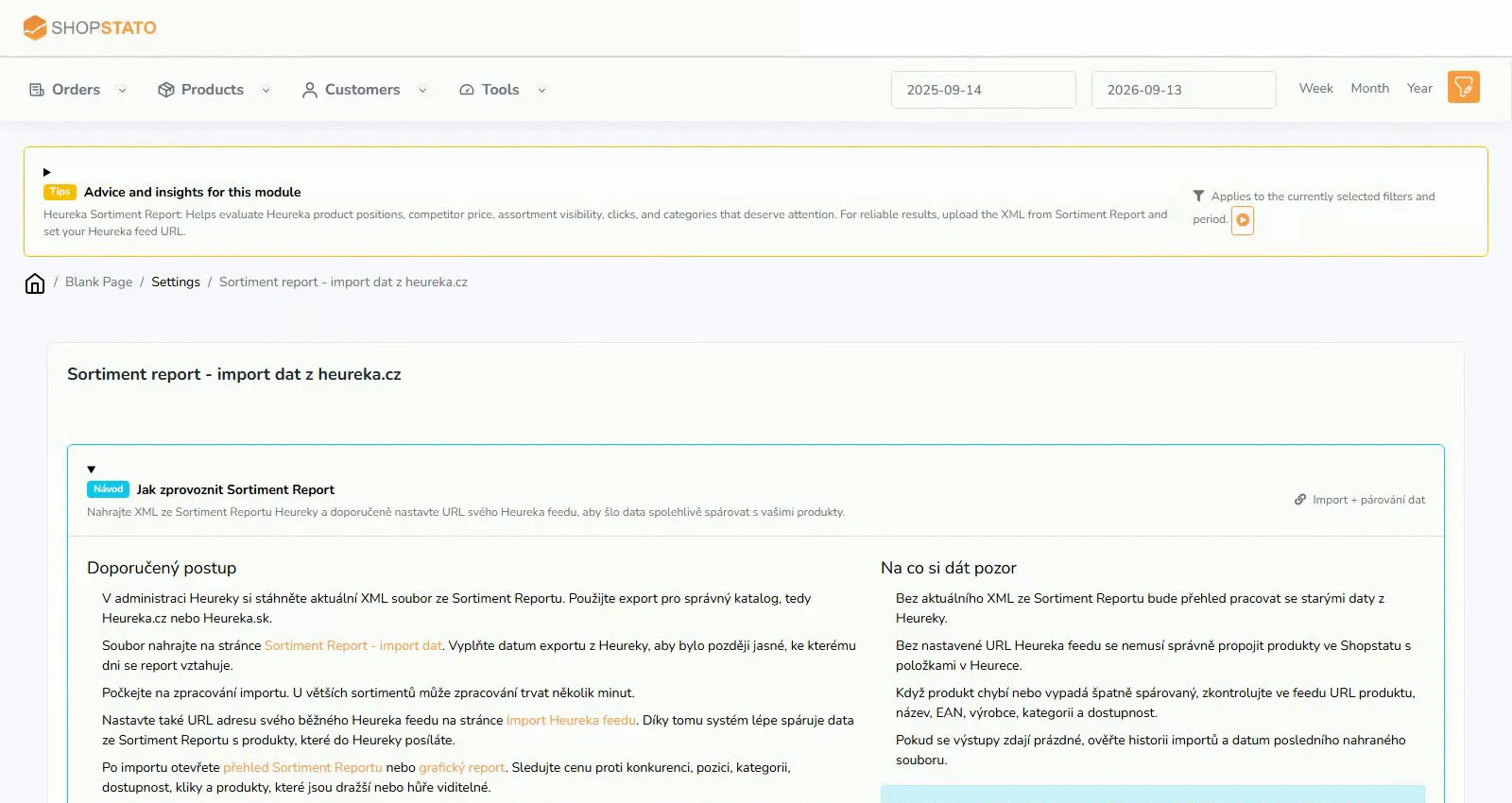 Assortment Report: turn an XML export into a market overview2 min read · 1 screenshot · video
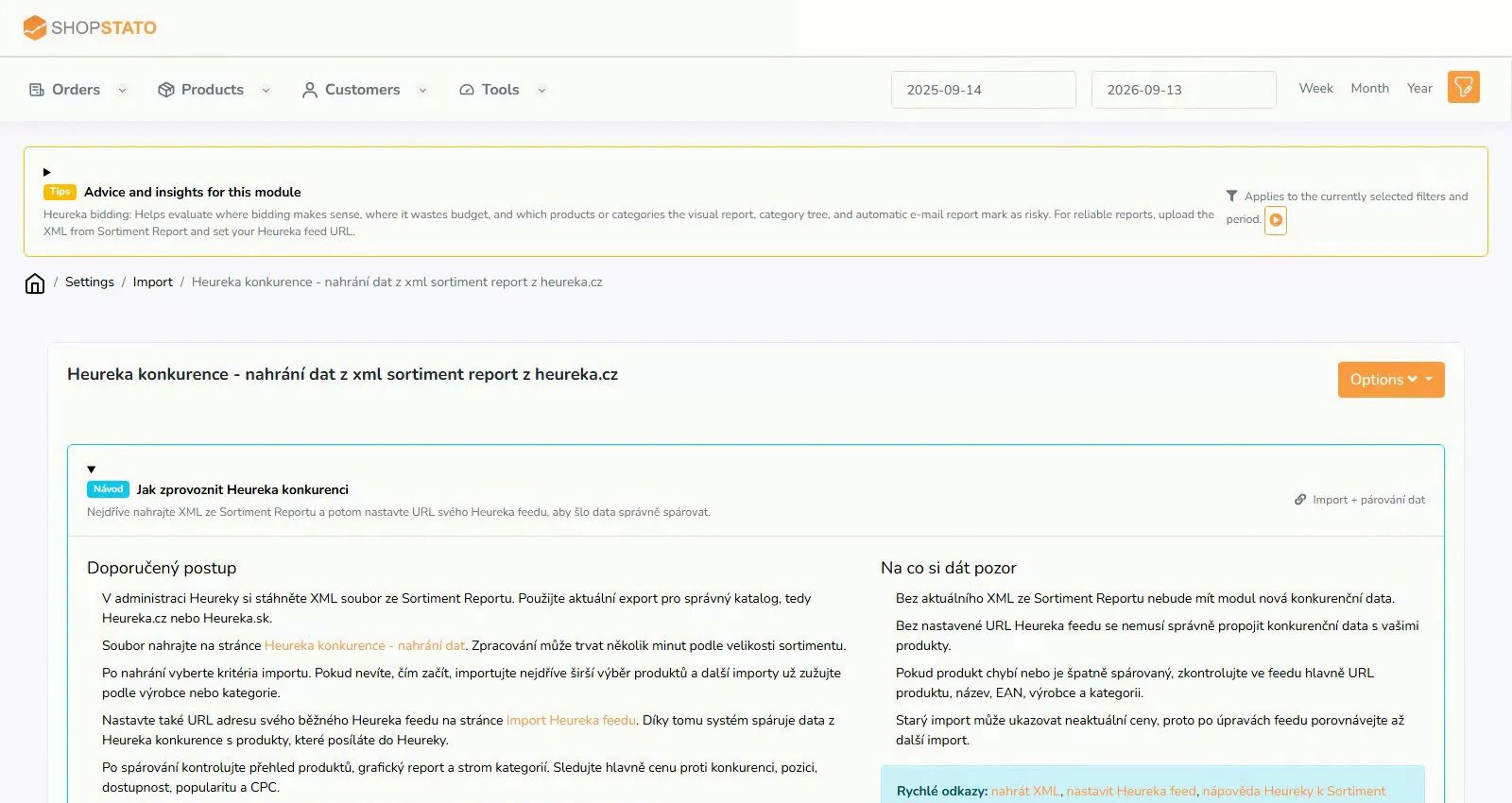 Heureka competition: prepare data for price comparisons2 min read · 1 screenshot · video
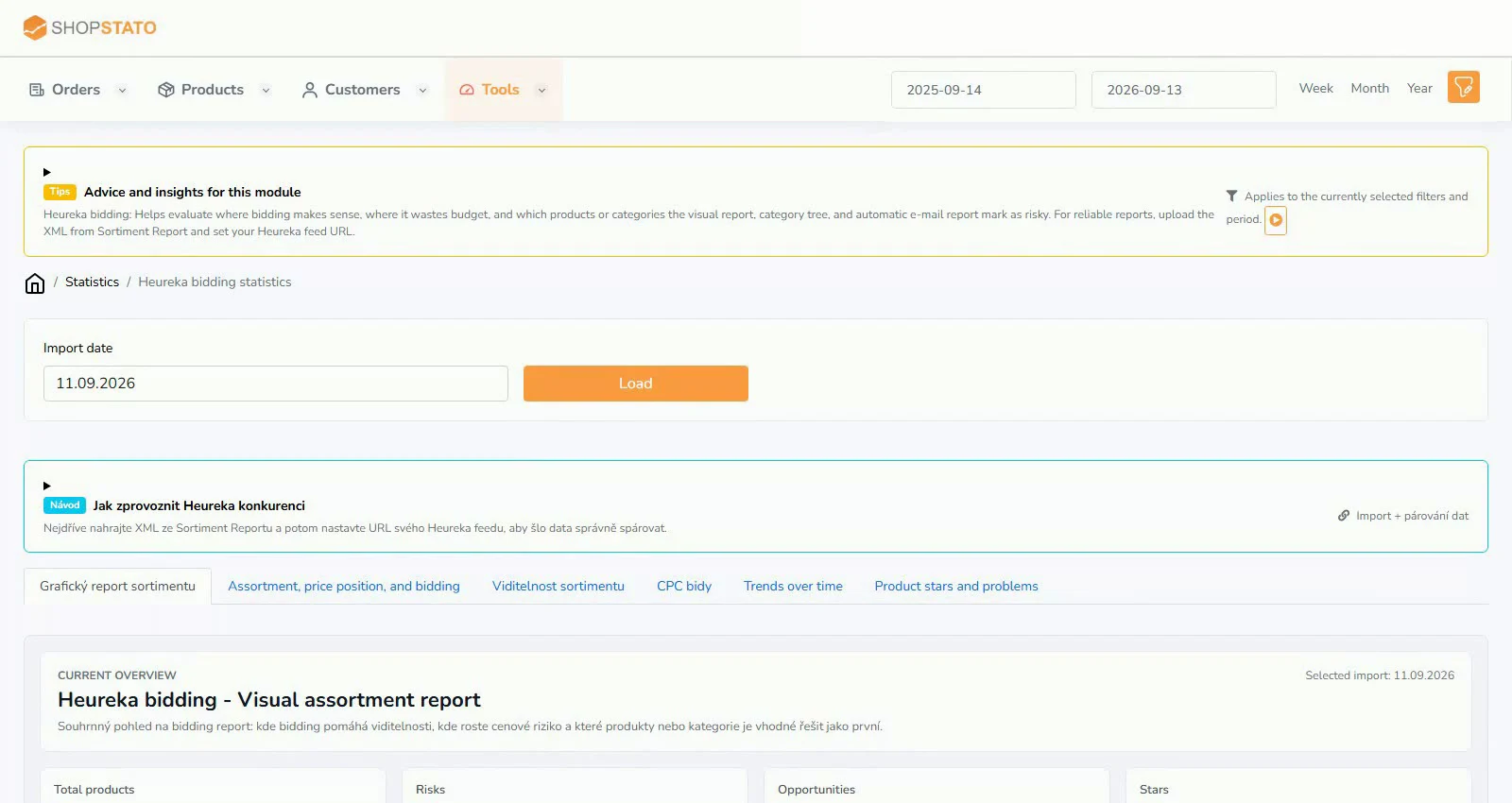 Heureka charts: where to start reviewing your assortment2 min read · 2 screenshots · video
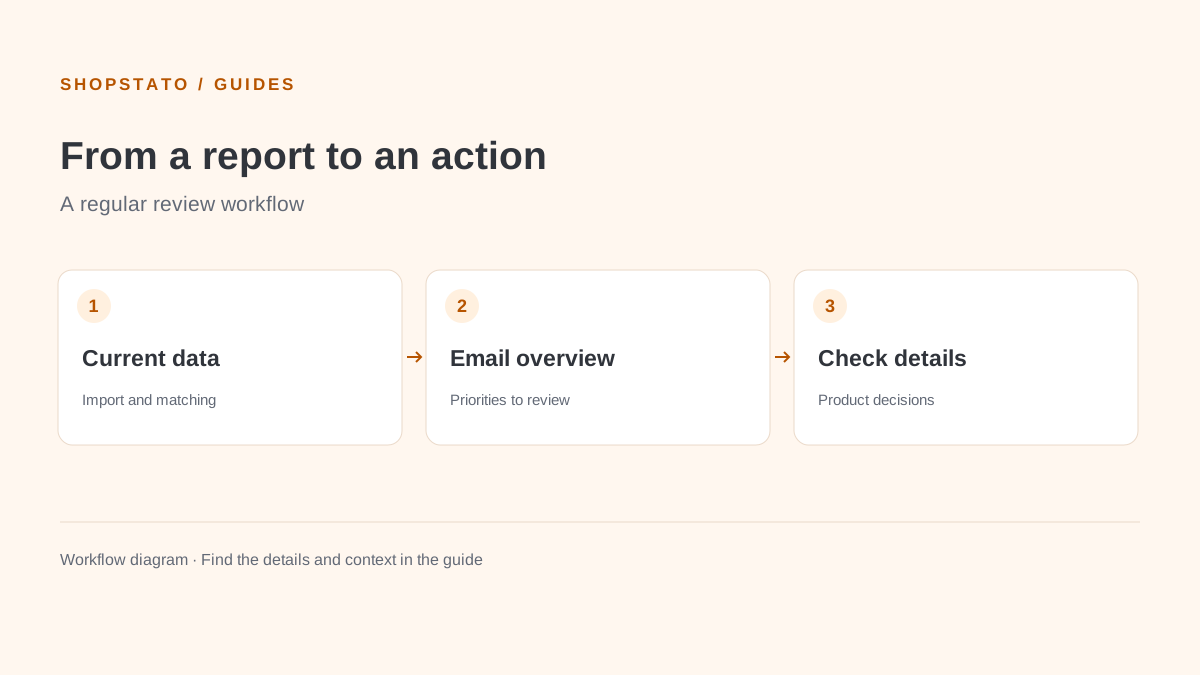 Heureka by email: review meaningful changes in time2 min readPreset Heureka reports: understand what you receive and why2 min read
Modules and features
Practical uses of each module, with required inputs, explanations, screenshots and application links.
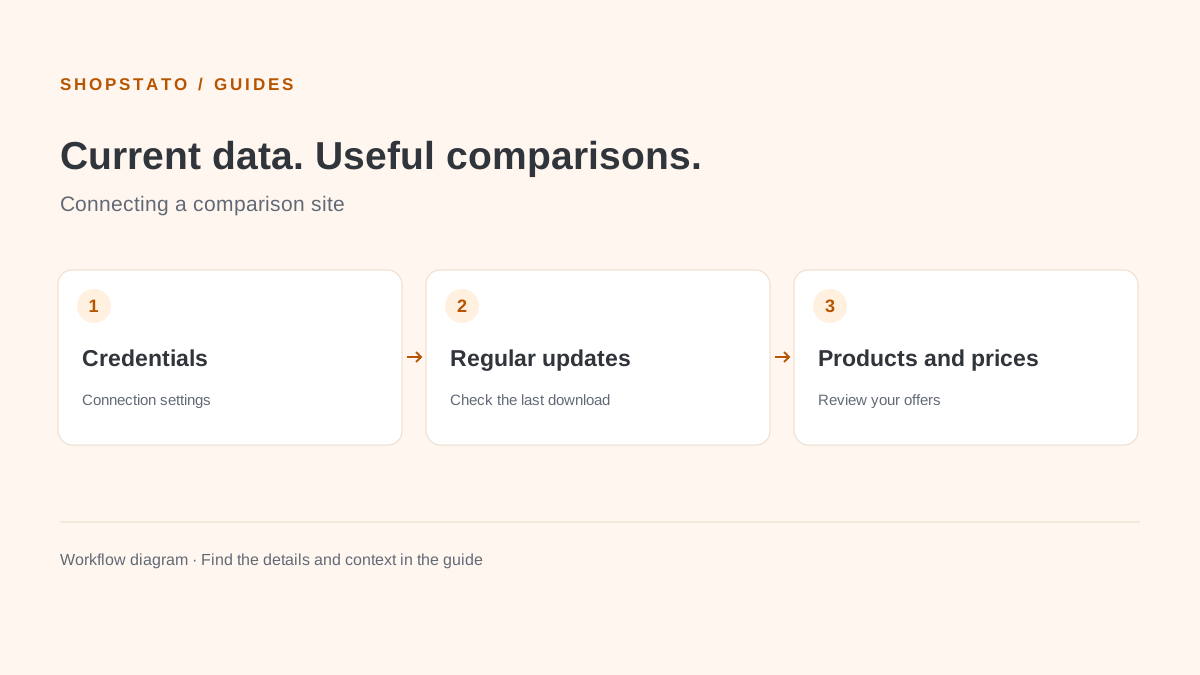 Árukereső: connect the comparison site and monitor data updates2 min readCompari: from connection settings to competitor checks2 min readHeureka competition: price is only the beginning2 min read · 3 screenshots · videoIdealo: connect, update and review your assortment2 min read
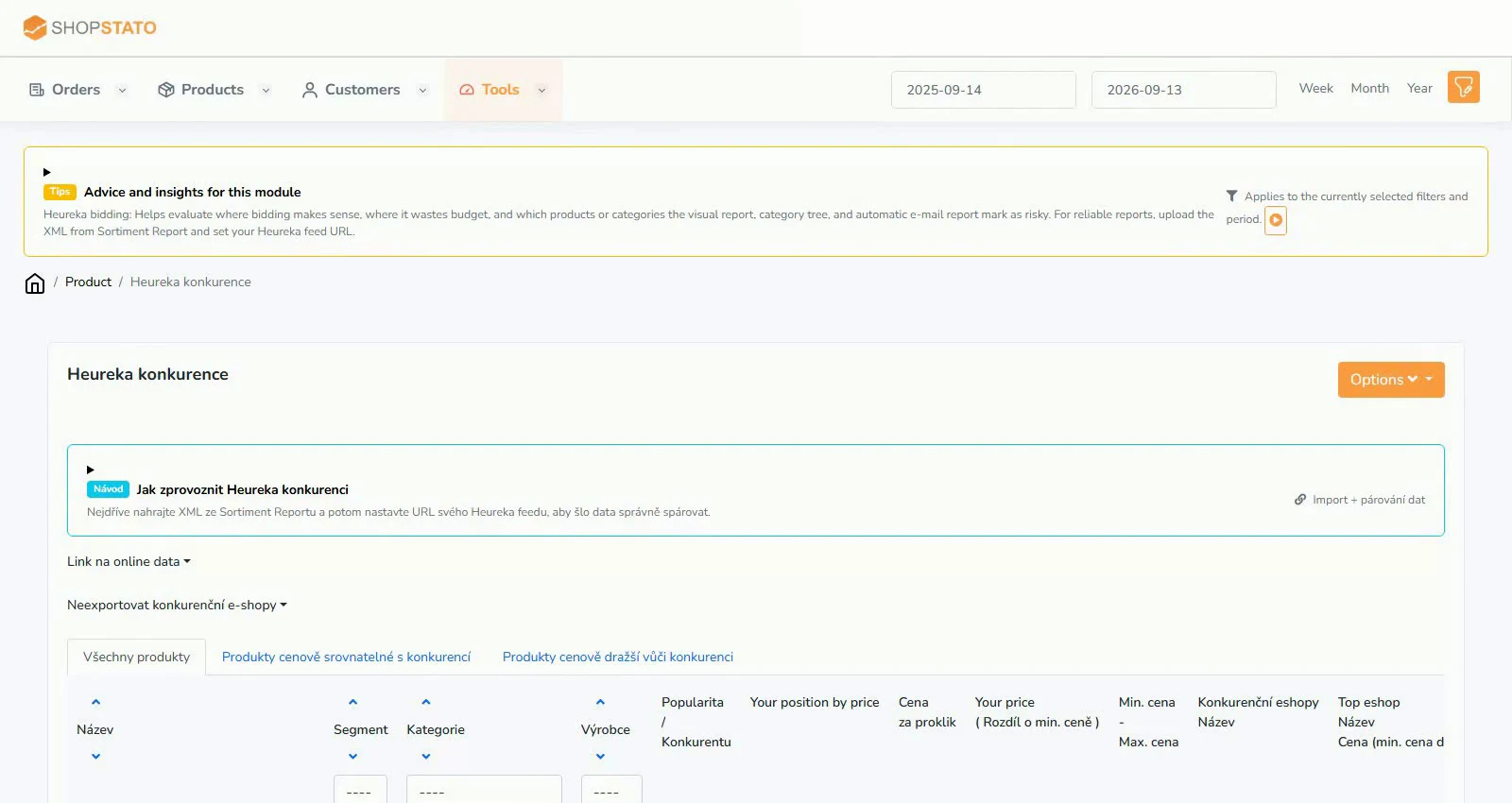 Assortment Report: turn Heureka data into concrete tasks2 min read · 2 screenshots · video
Your next step
Good decisions start with a clear overview.
Explore your orders, products and customers in one place.