
Less guesswork. More understanding.
Every feature.
In practice.
From your first import to sales forecasting. Understand what each report means, how to set it up and what to do next.
Find your guide44 guides34 screenshots32 video guides
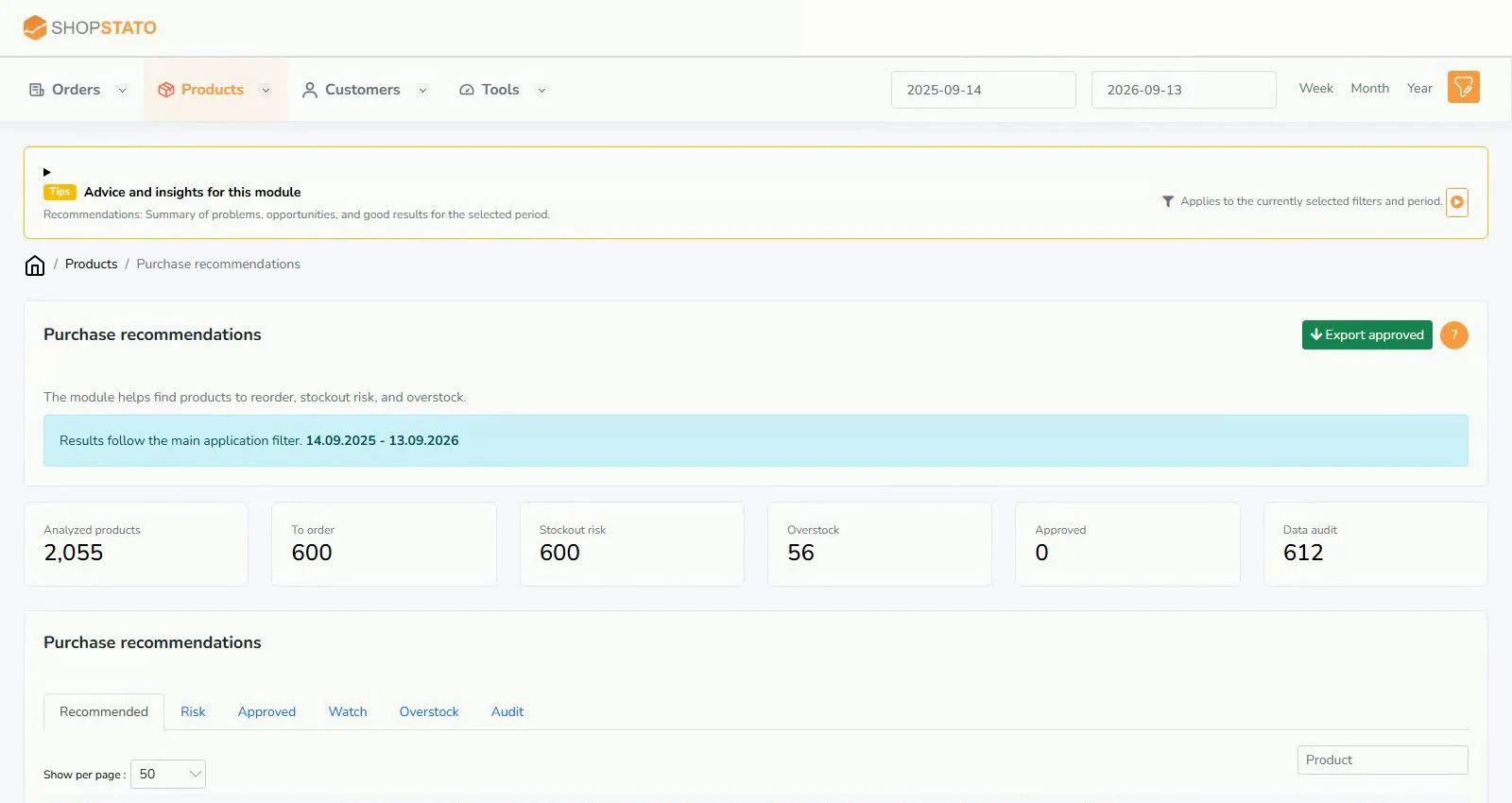 What should you reorder, and what should stay on the shelf?Read the guide
The whole library in one place
Find an answer by topic
Guides found: 5Clear filters
Import and synchronisation
Bring in purchase prices, inventory and order history. After a feed or API change, check the result over a short period first.
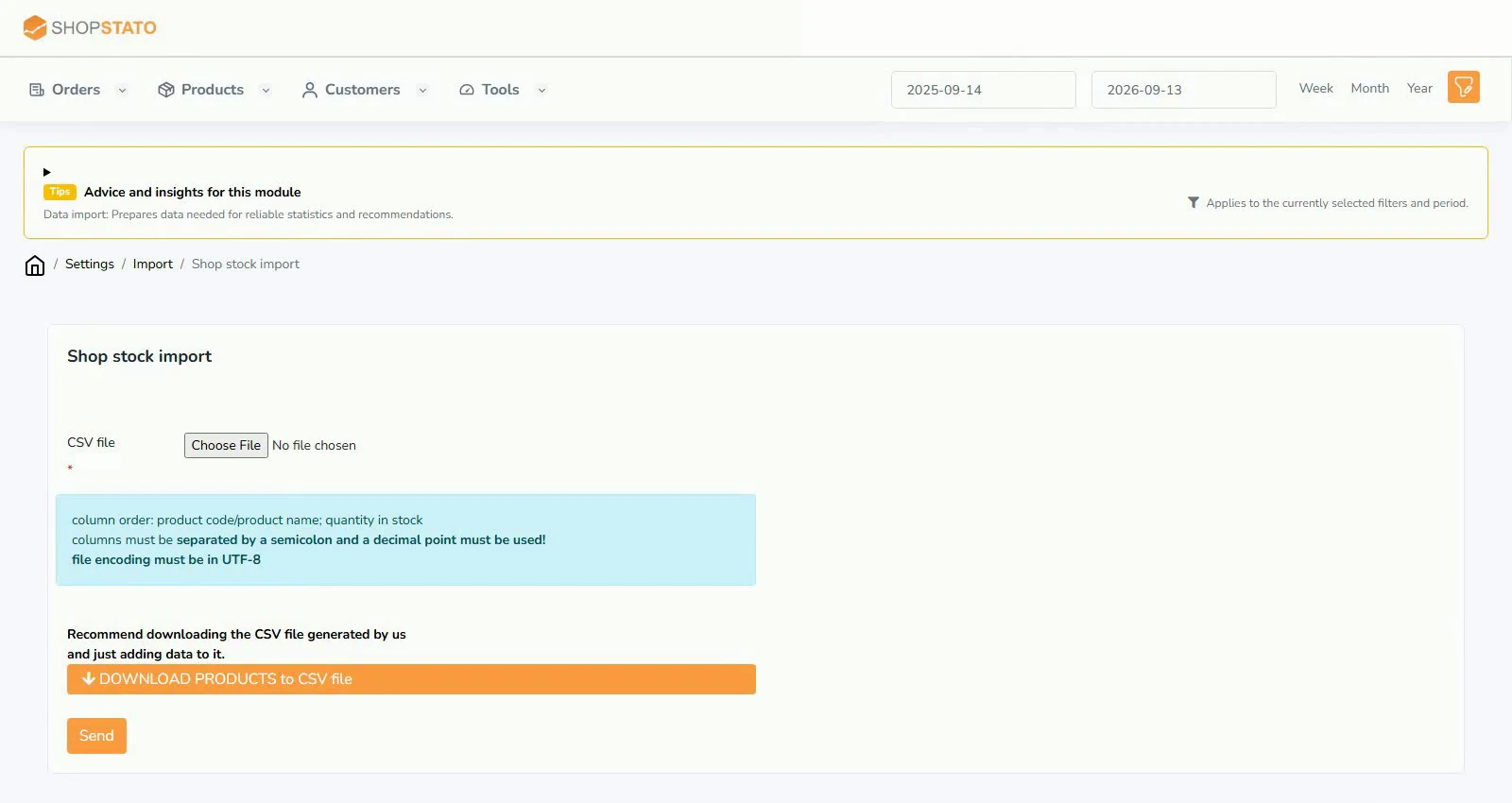
Modules and features
Practical uses of each module, with required inputs, explanations, screenshots and application links.
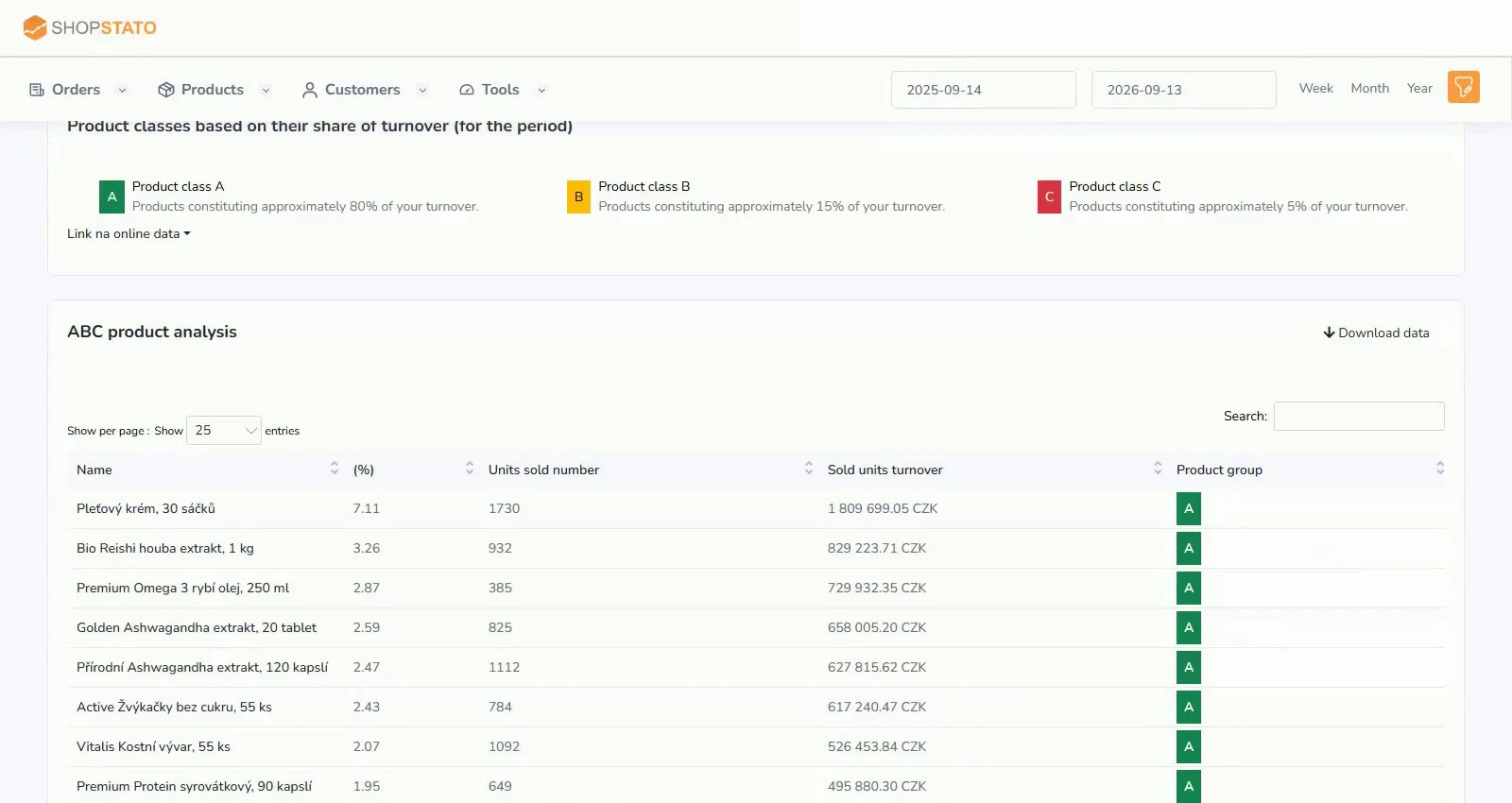 ABC product analysis: focus on the items that matter2 min read · 1 screenshot · videoPurchasing recommendations: turn sales pace into sensible replenishment2 min read · 1 screenshot · video
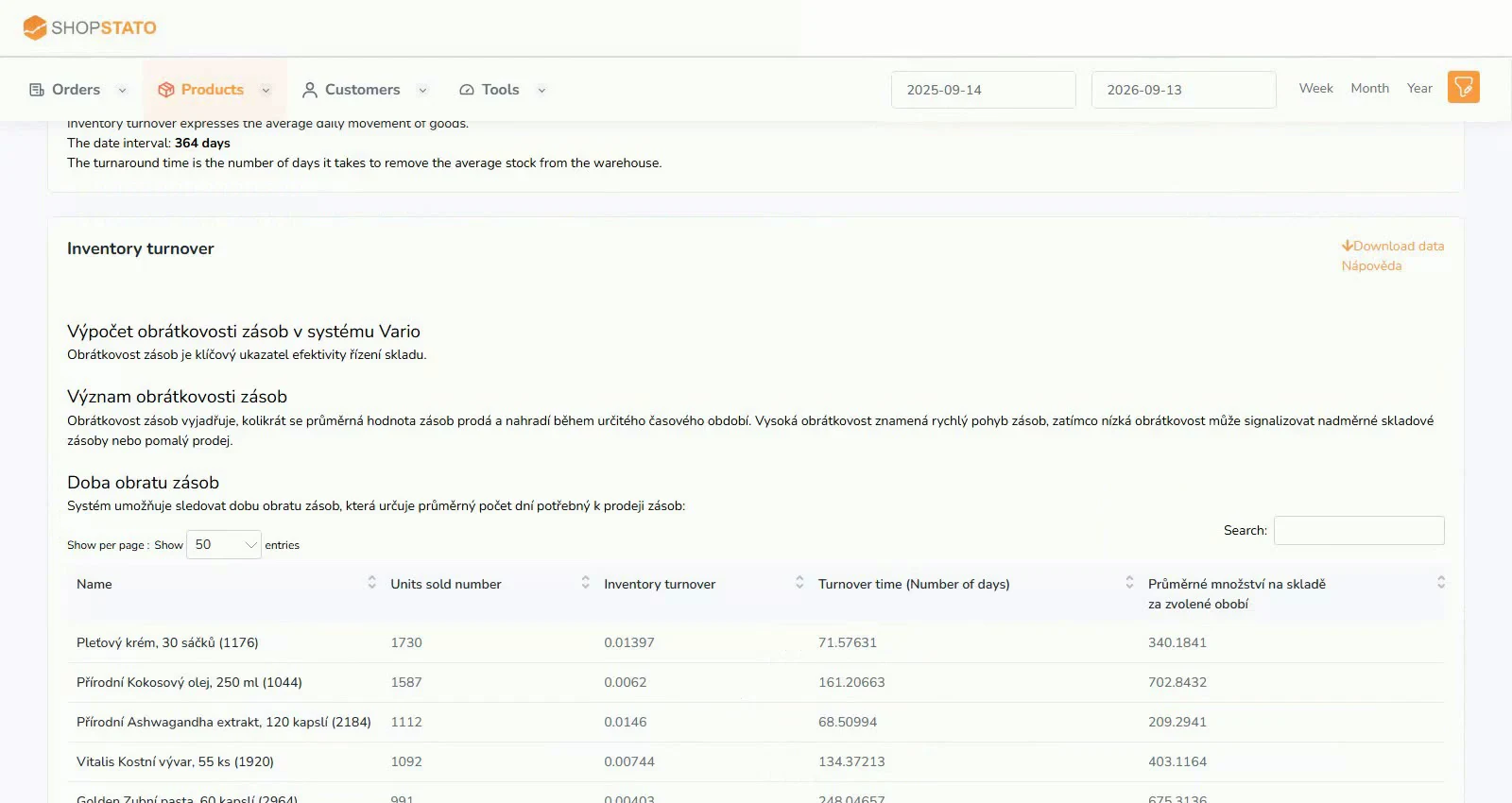 Inventory turnover: where stock turns into sales and where it waits2 min read · 1 screenshot · video
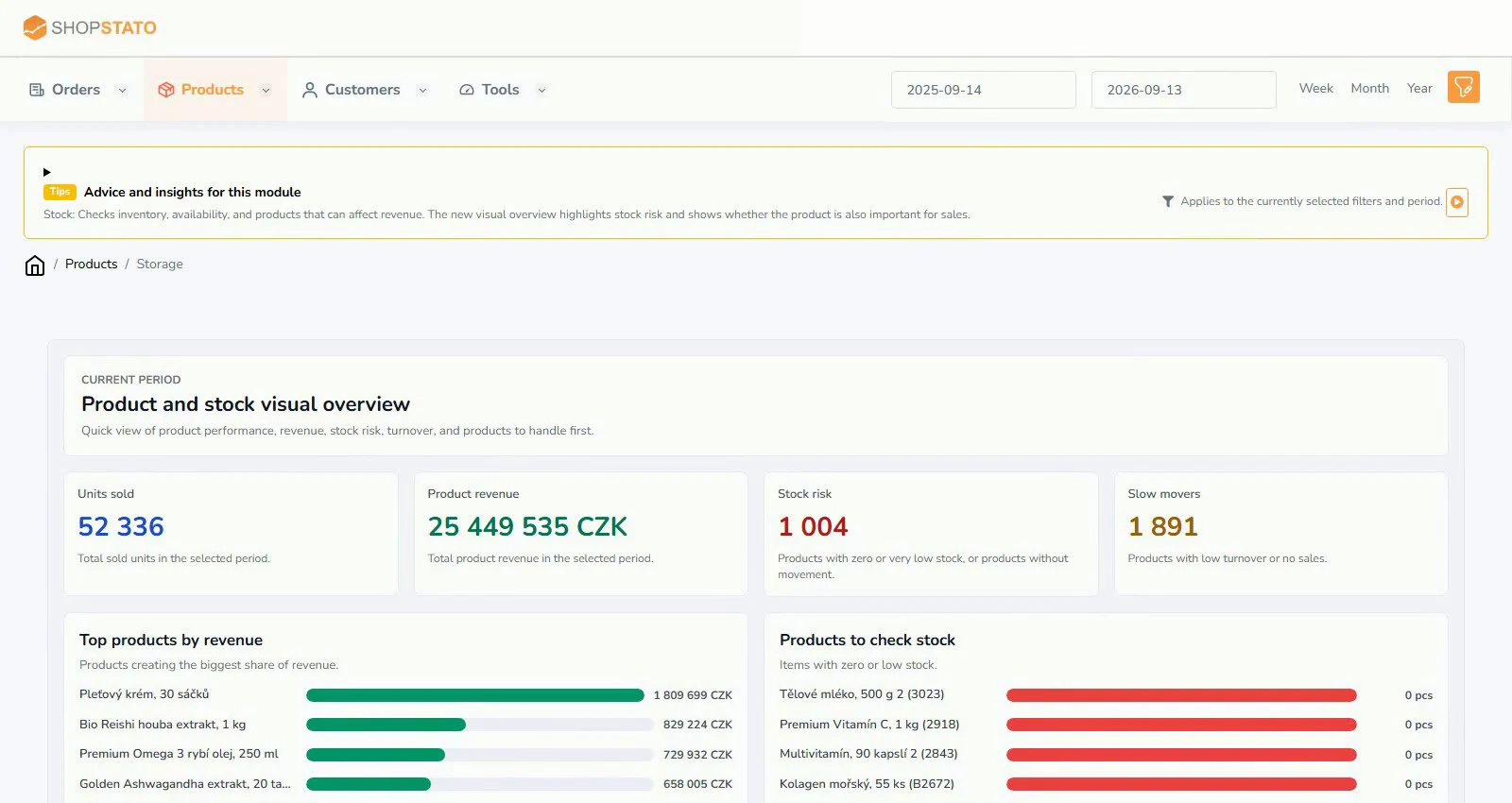 Inventory: spot shortages and excess stock in time2 min read · 1 screenshot · video
Your next step
Good decisions start with a clear overview.
Explore your orders, products and customers in one place.