CompetitionModules
Idealo: connect, update and review your assortment
A step-by-step guide
The Idealo module uses API data for offers, exports, categories and automatic email reports. Correct credentials and download intervals keep the data current.
What to prepare
An active module, the store API ID, API login and password or key.
Step by step
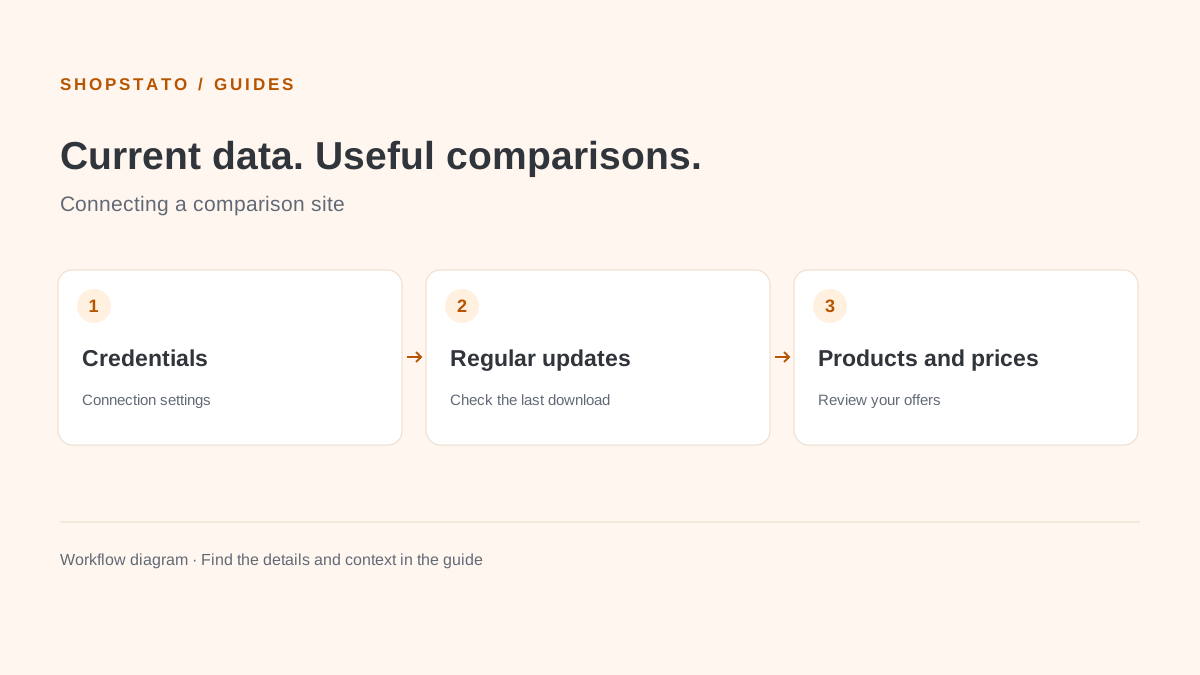
- Create a new Idealo connection after activation.
- Enter the API store ID and credentials.
- Activate the configuration and set regular downloads if required.
- Verify connection status, the last download, exports and category settings.
What to consider when interpreting the result
Enter API credentials only in the designated settings. Keep them out of ordinary screenshots and publicly shared links.
Continue in the application
Application links require sign-in. Access to a report depends on your permissions and the relevant module.
Source: Shopstato help centre . This English guide adds practical context and examples from English video tutorials.