InventoryModules
Purchasing recommendations: turn sales pace into sensible replenishment
A step-by-step guide
What should you reorder, watch or leave in stock? Purchasing recommendations bring sales history, current inventory and turnover pace together.
What to prepare
Current inventory, complete orders and correctly matched product codes or GUIDs. Review the main period, status and manufacturer filters.
Step by step
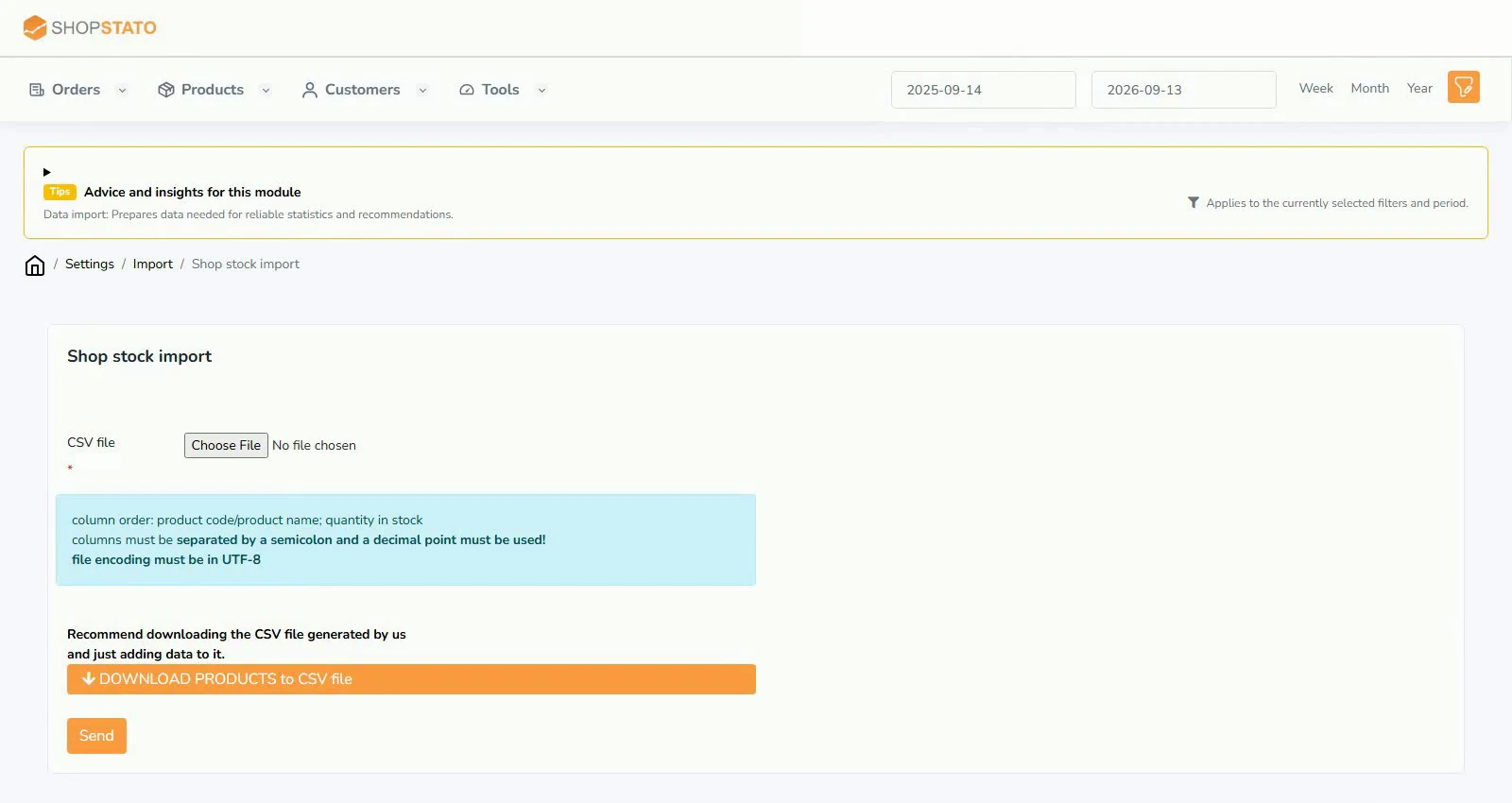
- Verify stock, order completeness and product matching.
- Check the main application filters.
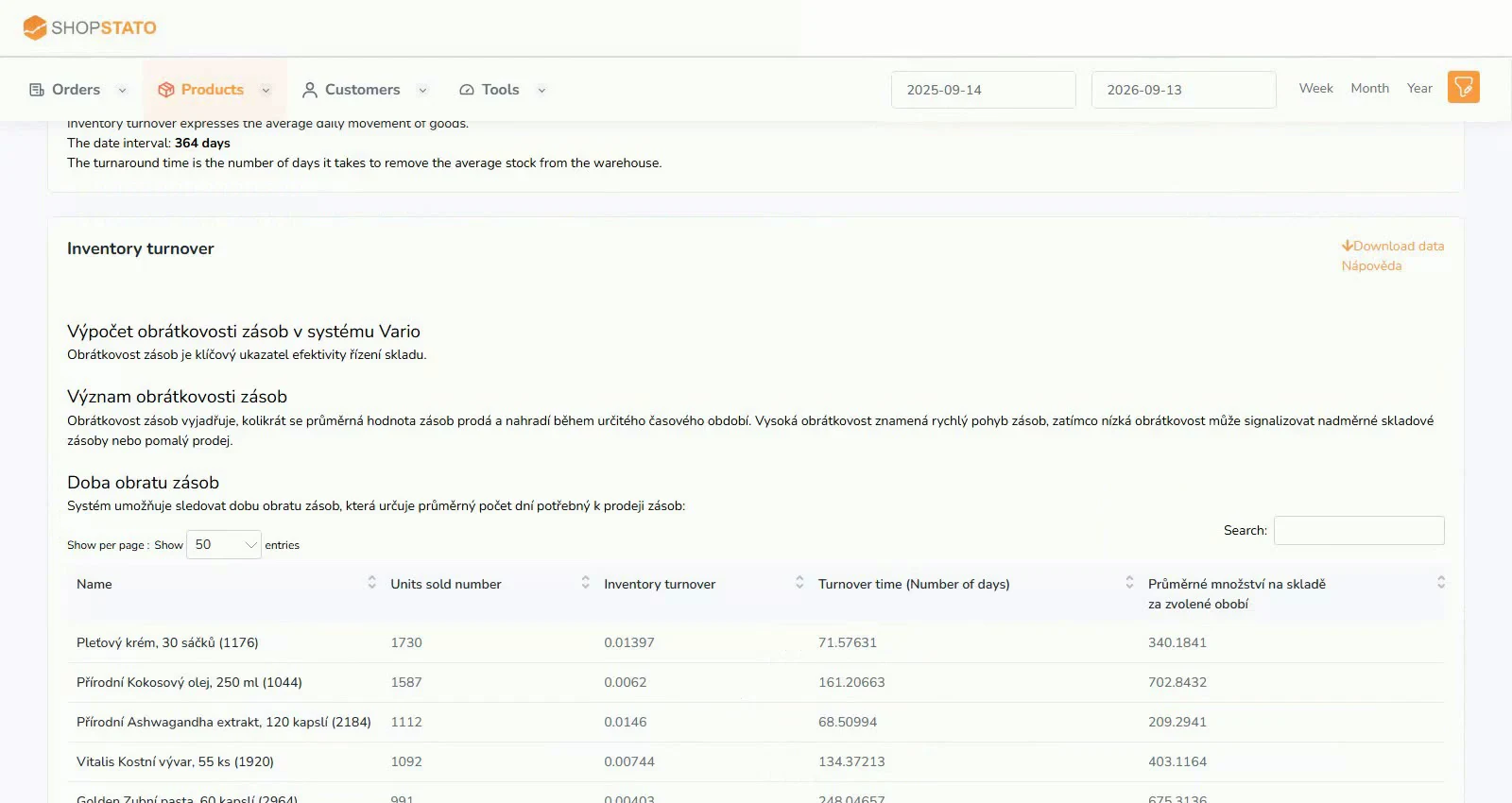
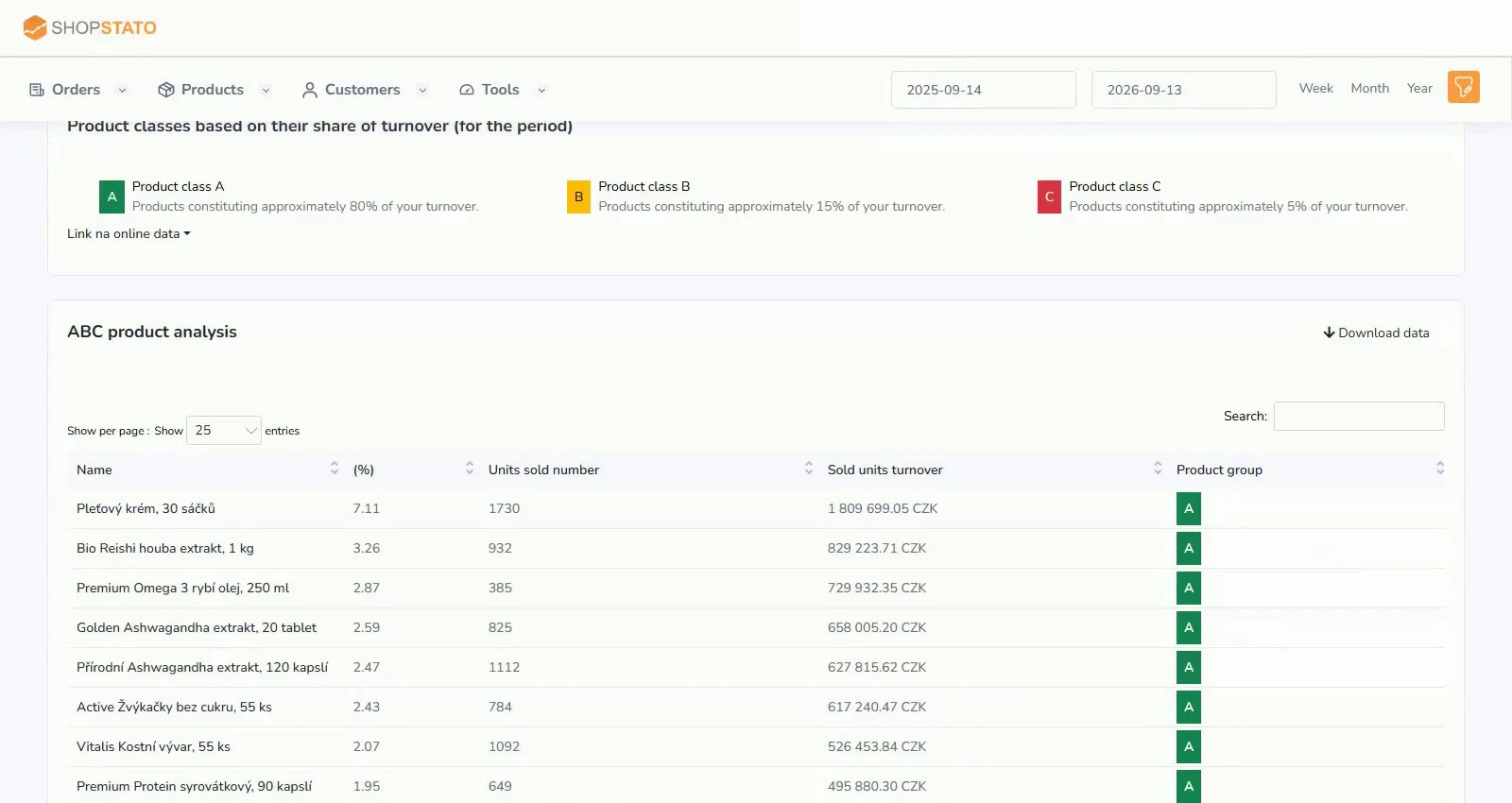
- Start with Recommended and Risk, then review Slow movers and Data audit.
- Approve items into the working purchase list and export approved purchases as CSV.
An example from the application
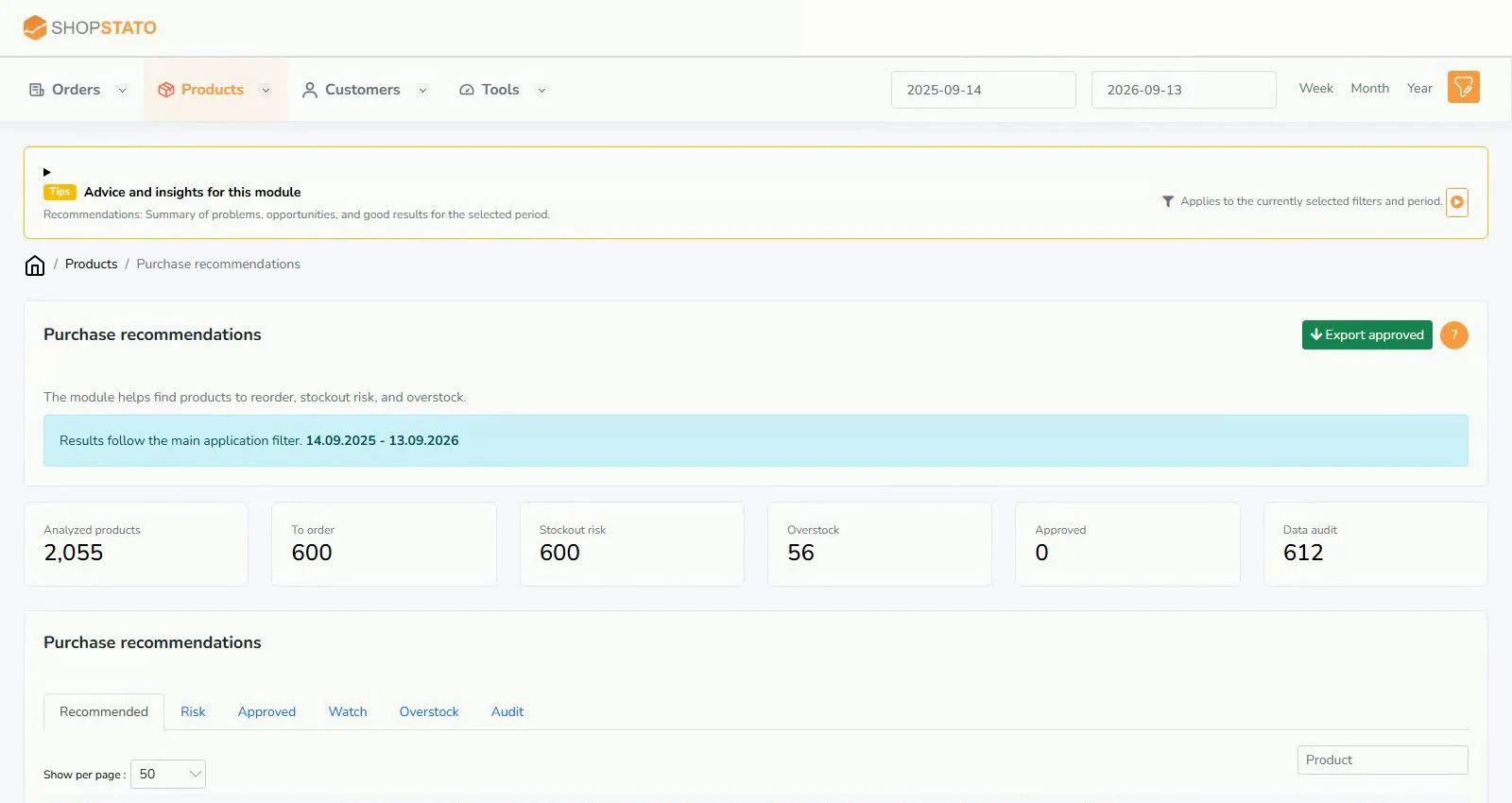 Enlarge screenshot ↗
What to consider when interpreting the result
Recommendations depend on available data. Correct inaccurate stock or sales before ordering goods.
Continue in the application
Application links require sign-in. Access to a report depends on your permissions and the relevant module.
Source: Shopstato help centre . This English guide adds practical context and examples from English video tutorials.