CompetitionModules
Assortment Report: turn Heureka data into concrete tasks
A step-by-step guide
The Assortment Report shows price position, competitors, visibility, clicks and categories from a Heureka export. Find items needing a price, feed or matching correction.
What to prepare
A current XML export, the correct data date and your regular Heureka feed URL.
Step by step
- Upload the current export with the correct date.
- Set the regular feed URL for better matching.
- Review products and charts after processing.
- For problematic items, check EAN, URL, name, manufacturer, category, price and availability.
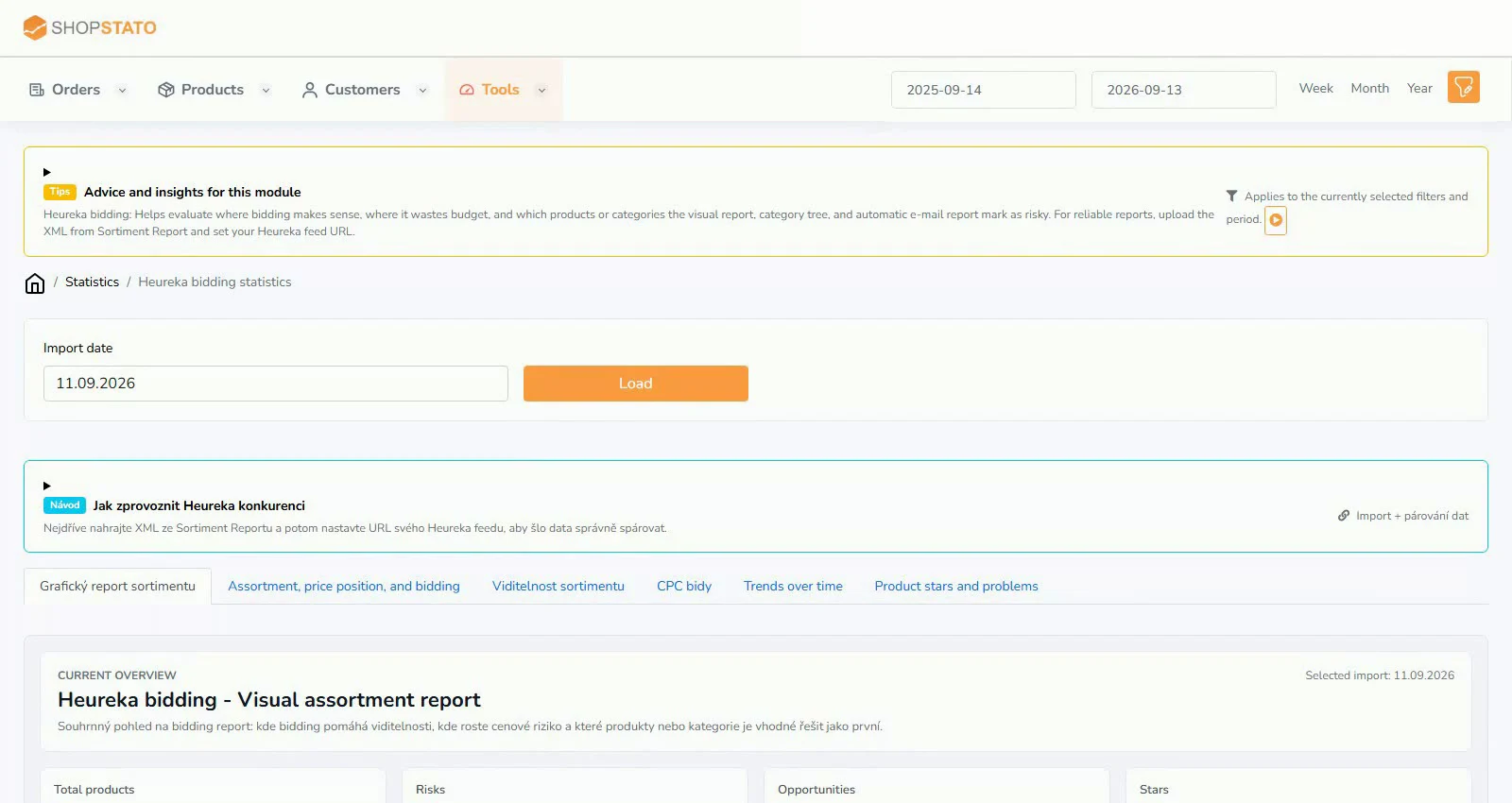
Examples from the application
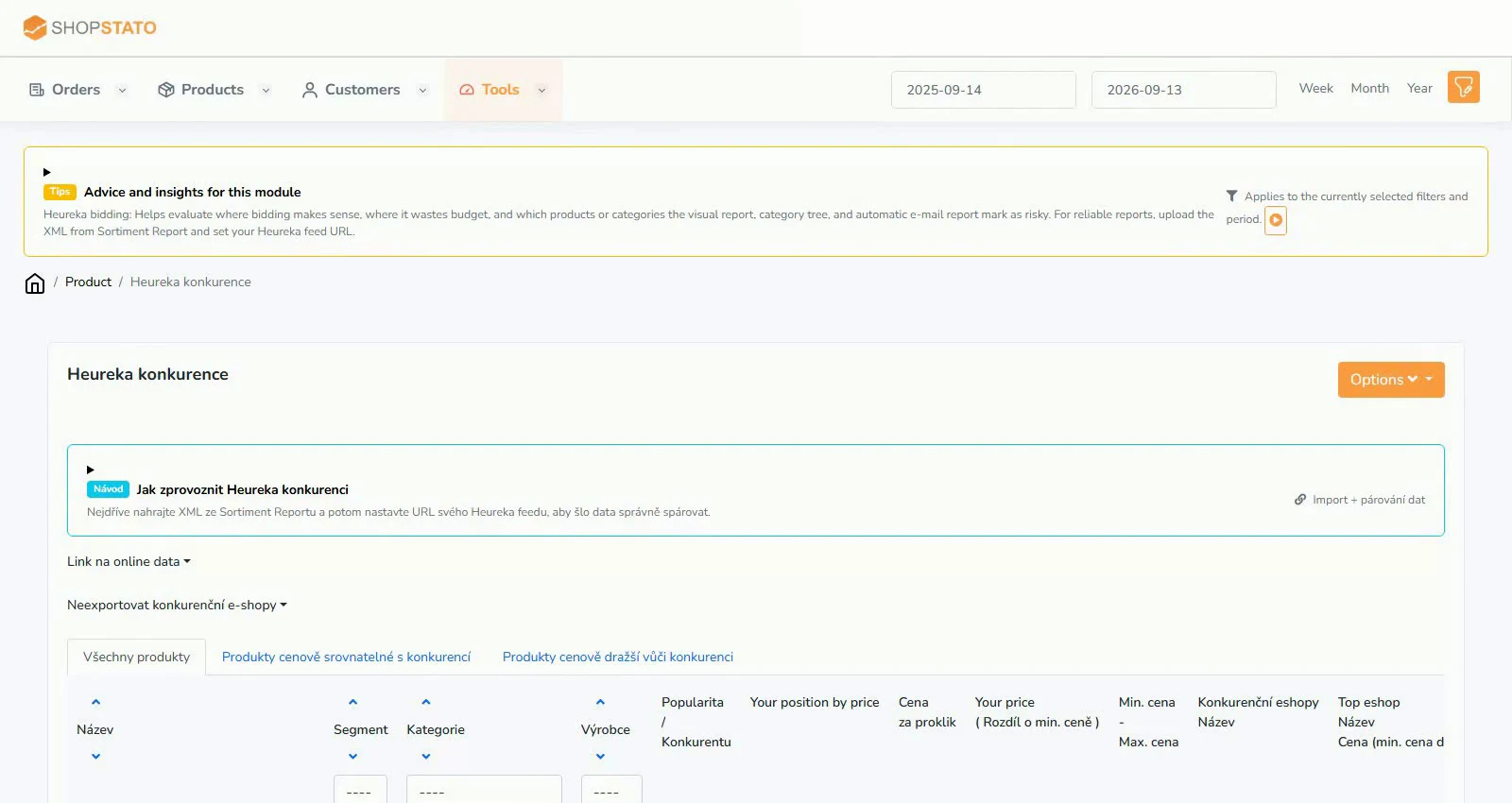 Enlarge screenshot ↗
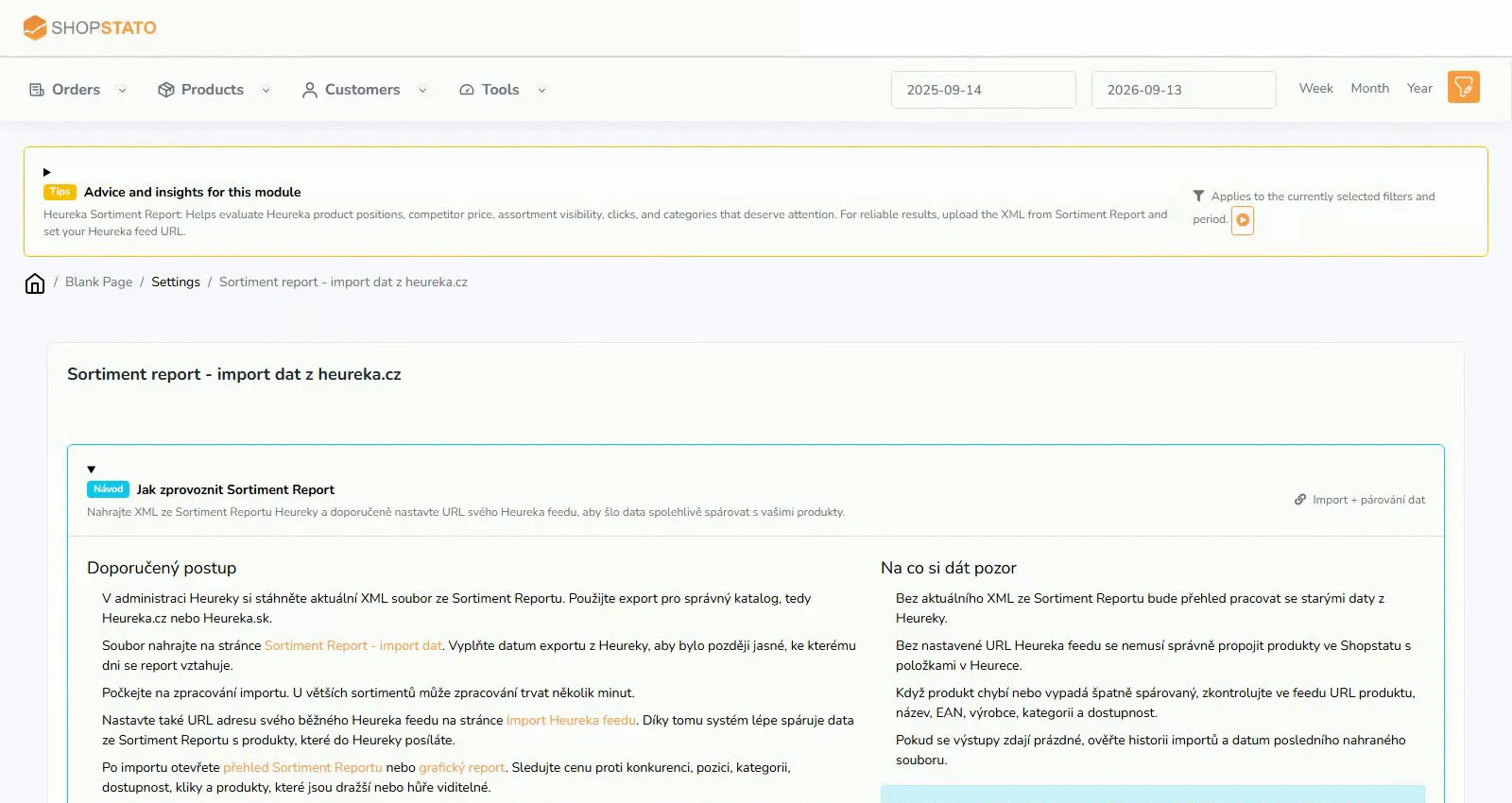 Enlarge screenshot ↗
What to consider when interpreting the result
Assortment Report and Heureka bidding offer different metrics. Distinguish actual clicks from popularity and use the appropriate source.
Continue in the application
Application links require sign-in. Access to a report depends on your permissions and the relevant module.
Source: Shopstato help centre . This English guide adds practical context and examples from English video tutorials.