CompetitionModules
Árukereső: connect the comparison site and monitor data updates
A step-by-step guide
The Árukereső module imports assortment reports for reviewing prices, competitors, exports and automatic email reports.
What to prepare
An active module, the API key and the assortment report URL.
Step by step
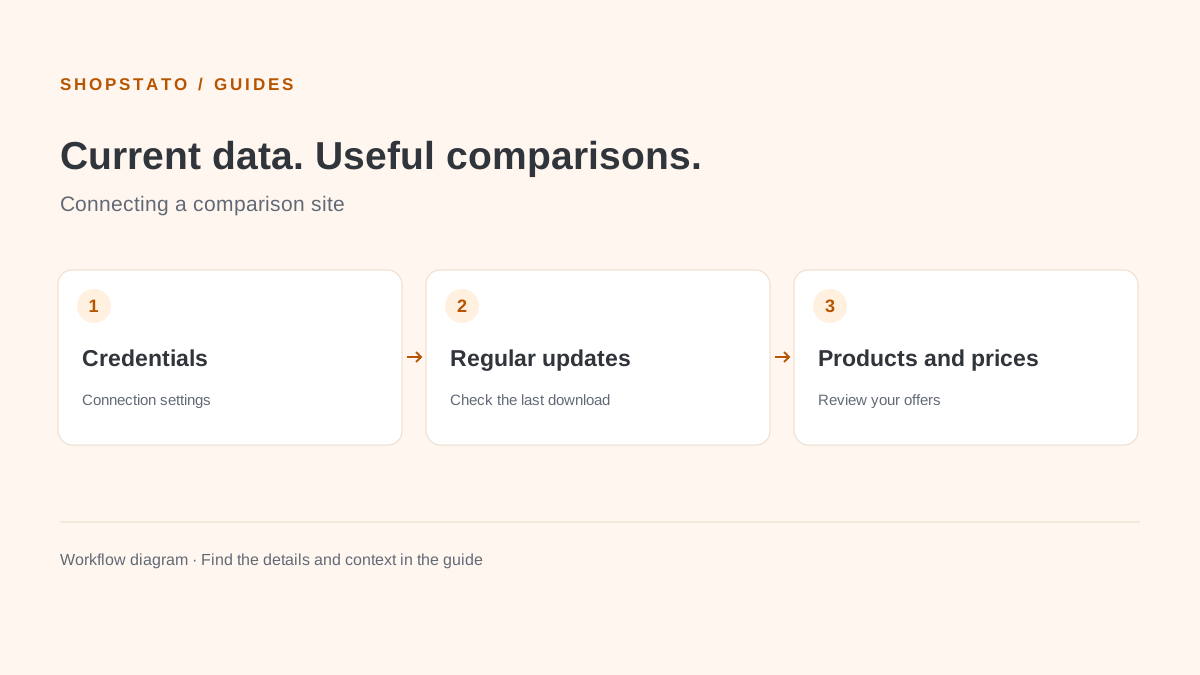
- Create a new Árukereső connection after activating the module.
- Enter a name, API key and assortment report link.
- Activate the configuration and choose regular download settings.
- Check connection status, the latest download and available exports.
What to consider when interpreting the result
An outdated report can look like a stable market. Always check the last download time and connection errors.
Continue in the application
Application links require sign-in. Access to a report depends on your permissions and the relevant module.
Source: Shopstato help centre . This English guide adds practical context and examples from English video tutorials.