CompetitionGuides
Heureka charts: where to start reviewing your assortment
A step-by-step guide
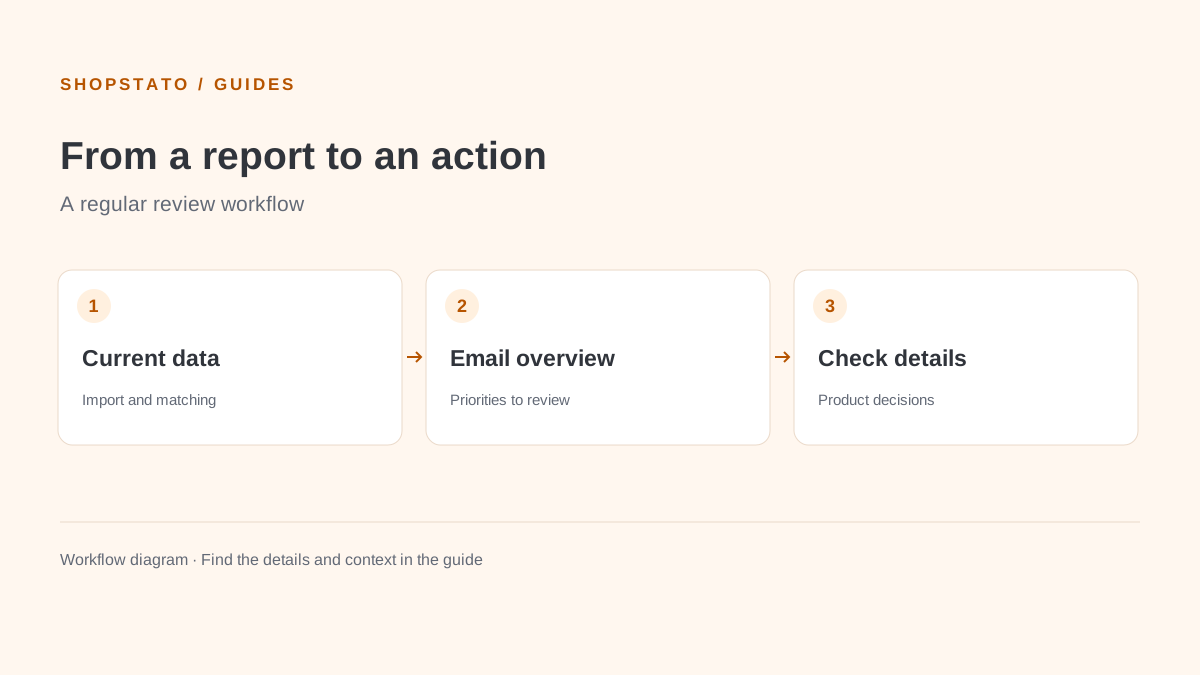
Start with the overview instead of individual products. Charts and the category tree help identify poor price positions, visibility or CPC.
What to prepare
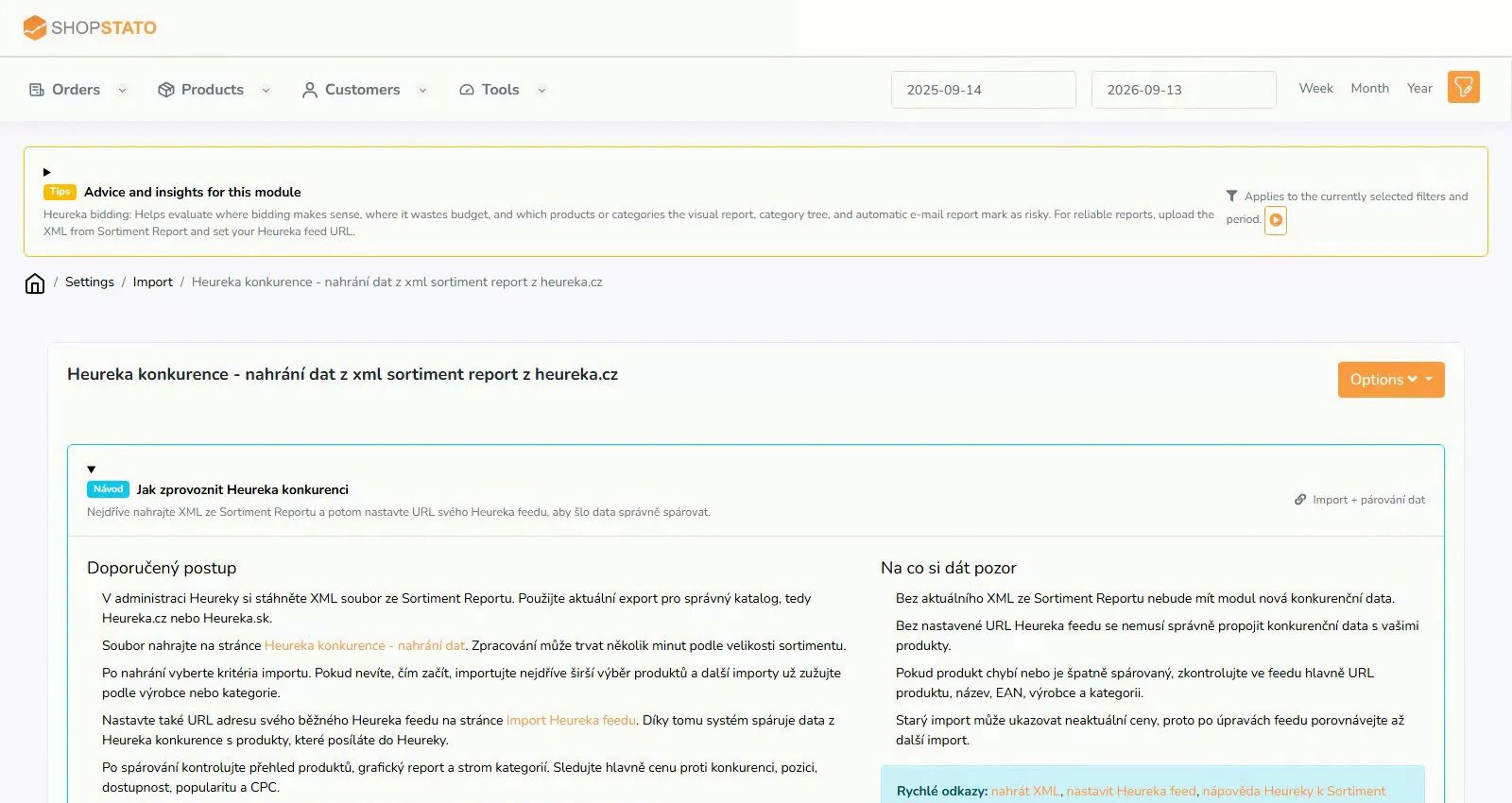
Processed, current Heureka data and correctly matched products.
Step by step
- Open the graphical report for the relevant data source.
- Find categories with an unusual price position, visibility or CPC.
- Use the category tree to narrow the selection.
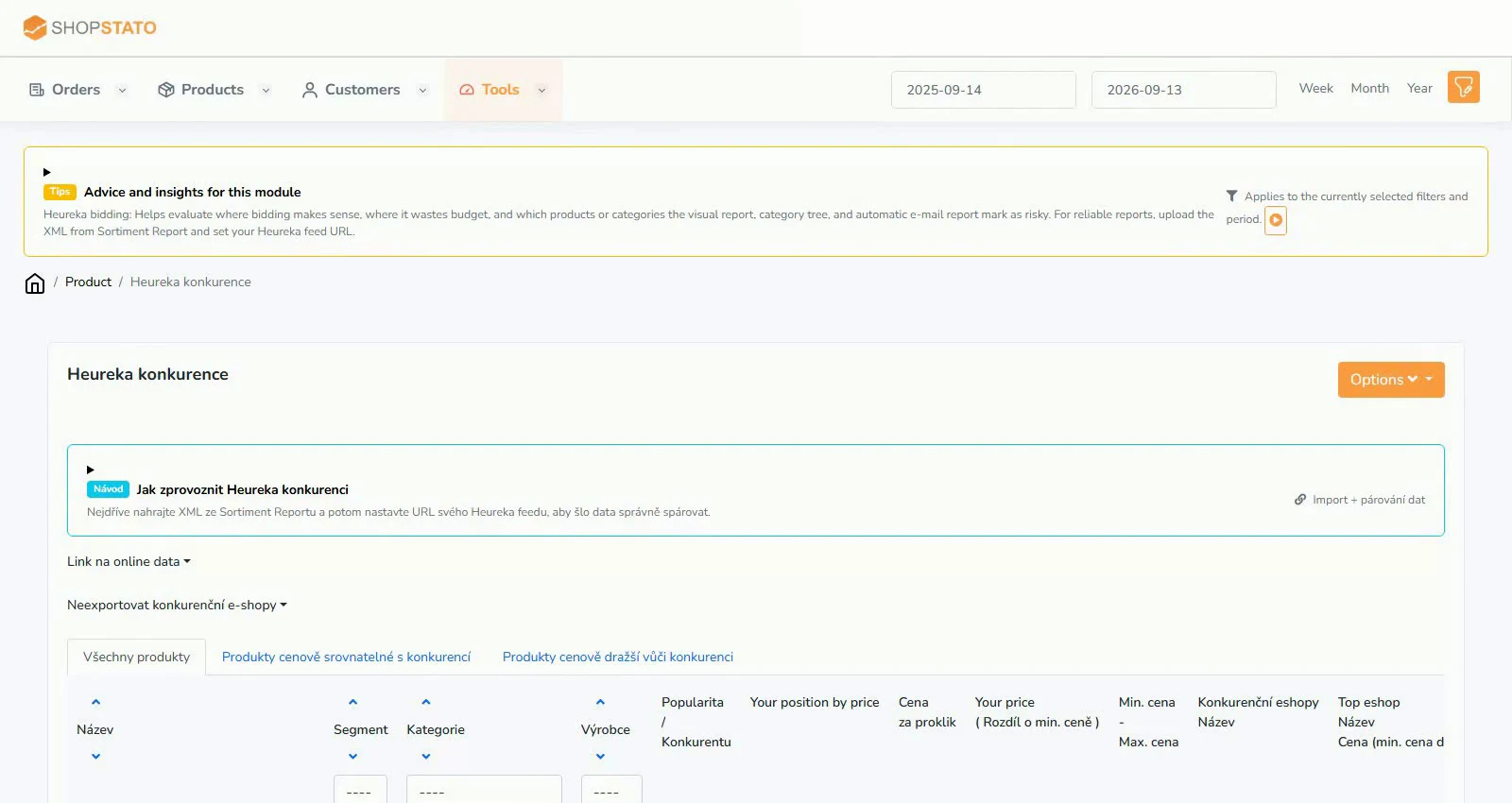
- Open individual products and verify the cause of the issue.
Examples from the application
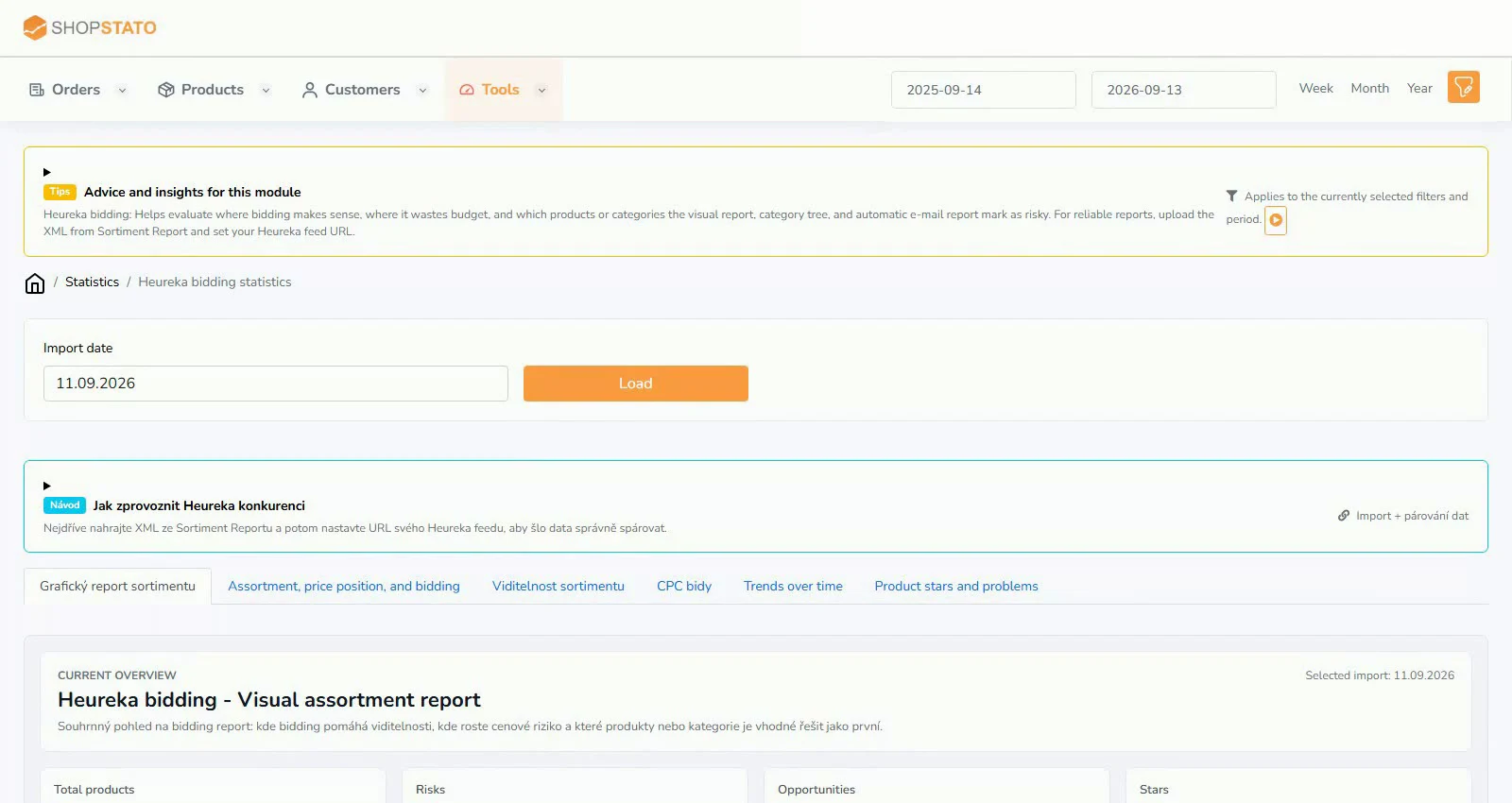 Enlarge screenshot ↗
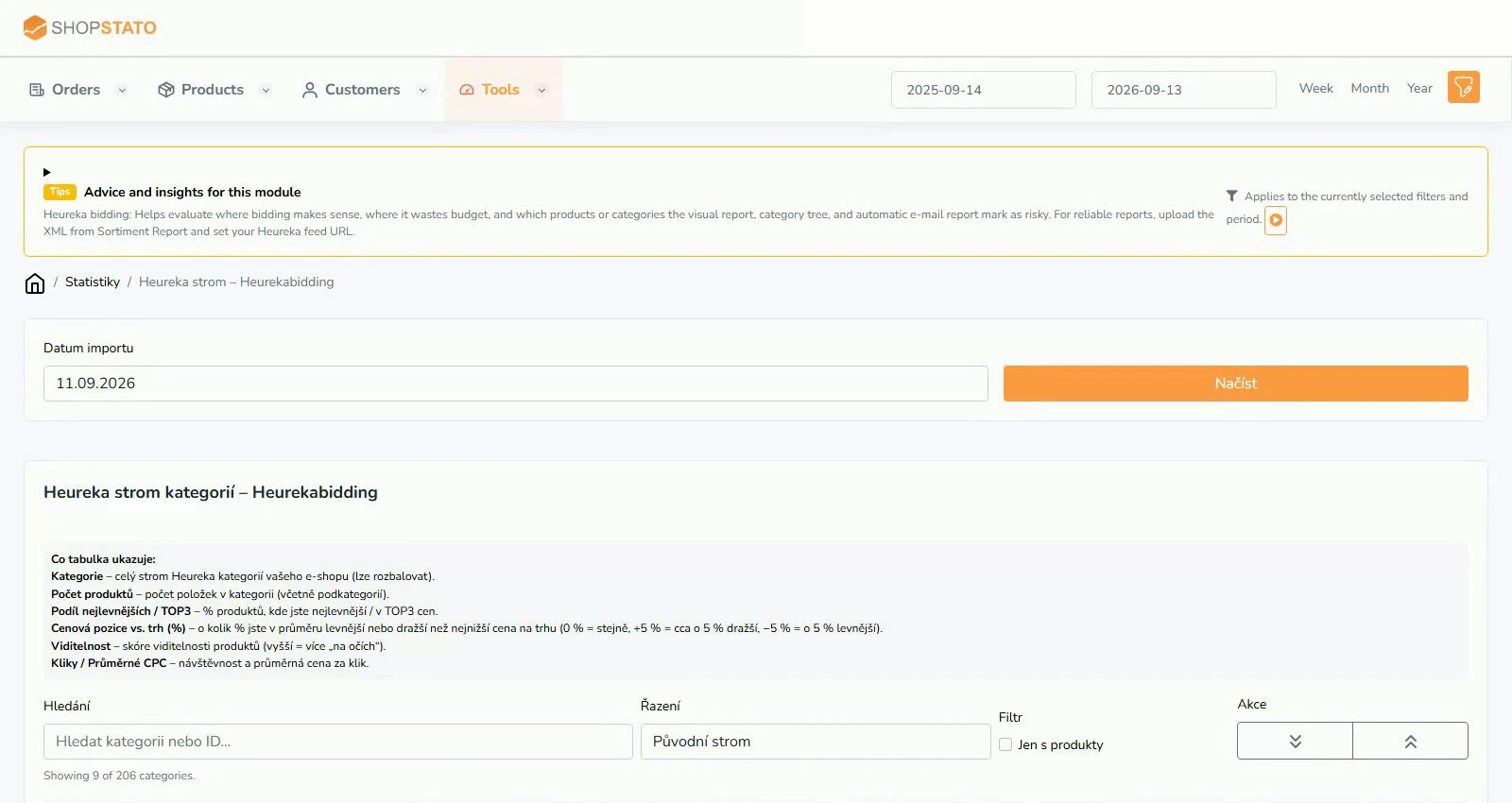 Enlarge screenshot ↗
What to consider when interpreting the result
Heureka bidding uses popularity, position and CPC. Product popularity is not an actual click count; available metrics differ between sources.
Continue in the application
Application links require sign-in. Access to a report depends on your permissions and the relevant module.
Source: Shopstato help centre . This English guide adds practical context and examples from English video tutorials.