Heureka competition: price is only the beginning

A step-by-step guide
3 screenshotsVideo tutorial ↓

Combine price position, popularity, CPC, availability and categories to choose products whose price, offer or matching needs review.

What to prepare

A current Assortment Report XML and the URL of your regular Heureka feed.

Step by step

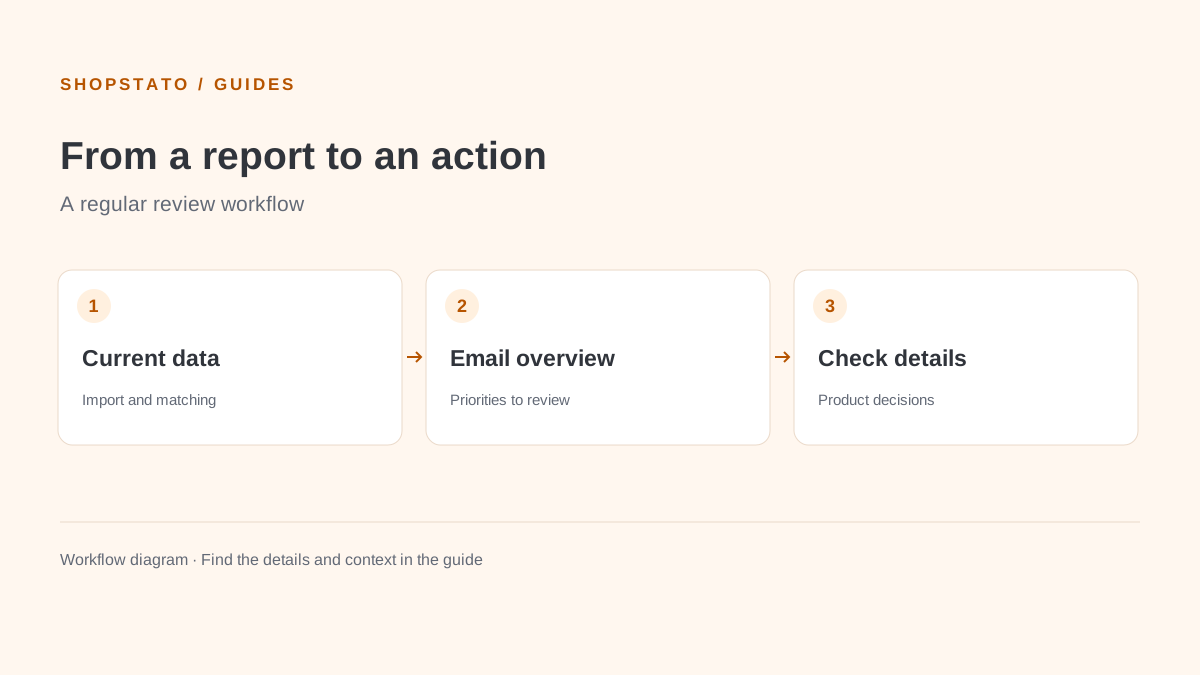
  1. Upload the current XML export.
  2. Set your Heureka feed URL to improve matching.
  3. Review charts, the category tree and product details after processing.
  4. Add the automatic email report to your regular review.

Examples from the application
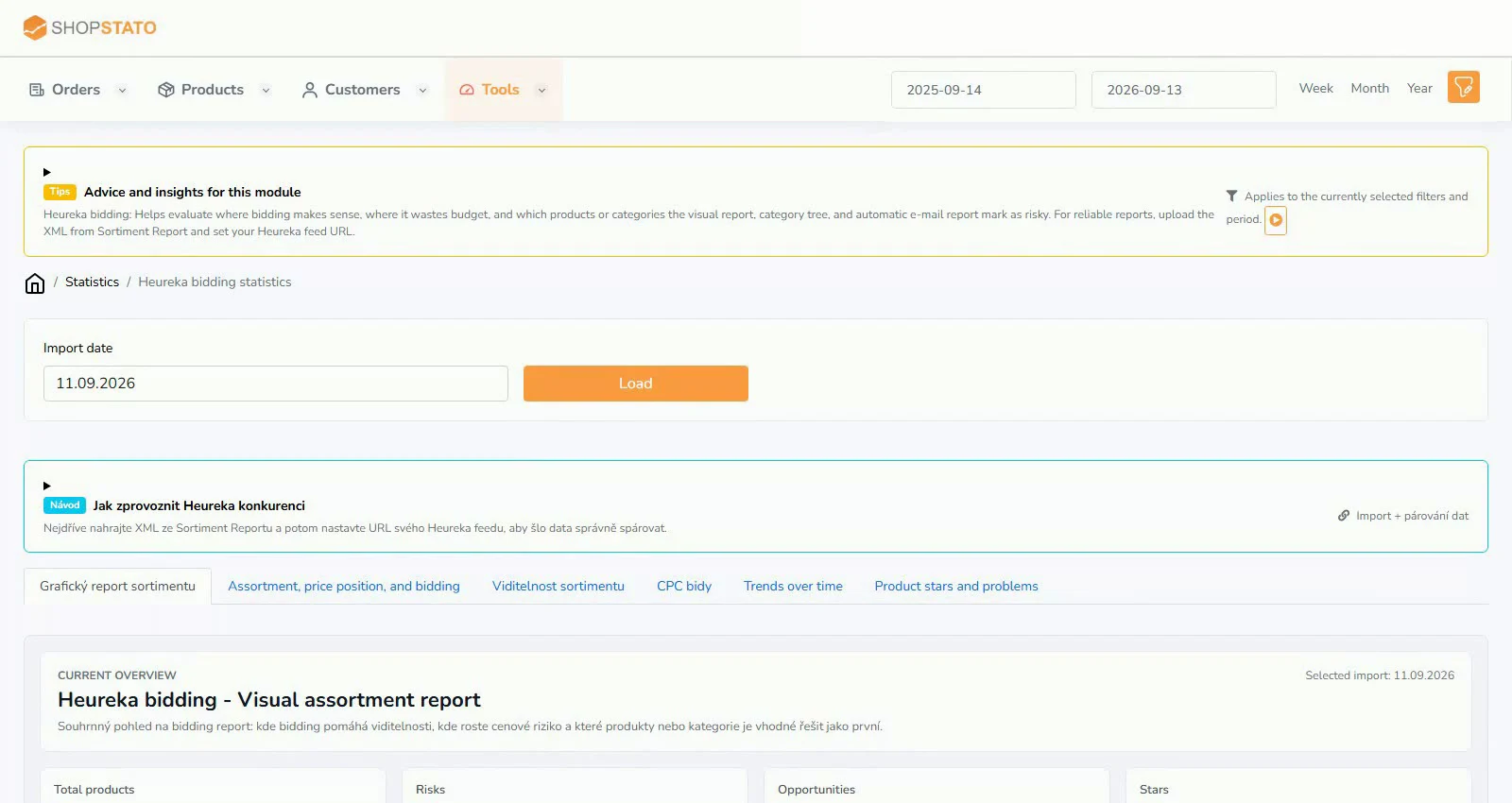
Heureka graphical overview – actual Shopstato interfaceEnlarge screenshot ↗
Heureka graphical overview. From the English video tutorial; the values belong to its demonstration.
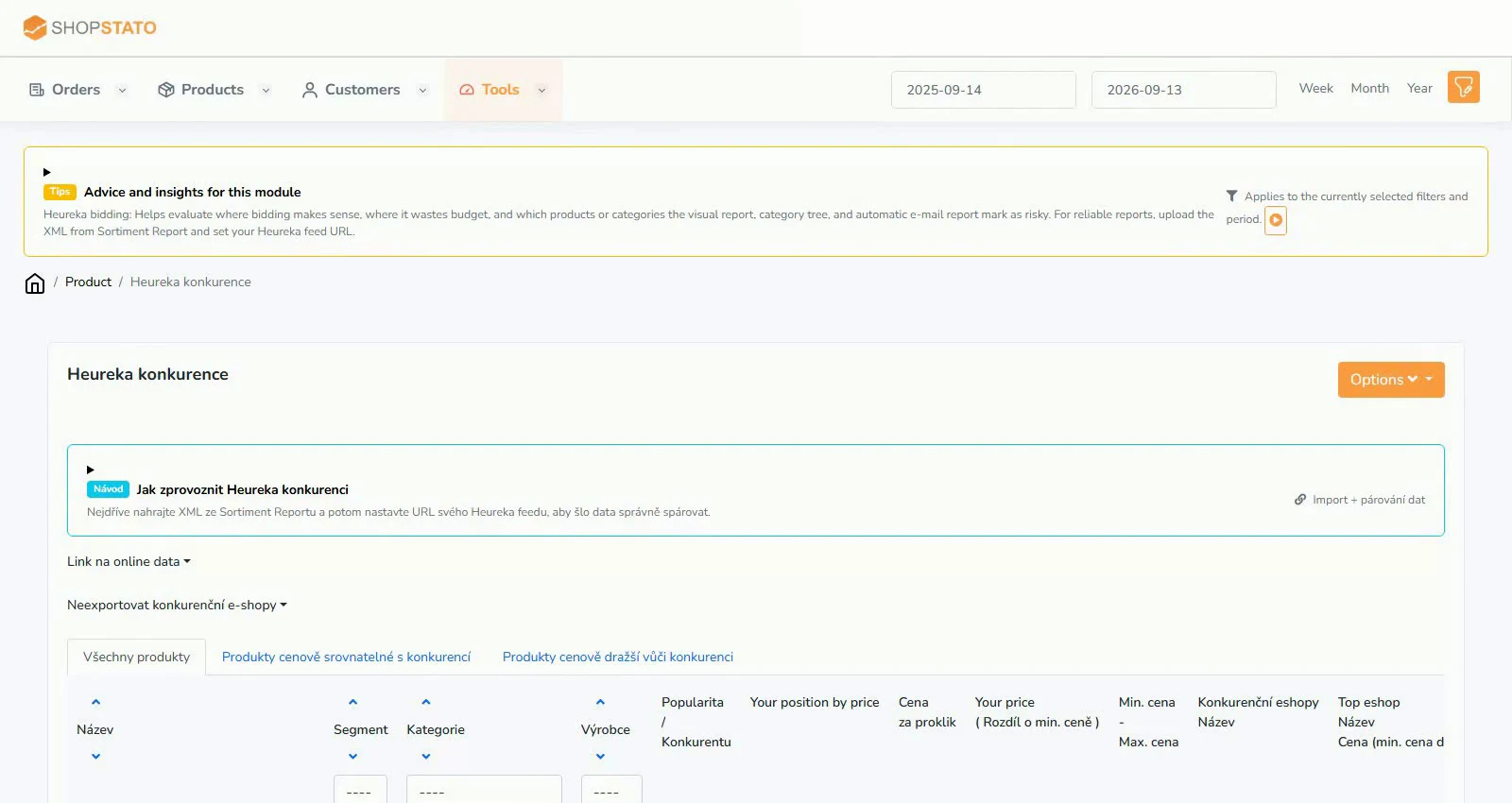
Heureka product overview – actual Shopstato interfaceEnlarge screenshot ↗
Heureka product overview. From the English video tutorial; the values belong to its demonstration.
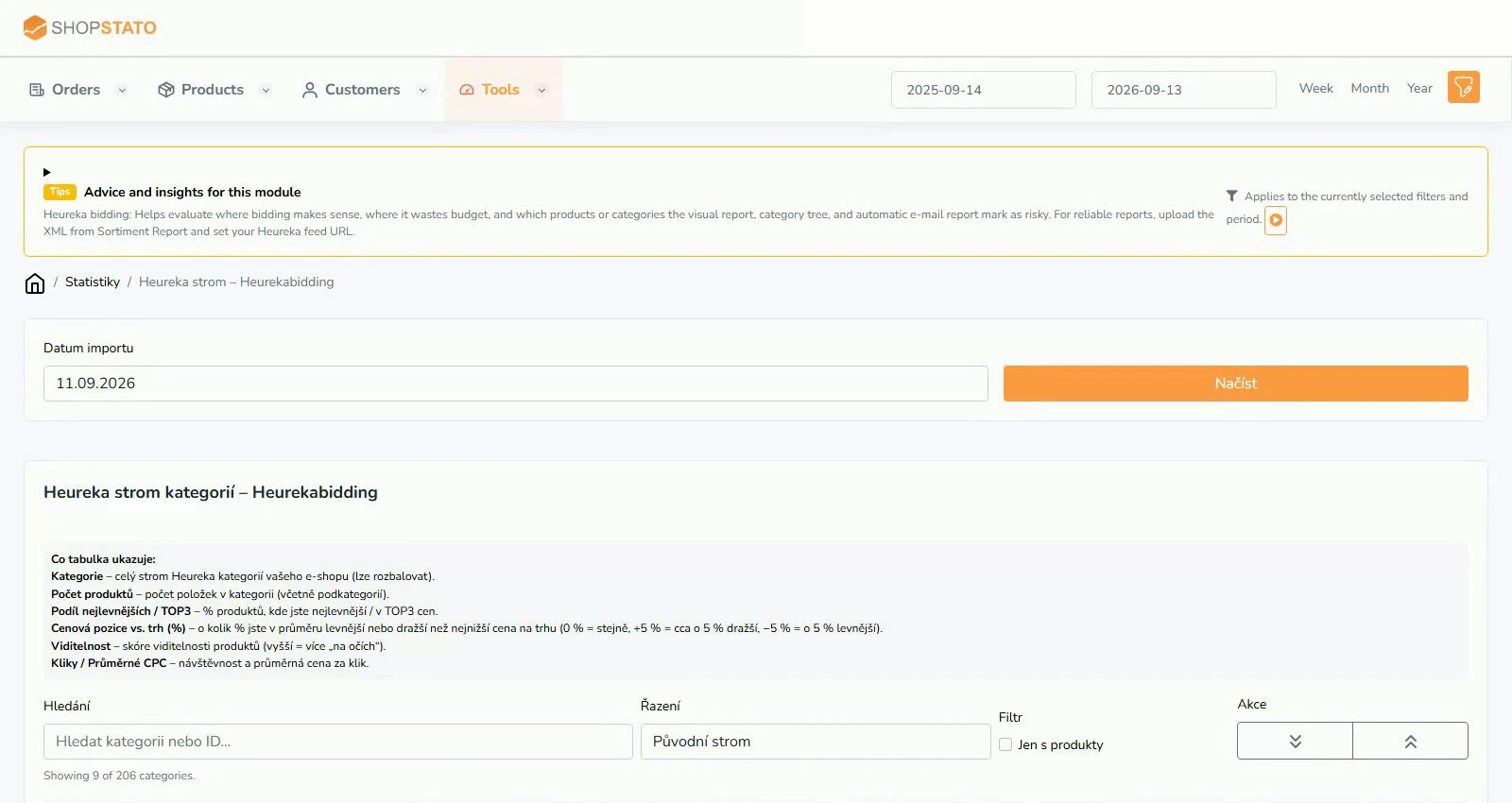
Heureka category tree – actual Shopstato interfaceEnlarge screenshot ↗
Heureka category tree. From the English video tutorial; the values belong to its demonstration.

What to consider when interpreting the result

The same price does not imply the same offer. Check variants, availability, URLs and the fields used for matching.

Continue in the application

Application links require sign-in. Access to a report depends on your permissions and the relevant module.

Watch the steps

Explore the feature on video

English Shopstato video tutorial. Open separately ↗

Read the video transcript

Heureka competition statistics – a graphical overview of how your range stands against the competition.

You choose the import date, load the report and immediately see threats, opportunities and products that are doing well.

The tabs show price position, visibility, CPC bids and trends over time, and Shopstato explains how to read the charts.

Source: Shopstato help centre . This English guide adds practical context and examples from English video tutorials.
← More articles: Guides

Application screenshot

Your next step

Good decisions start with a clear overview.

Explore your orders, products and customers in one place.

Try Shopstato for free

Which platform does your store use?

Connect WooCommerce with the plugin, or use the API for your custom store.

↑