CompetitionGuides
Heureka competition: prepare data for price comparisons
A step-by-step guide
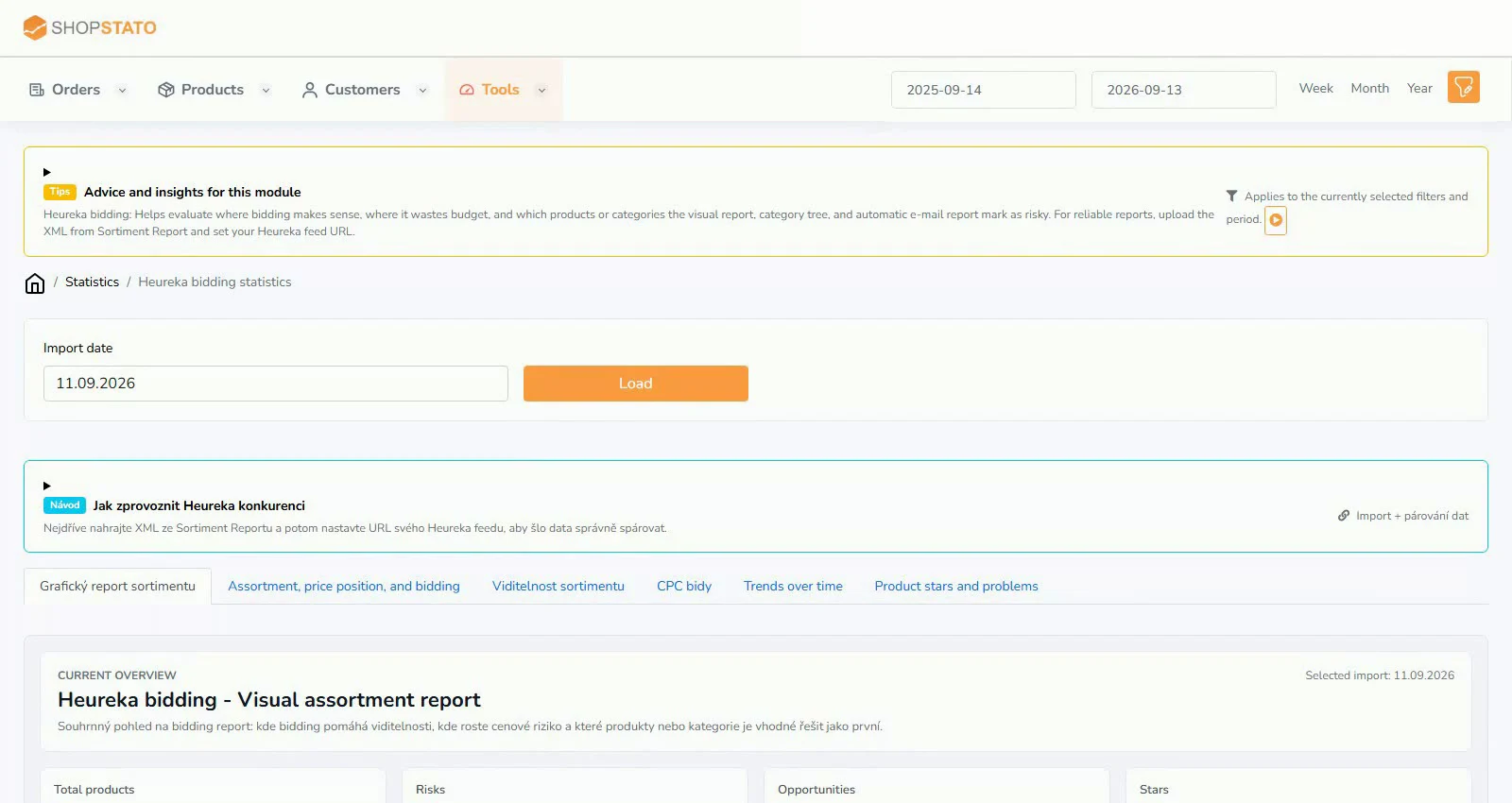
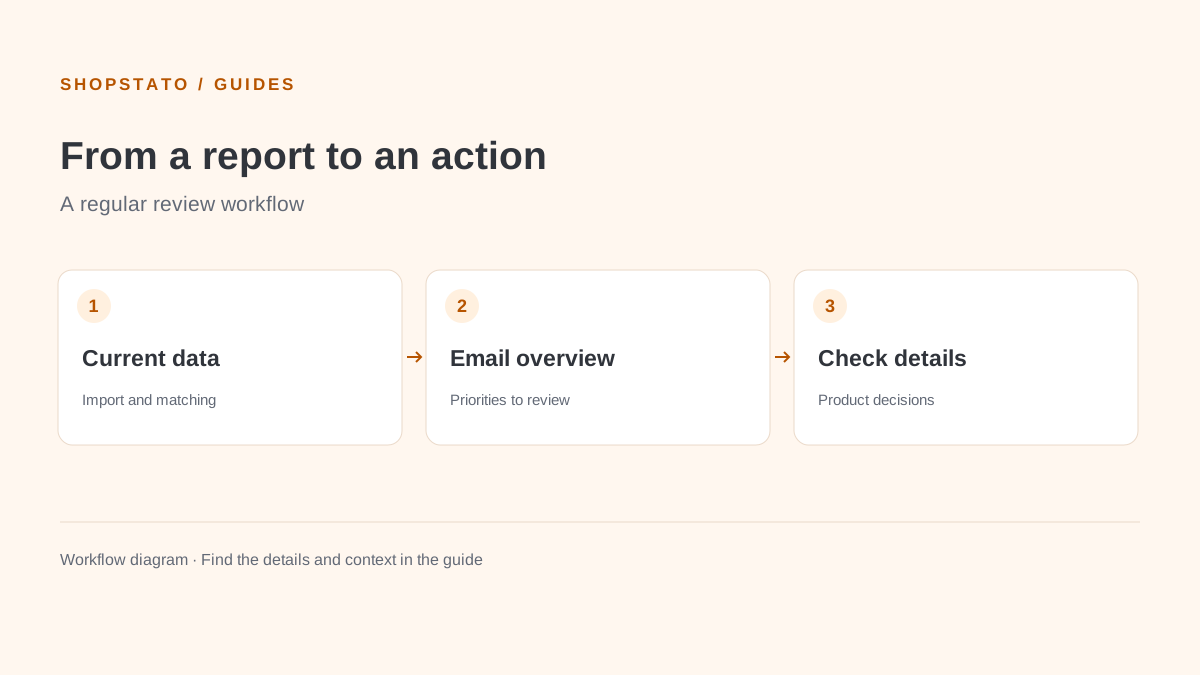
Use a current Assortment Report XML and, ideally, your regular Heureka feed URL. One describes the market; the other helps identify your own products.
What to prepare
A current Heureka XML export and the correct feed URL. Choose the import scope and verify the data date.
Step by step
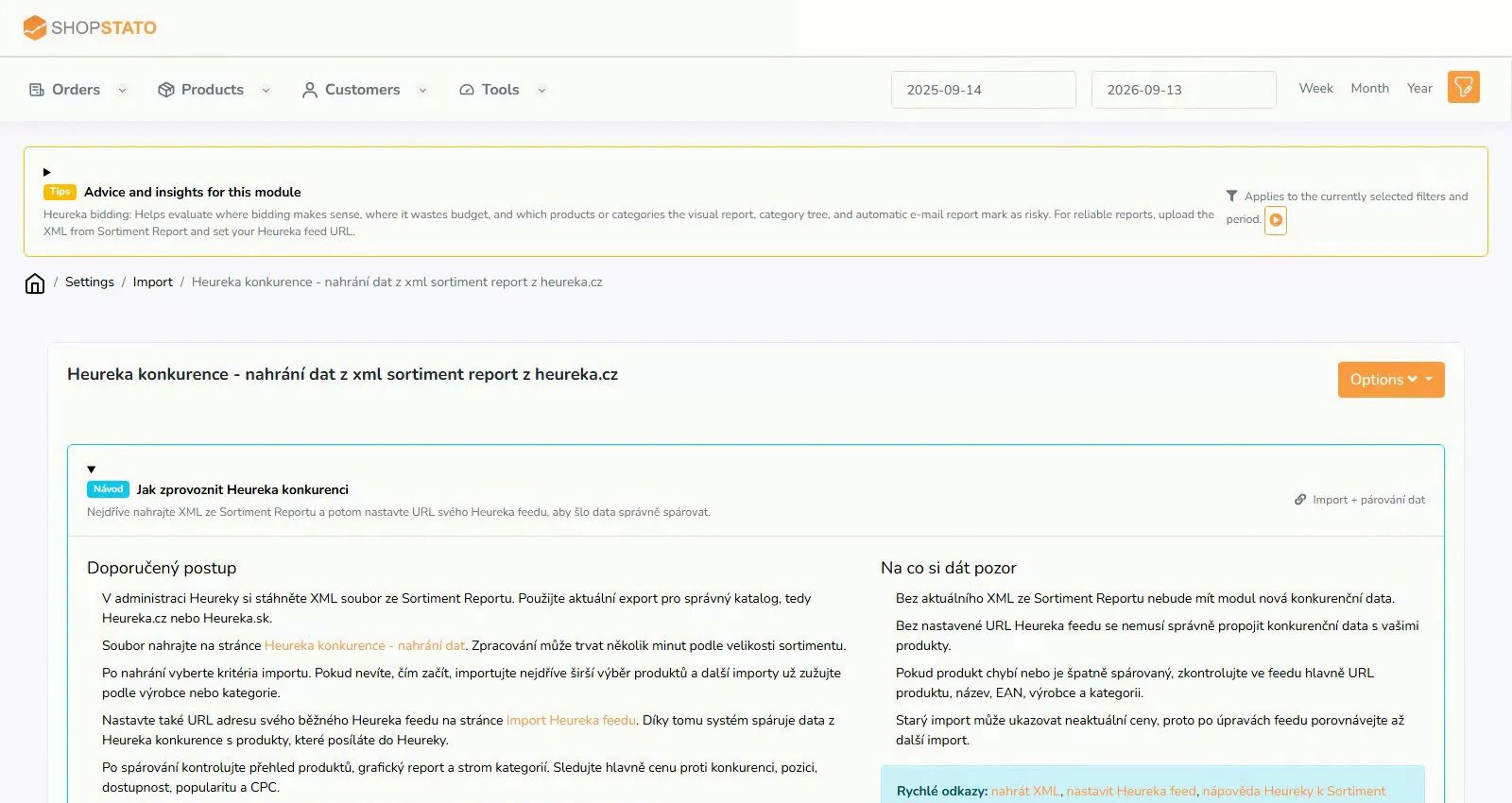
- Open the Heureka competition import.
- Upload the current export and add your store feed URL.
- Choose the relevant import scope and wait for processing.
- Check matching in key categories before making pricing decisions.
An example from the application
 Enlarge screenshot ↗
What to consider when interpreting the result
Incorrect matching can invalidate a price comparison. Verify the variant, EAN, availability and URL before changing a price.
Continue in the application
Application links require sign-in. Access to a report depends on your permissions and the relevant module.
Source: Shopstato help centre . This English guide adds practical context and examples from English video tutorials.