Assortment Report: turn Heureka data into concrete tasks
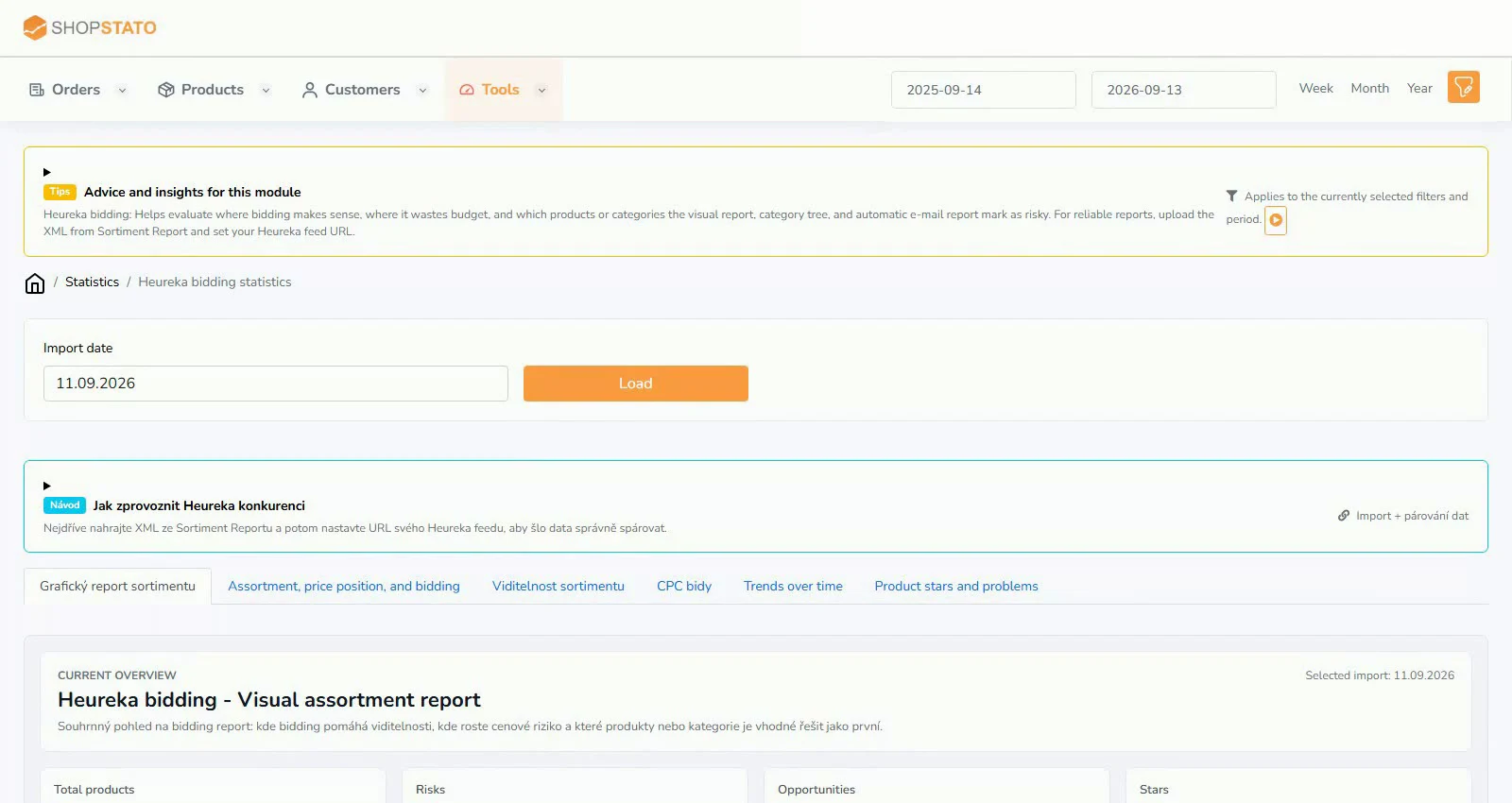
The Assortment Report shows price position, competitors, visibility, clicks and categories from a Heureka export. Find items needing a price, feed or matching correction.
ModulesRead article
Ideas for your online store
Practical guides and context to help turn data into better decisions.
Read, explore, move forward
The Assortment Report shows price position, competitors, visibility, clicks and categories from a Heureka export. Find items needing a price, feed or matching correction.
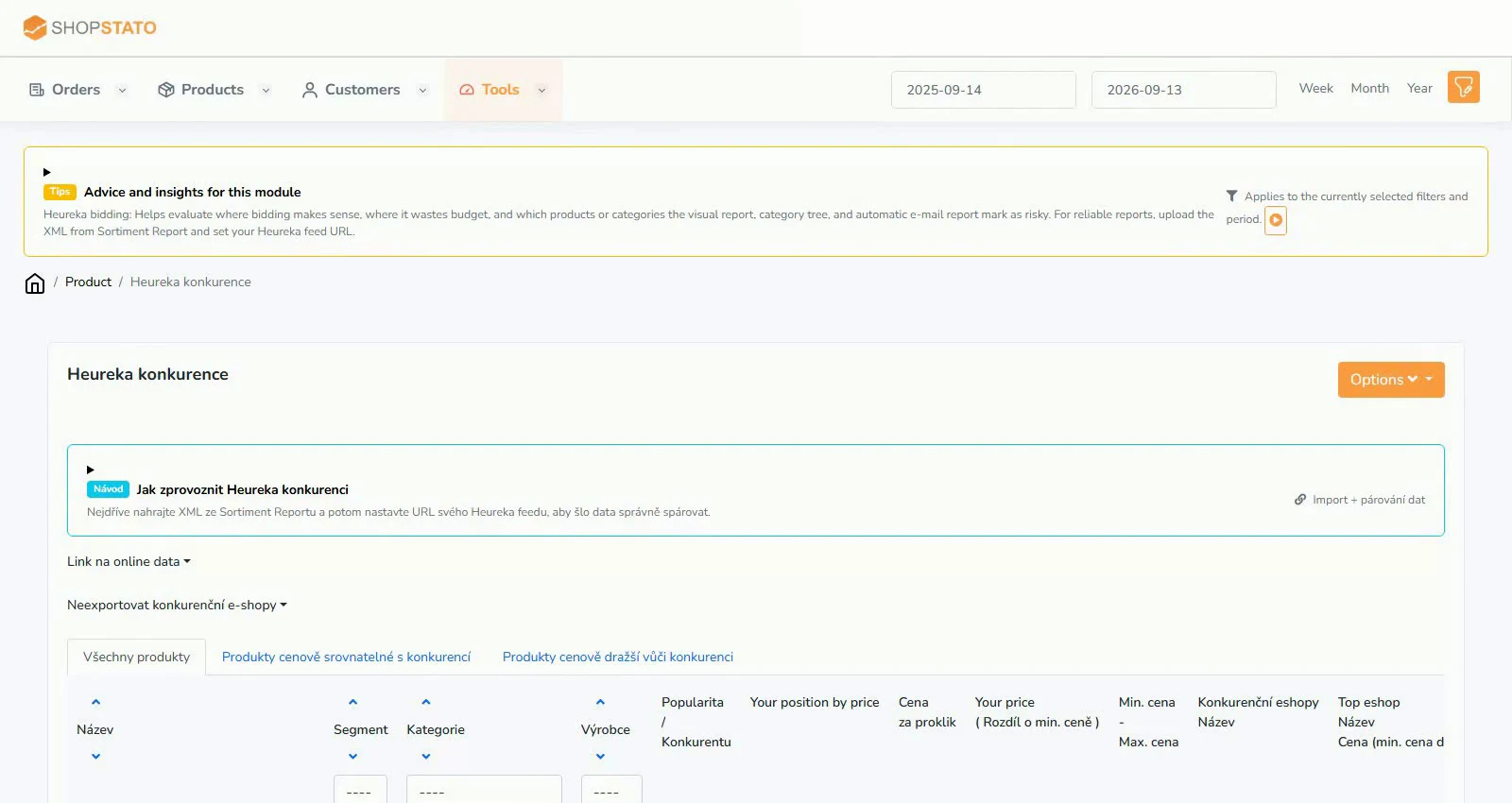
Combine price position, popularity, CPC, availability and categories to choose products whose price, offer or matching needs review.
The Árukereső module imports assortment reports for reviewing prices, competitors, exports and automatic email reports.
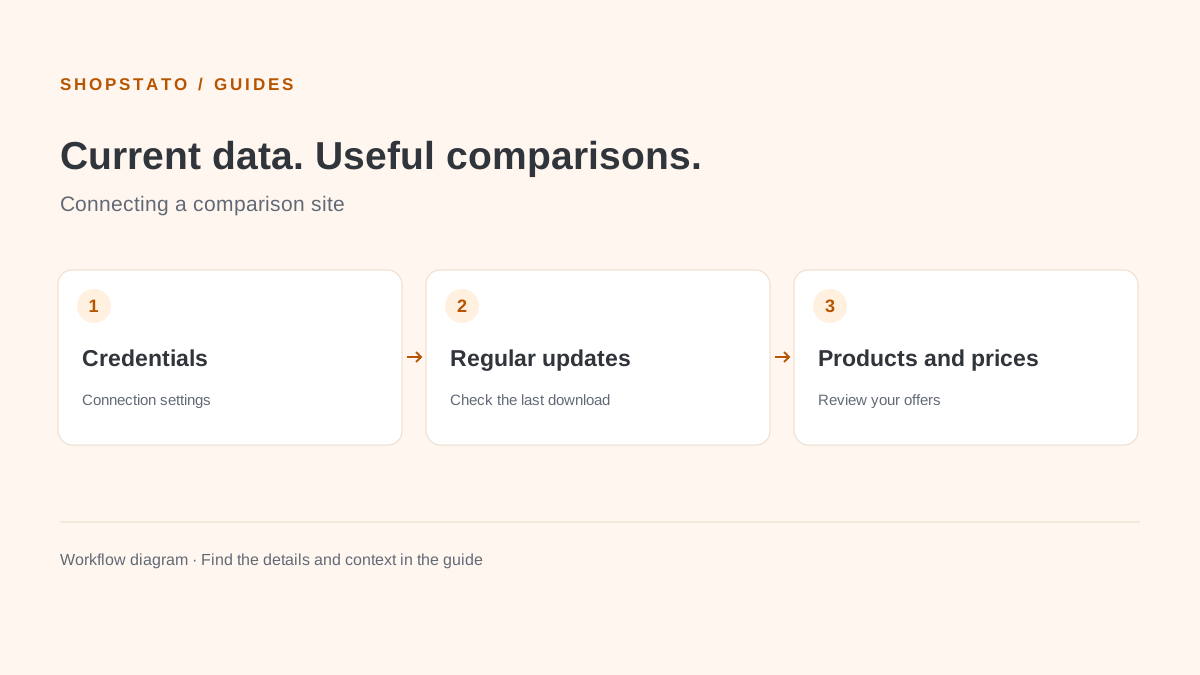
Compari brings assortment reports, prices, competitors, exports and automatic emails into Shopstato. Reliable analysis starts with an active, current connection.
The Idealo module uses API data for offers, exports, categories and automatic email reports. Correct credentials and download intervals keep the data current.
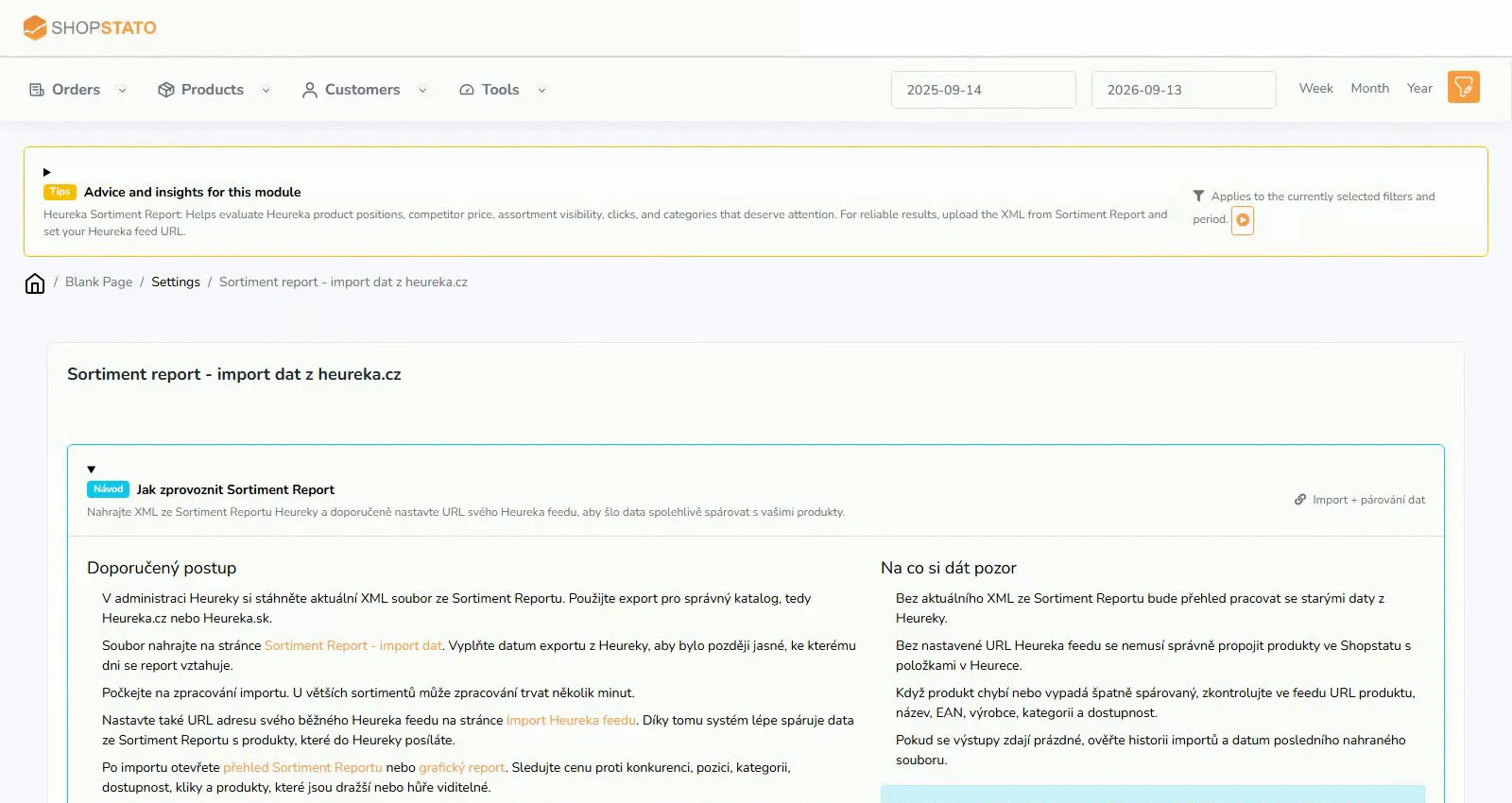
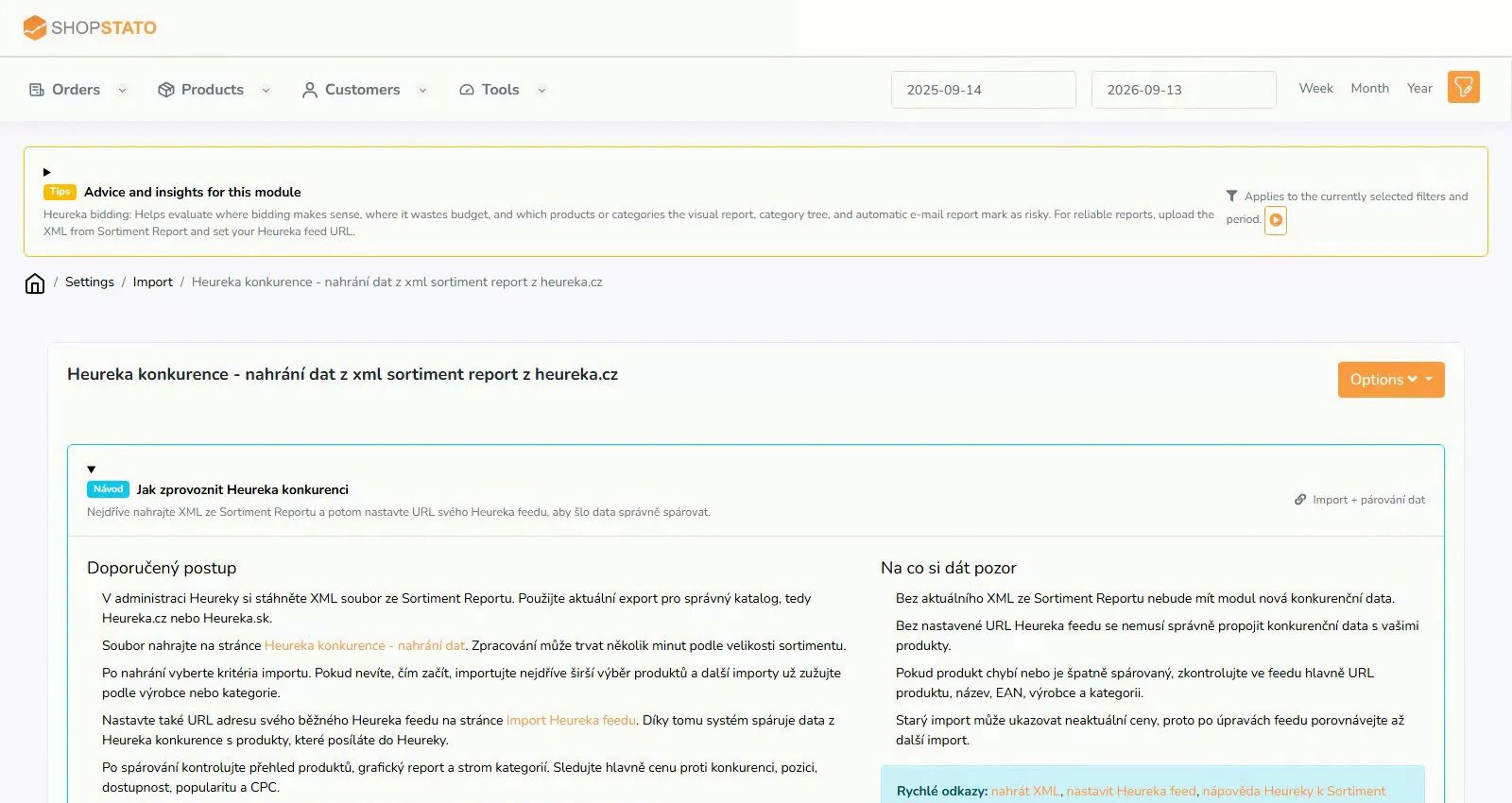
A Heureka XML export contains pricing and assortment data that Shopstato turns into product and category reports. Matching starts with a current export and accurate feed data.
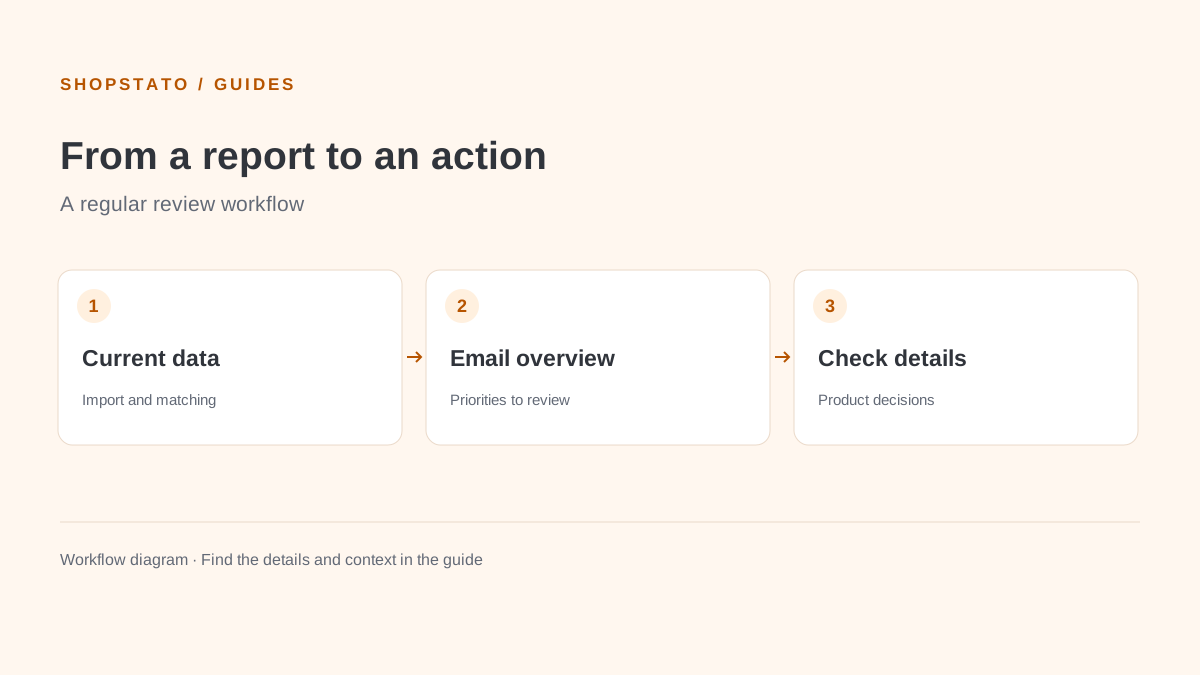
Use a current Assortment Report XML and, ideally, your regular Heureka feed URL. One describes the market; the other helps identify your own products.
Start with the overview instead of individual products. Charts and the category tree help identify poor price positions, visibility or CPC.
An automatic email selects products needing attention. It can highlight prices above the market, a weaker position, high CPC or low popularity.
Start with your own data
Connect your store to Shopstato and see what your orders tell you.
All integration guidesYour next step
Explore your orders, products and customers in one place.