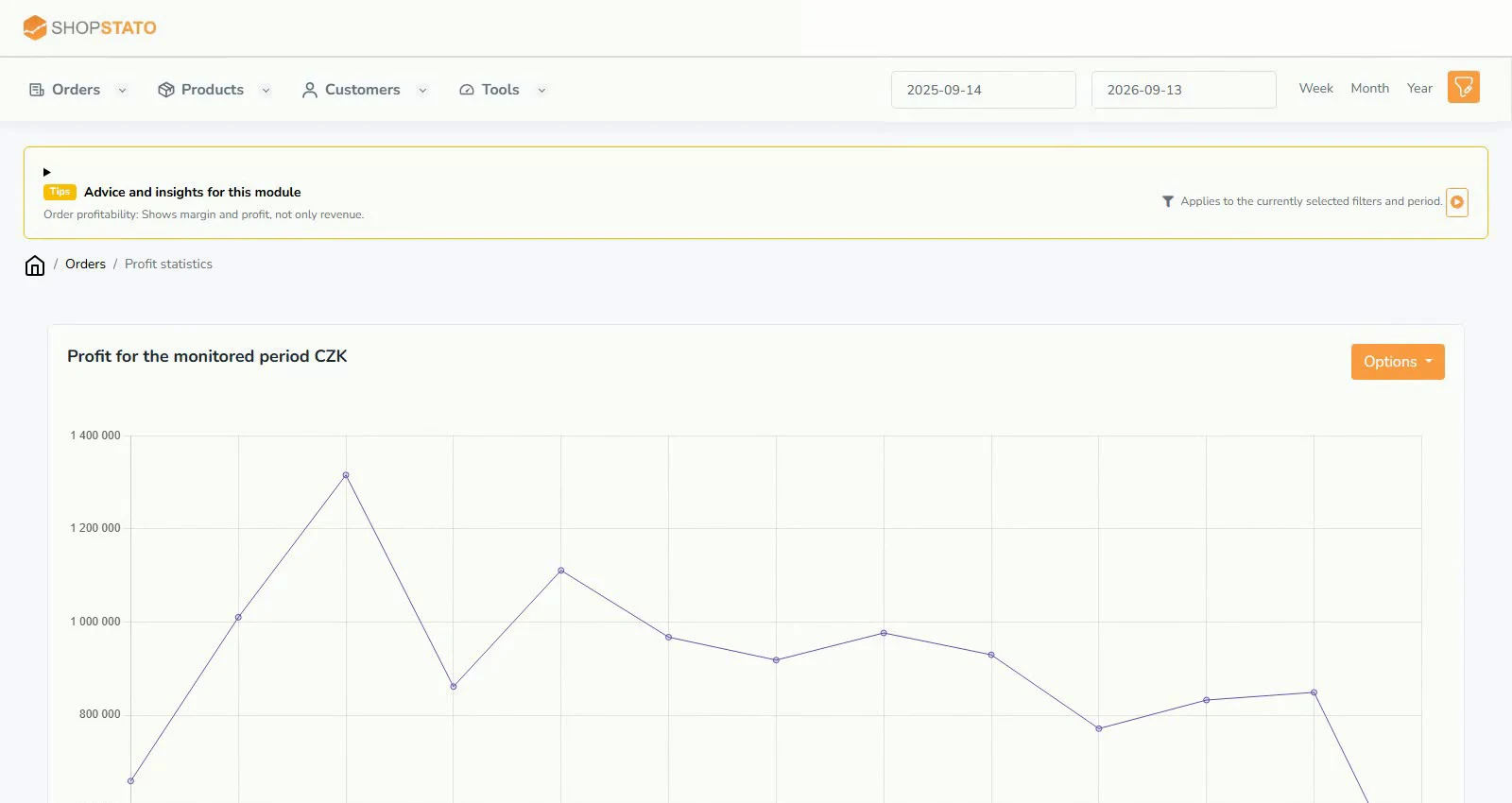
Getting started with the Profit module
Import purchase prices and check the data behind product and order profitability.
Ecommerce tipsRead article
Ideas for your online store
Practical guides and context to help turn data into better decisions.
Read, explore, move forward
Import purchase prices and check the data behind product and order profitability.
High sales do not guarantee a good result. The Profit module combines sales data with purchase prices to assess orders and products.
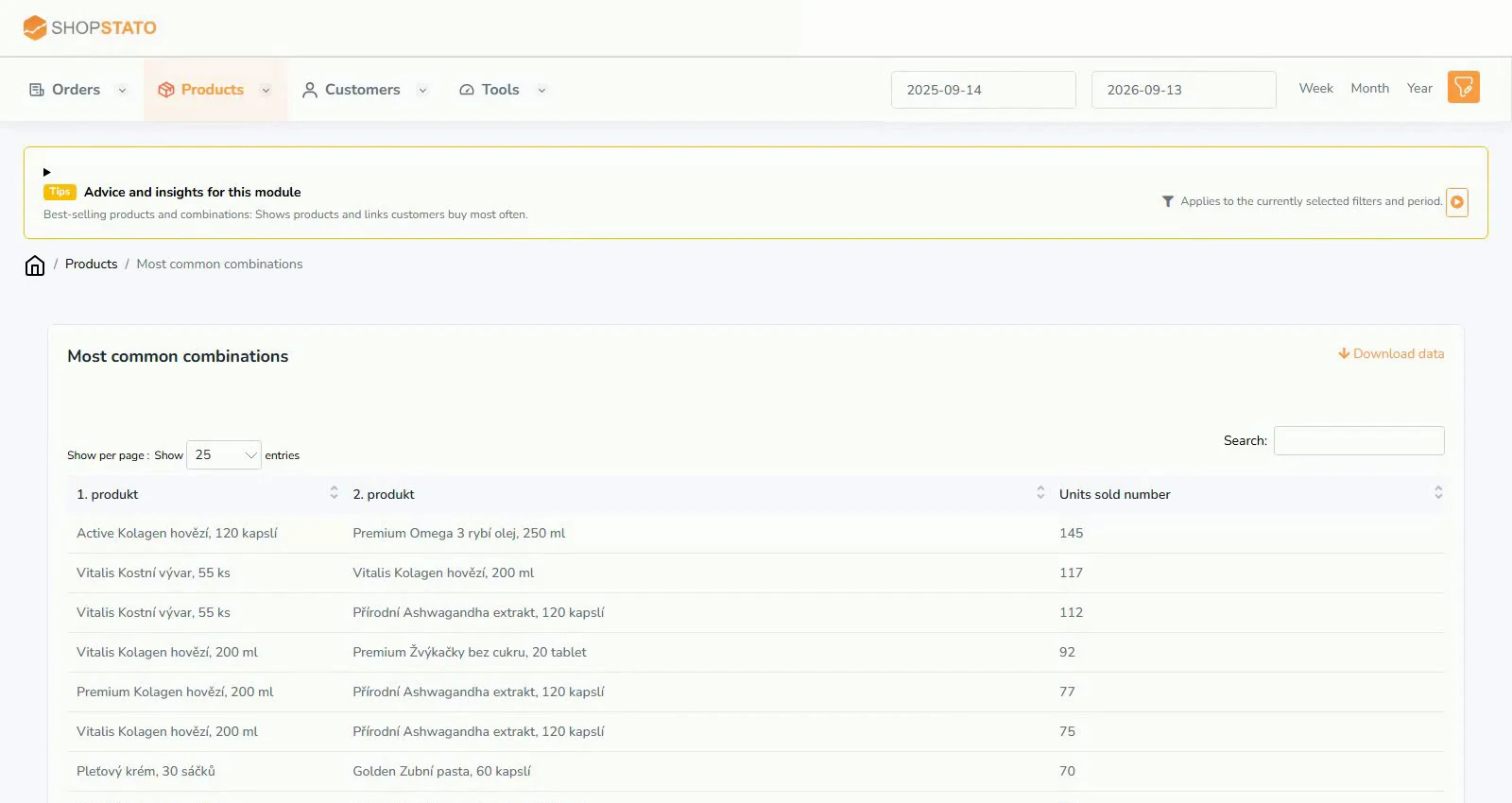
Products bought together can reveal more than a bestseller ranking. Use combinations to plan recommendations, bundles and follow-up offers.
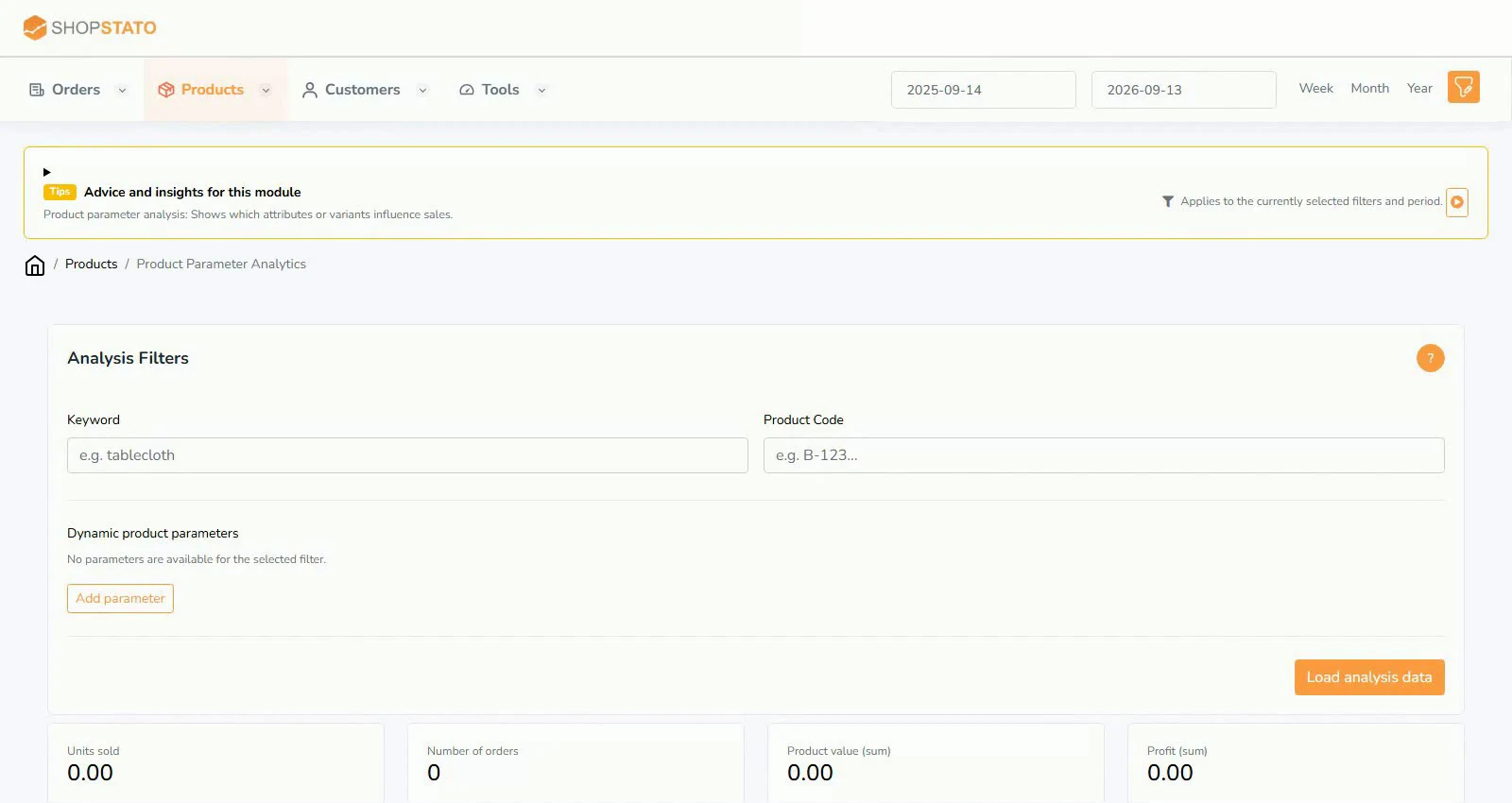
Parameter analysis compares product variants instead of relying on a single bestseller list. It helps reveal which characteristics contribute to sales.
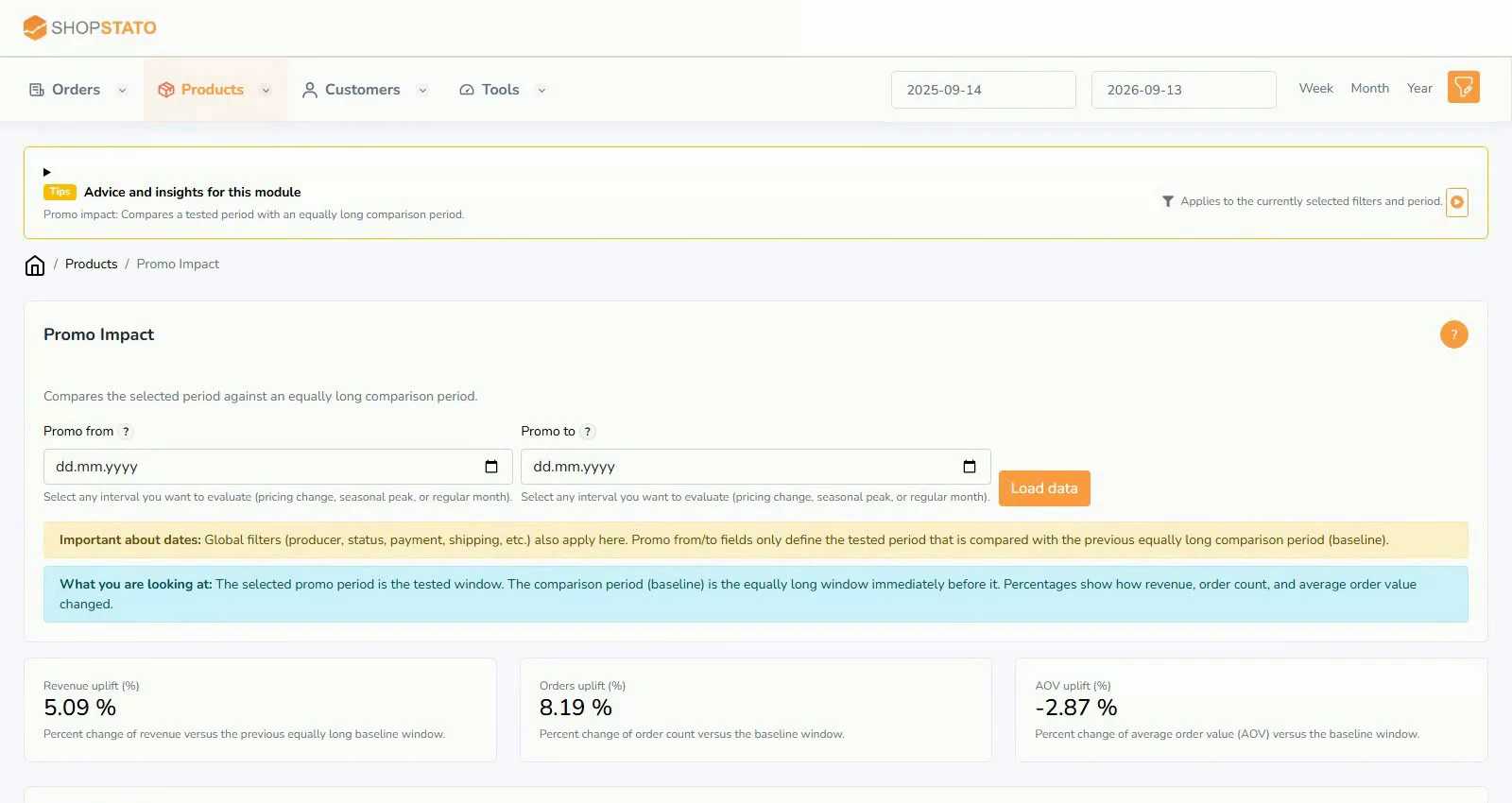
The promotion report compares a campaign with the immediately preceding period of equal length. Revenue, order count and AOV give context to the uplift.
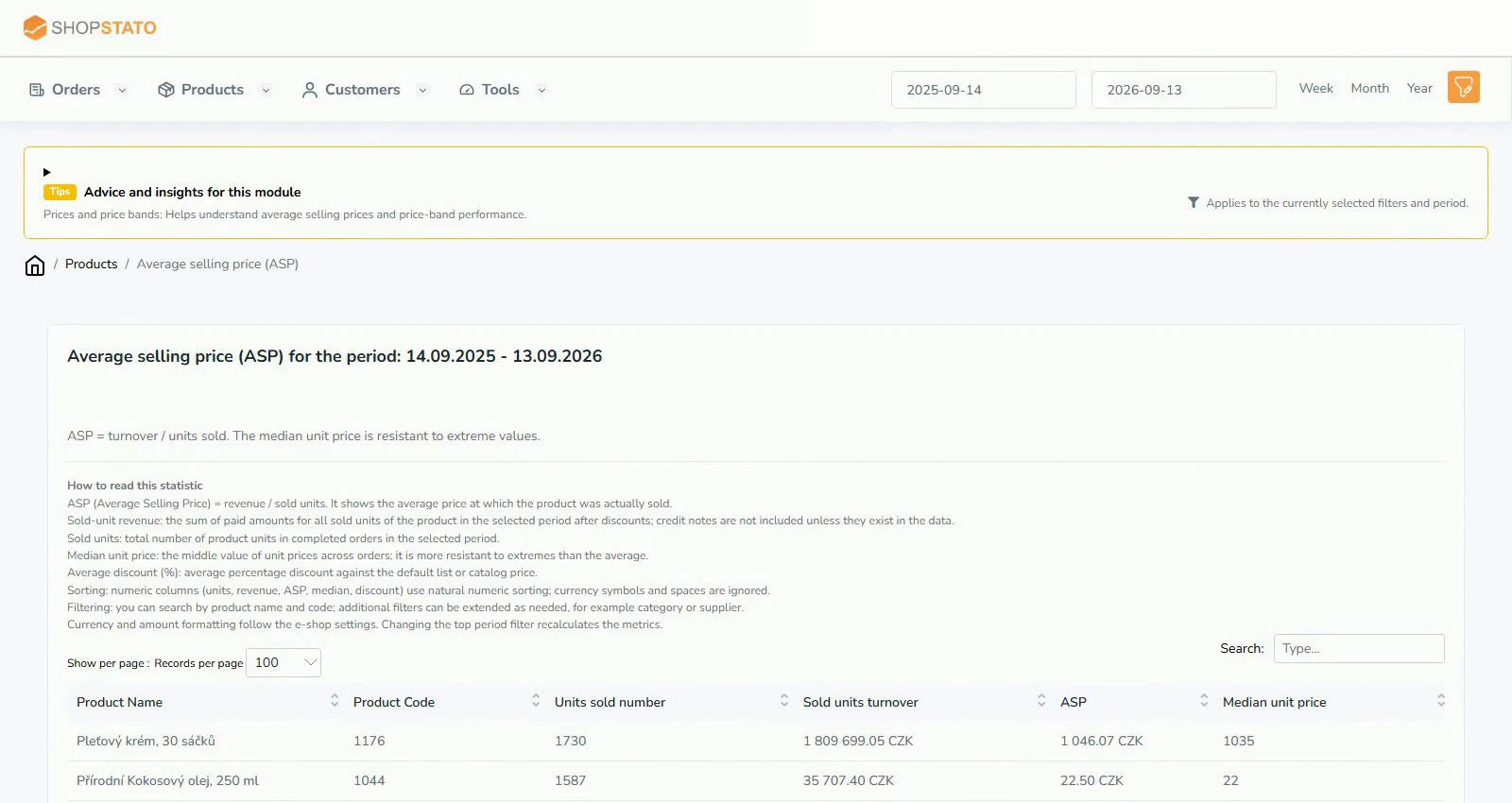
ASP is revenue per unit sold. It helps distinguish changes in sales volume from changes in prices and product mix.
Joint purchase data helps find relevant accessories and follow-up offers. Attach rate adds context by showing how often a companion item appears with a selected product.
Start with your own data
Connect your store to Shopstato and see what your orders tell you.
All integration guidesYour next step
Explore your orders, products and customers in one place.