Connect WooCommerce with the Shopstato plugin
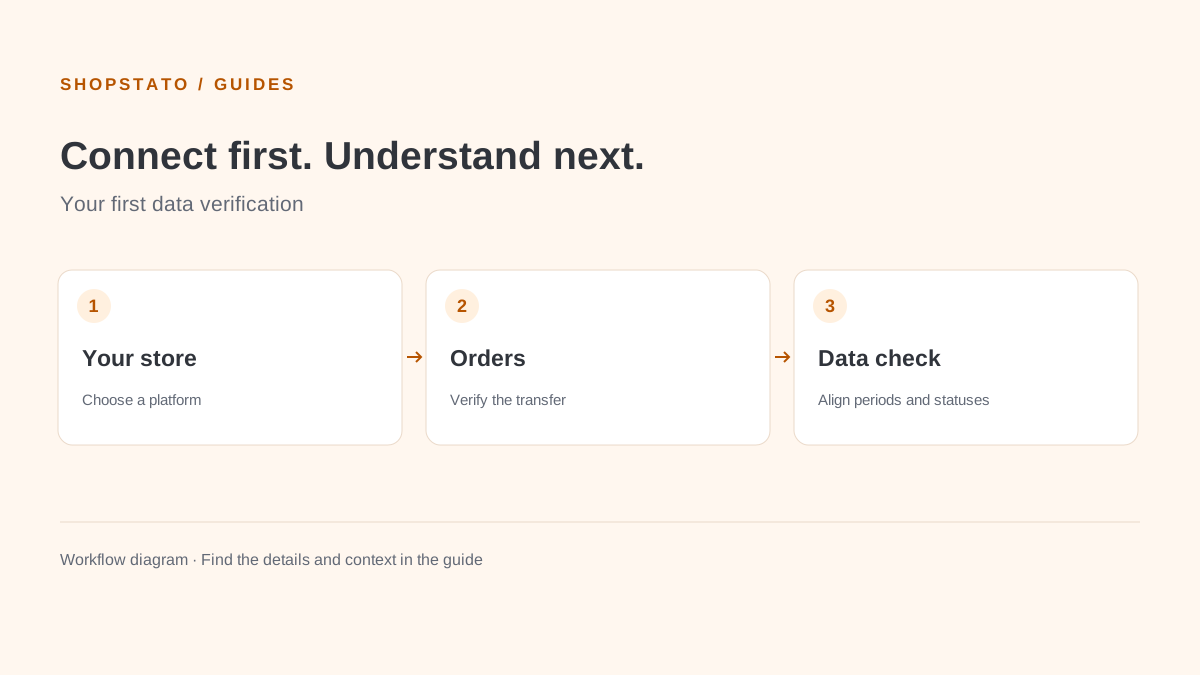
The WooCommerce integration uses Shopstato’s API to send order information. Begin in a test store and use the current plugin package and instructions.
Install and configure
- Download the plugin from the official WooCommerce page, upload it to WordPress and activate it.
- Register at app.shopstato.com and choose the custom store solution as described in the integration instructions.
- Complete the store settings in Shopstato.
- Copy the token and API address into the corresponding WooCommerce plugin settings. Save both configurations.
Test before importing history
Place several test orders through the complete customer checkout process. Use multiple products and different quantities so matching and totals can be checked.
- Compare the order value using the report’s treatment of VAT, delivery and payment fees.
- Verify quantities and prices of individual items.
- Check customer contact and address details.
- Check what happens when an order status changes.
Only continue to historical orders after the basic flow is verified.
Original plugin testing conditions
The original guide describes a test mode limited to 60 orders, without module or credit purchases. Confirm the current package and conditions before installation.
The original guide describes sending new orders and order status changes, as well as stock data, without overwriting store orders or stock. Use the current official instructions for the exact behaviour of the version you install.
See the API guide for data checks and credential handling.