IntegrationsStore integrations
API integration for custom stores and WooCommerce
A step-by-step guide
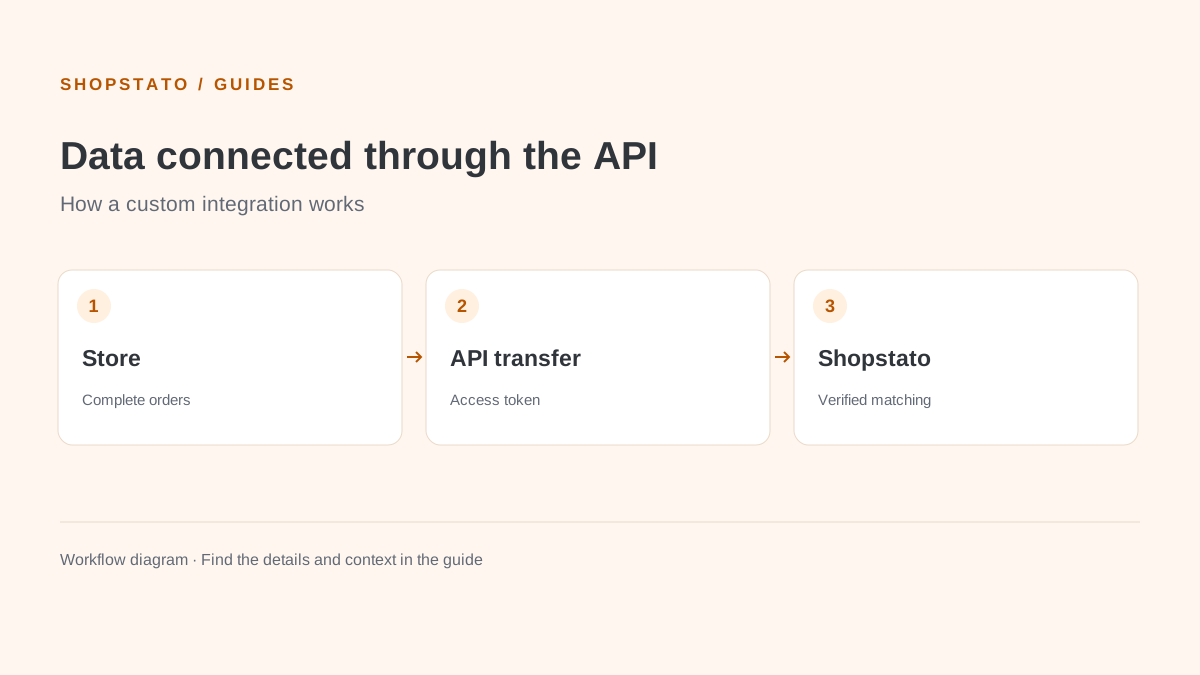
Connect a custom store through the API. A correct store configuration, an access token and a check of complete order records are the foundation.
What to prepare
A Shopstato store configuration, authorised API access and a developer or integration administrator.
Step by step
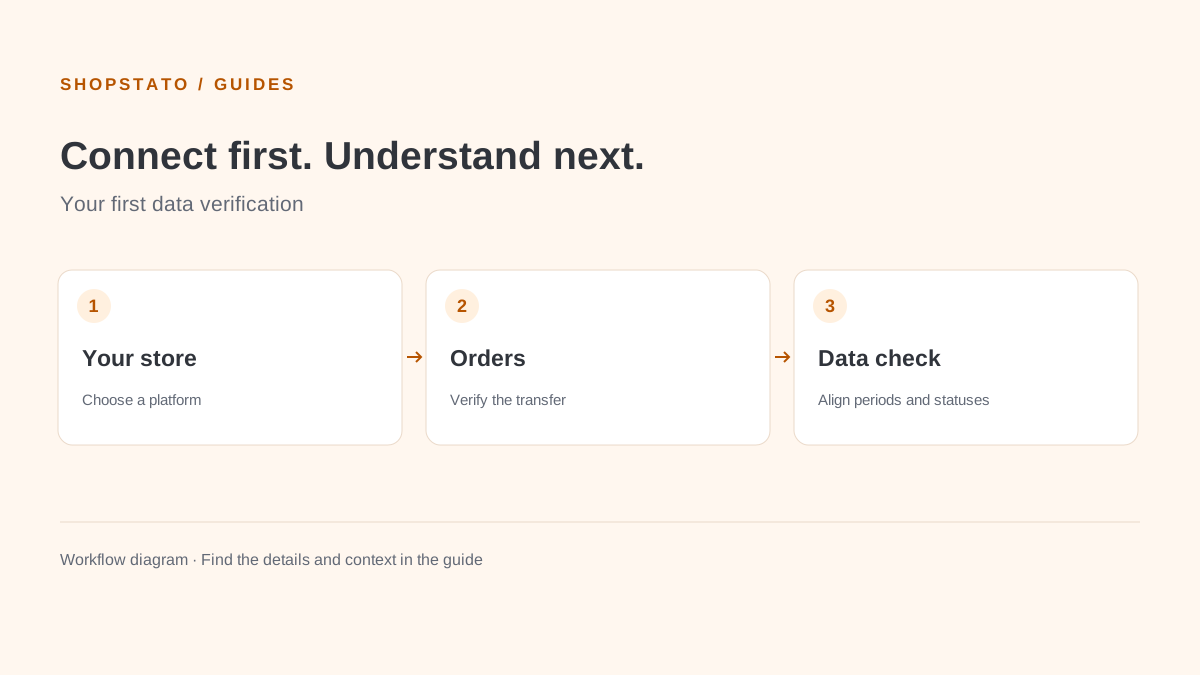
- Open your store settings in Shopstato and select the appropriate connection method.
- Use the dedicated plugin guide for WooCommerce; follow the API technical documentation for a custom platform.
- Share credentials only with the person managing the integration. Keep tokens out of public pages and screenshots.
- Check item codes, statuses, currency and totals on a sample of orders, then monitor ongoing synchronisation.
What to consider when interpreting the result
Check the integration after changes to your store. A new product code or a different meaning of an order status can affect analysis even when data transfer works.
Continue in the application
Application links require sign-in. Access to a report depends on your permissions and the relevant module.
Source: Shopstato help centre . This English guide adds practical context and examples from English video tutorials.