Historical order import: give your analysis more history
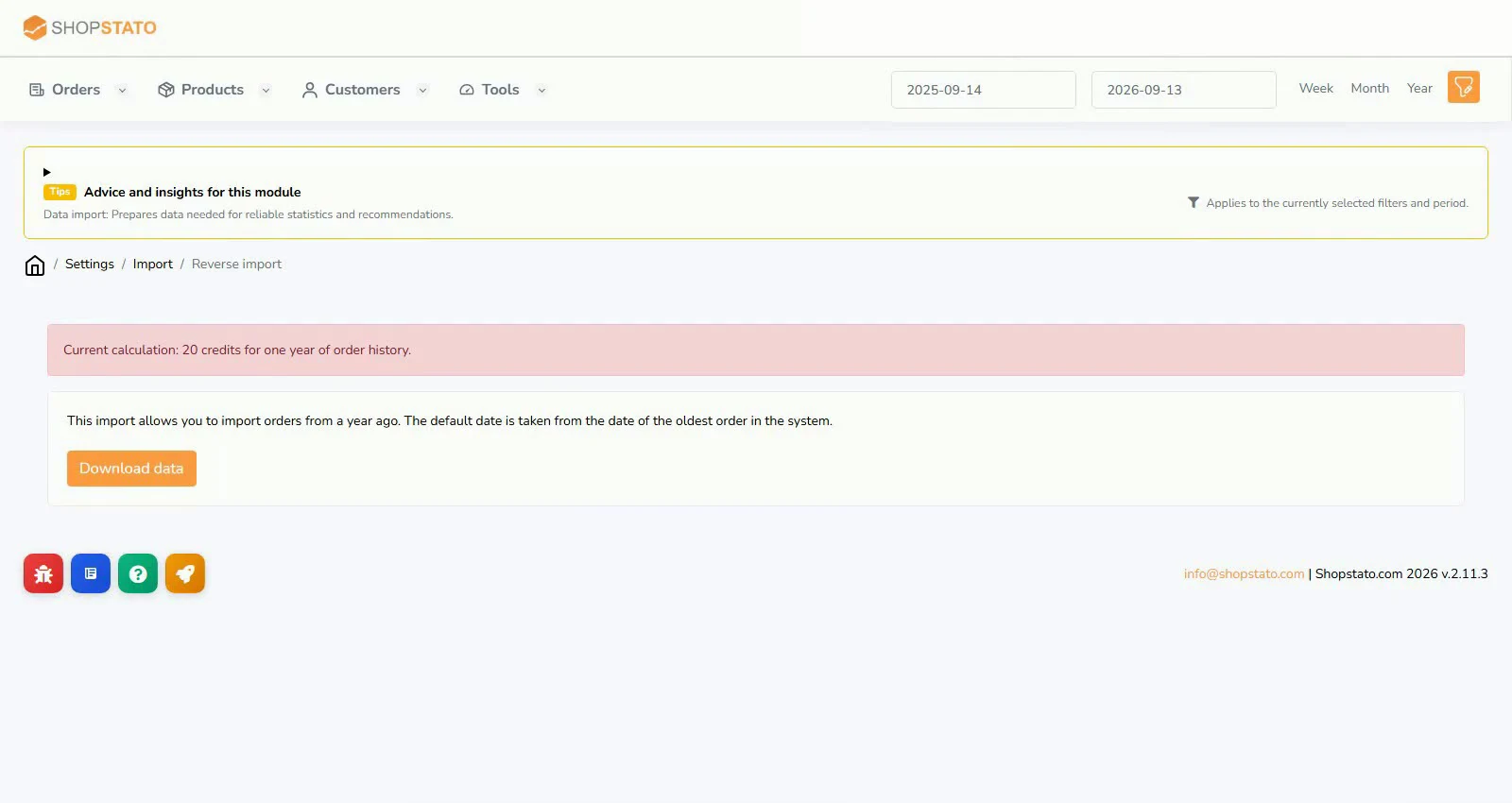
A short history shows recent activity; a longer one reveals repeat purchases and seasonality. Historical import adds orders for the preceding year.
Ecommerce tipsRead article
Ideas for your online store
Practical guides and context to help turn data into better decisions.
Read, explore, move forward
A short history shows recent activity; a longer one reveals repeat purchases and seasonality. Historical import adds orders for the preceding year.
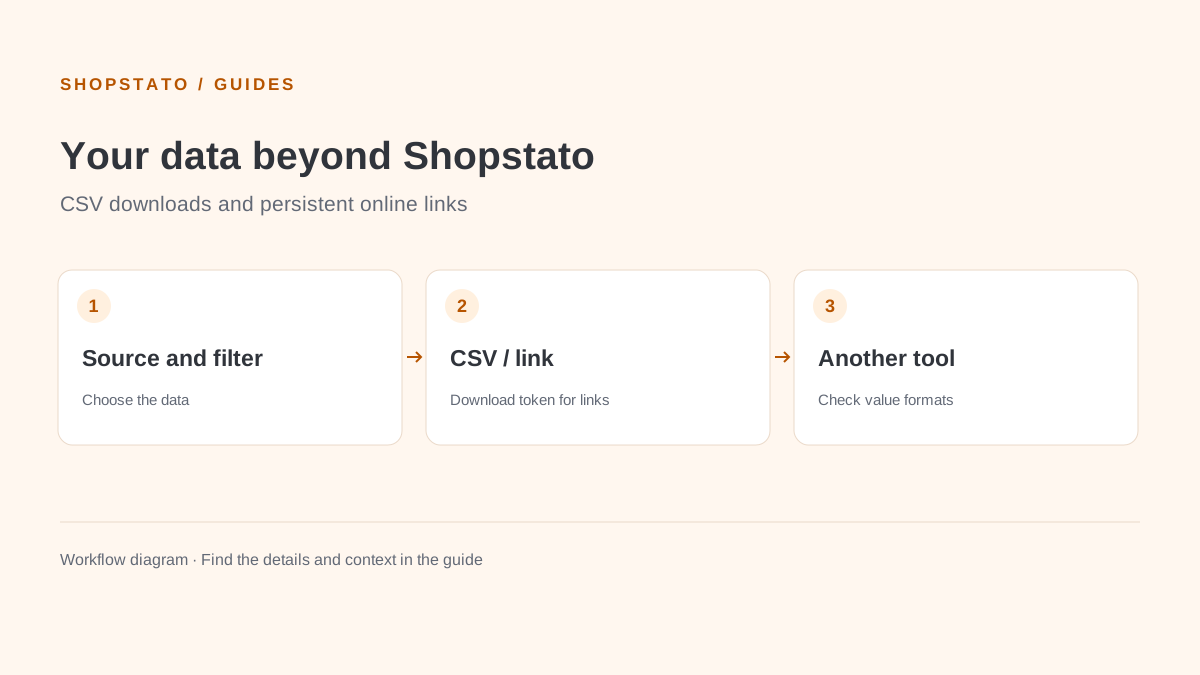
CSV connects Shopstato reports with spreadsheets and other tools. Persistent online links require a Download token in store settings.
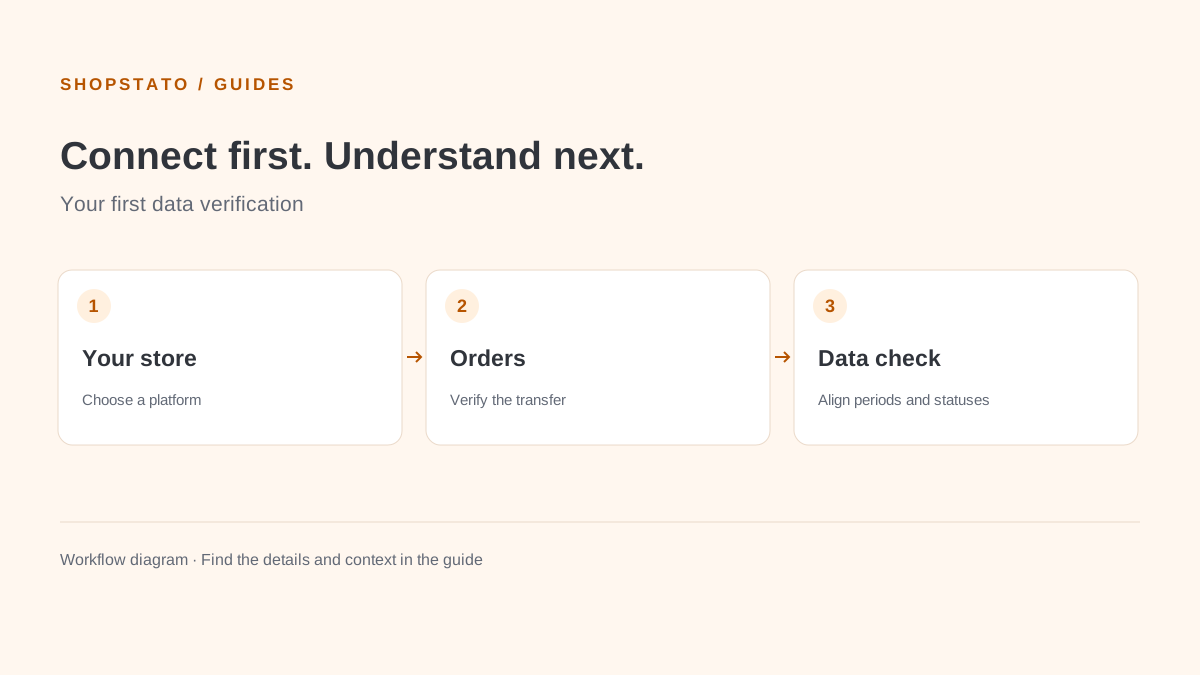
Good analysis starts with a reliable connection. Before reviewing profit or customer behaviour, check that Shopstato receives orders from the correct store.
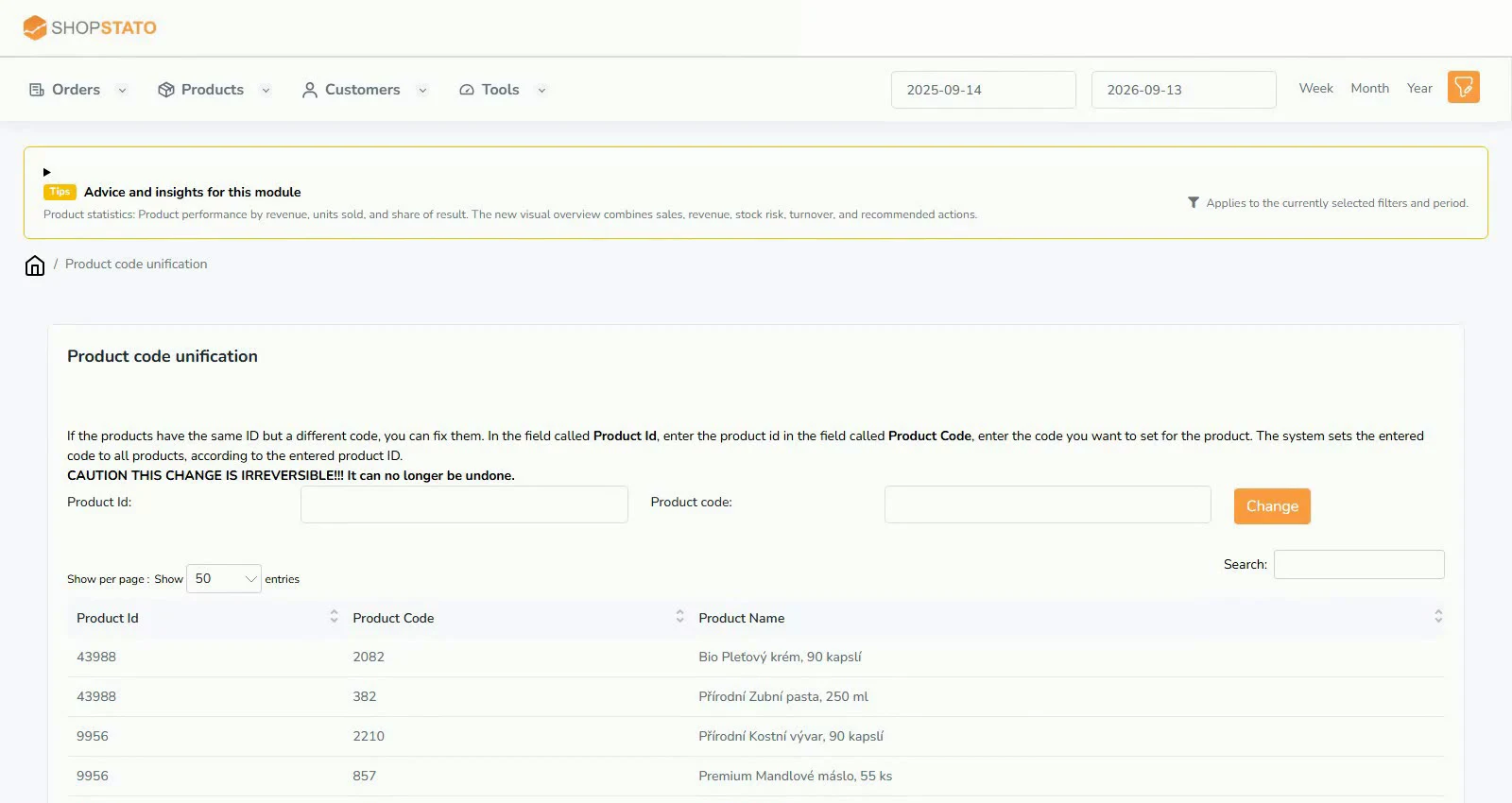
Several codes for the same product make matching sales and stock harder. Unifying codes by product ID connects records that belong together.
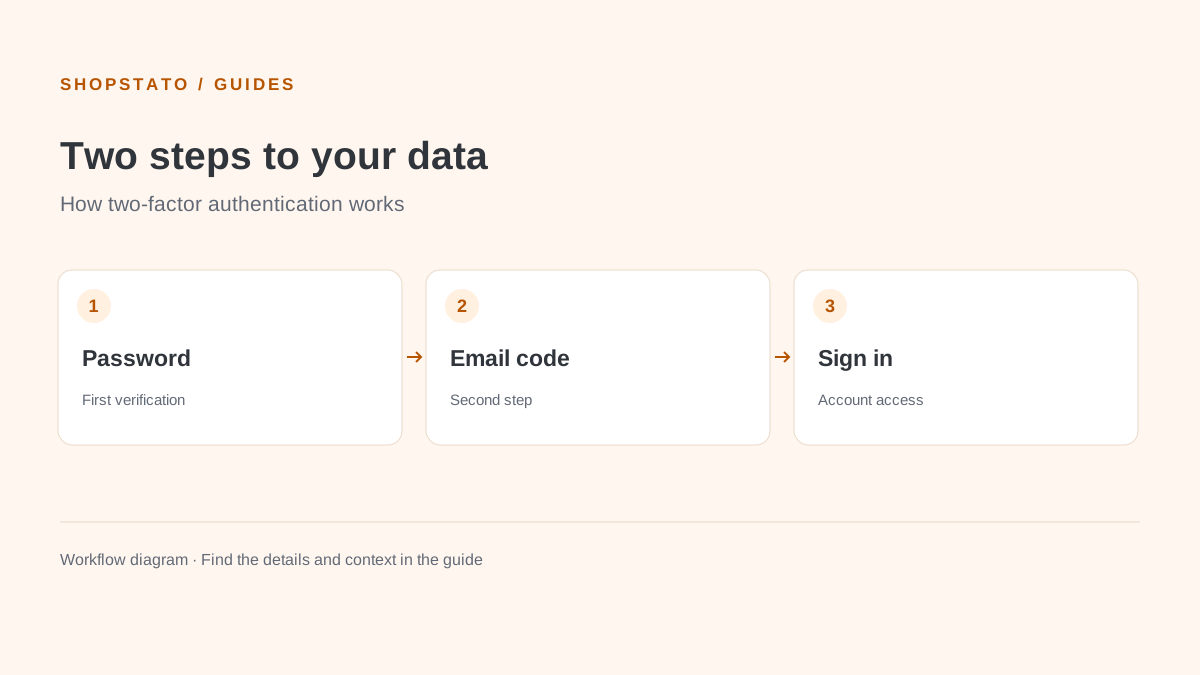
Add a one-time email code to your password. Two-factor authentication helps protect access to your business data if someone learns your password.
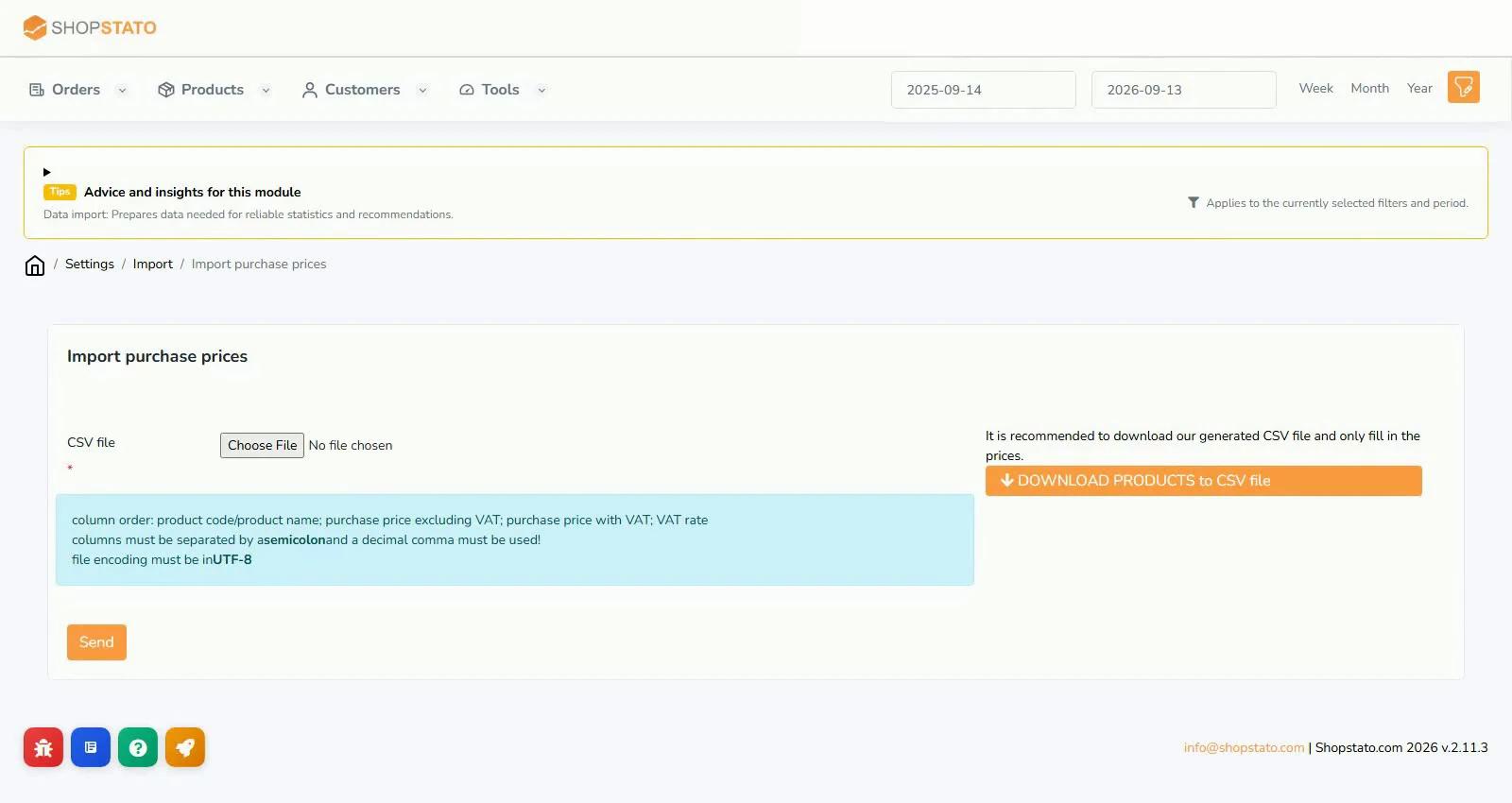
Revenue shows what customers bought. To calculate product profitability, Shopstato also needs purchase prices matched to your products.
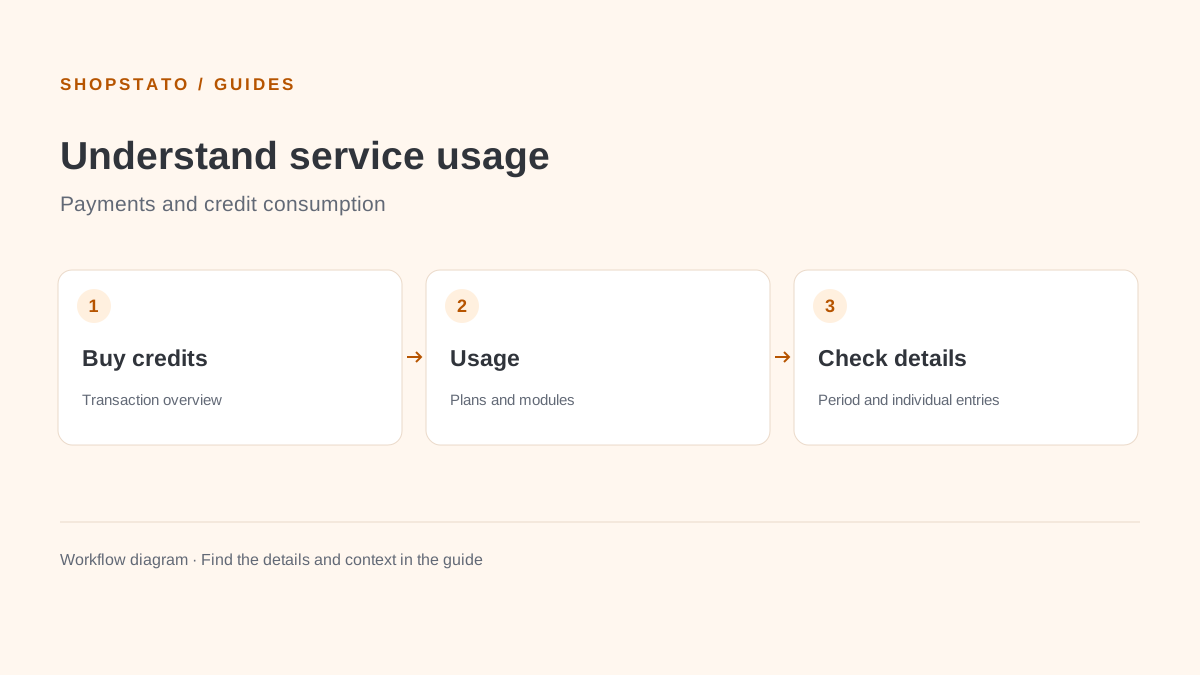
The account Transactions section lists payments associated with Shopstato. Use it to check credit purchases and find a particular service payment.
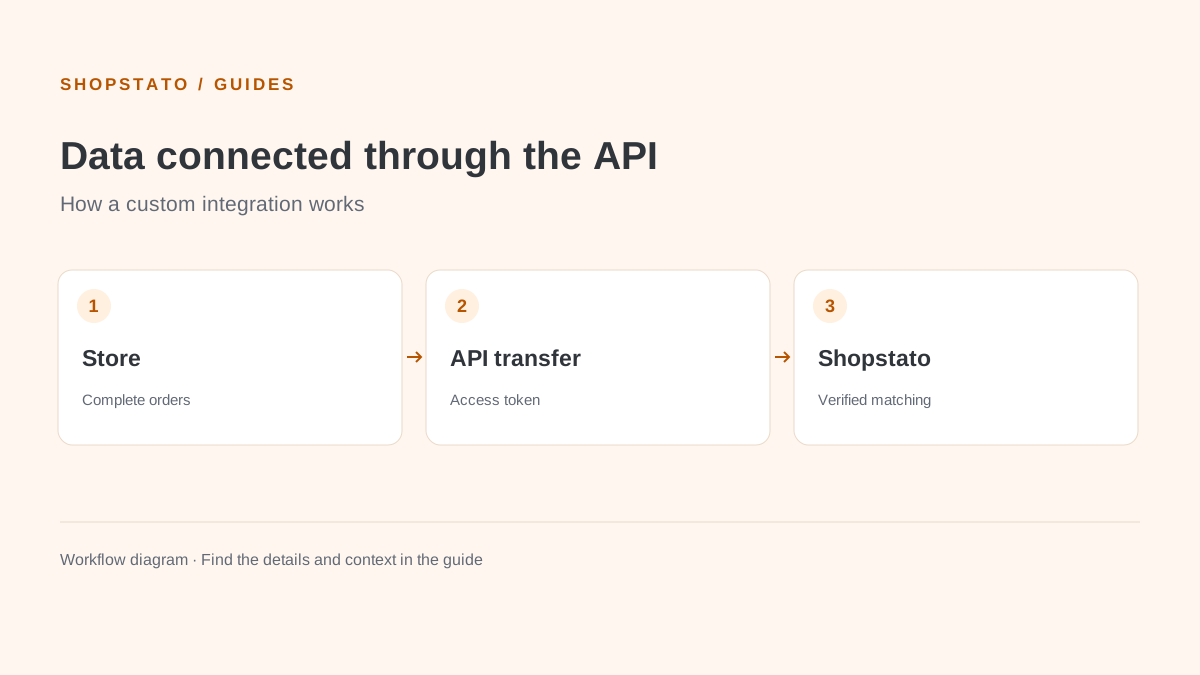
Connect a custom store through the API. A correct store configuration, an access token and a check of complete order records are the foundation.
Install the integration in a test store, configure API access and verify sample orders before importing history.
Start with your own data
Connect your store to Shopstato and see what your orders tell you.
All integration guidesYour next step
Explore your orders, products and customers in one place.