IntegrationsModules
CSV exports and Download token: use your data where you need it
A step-by-step guide
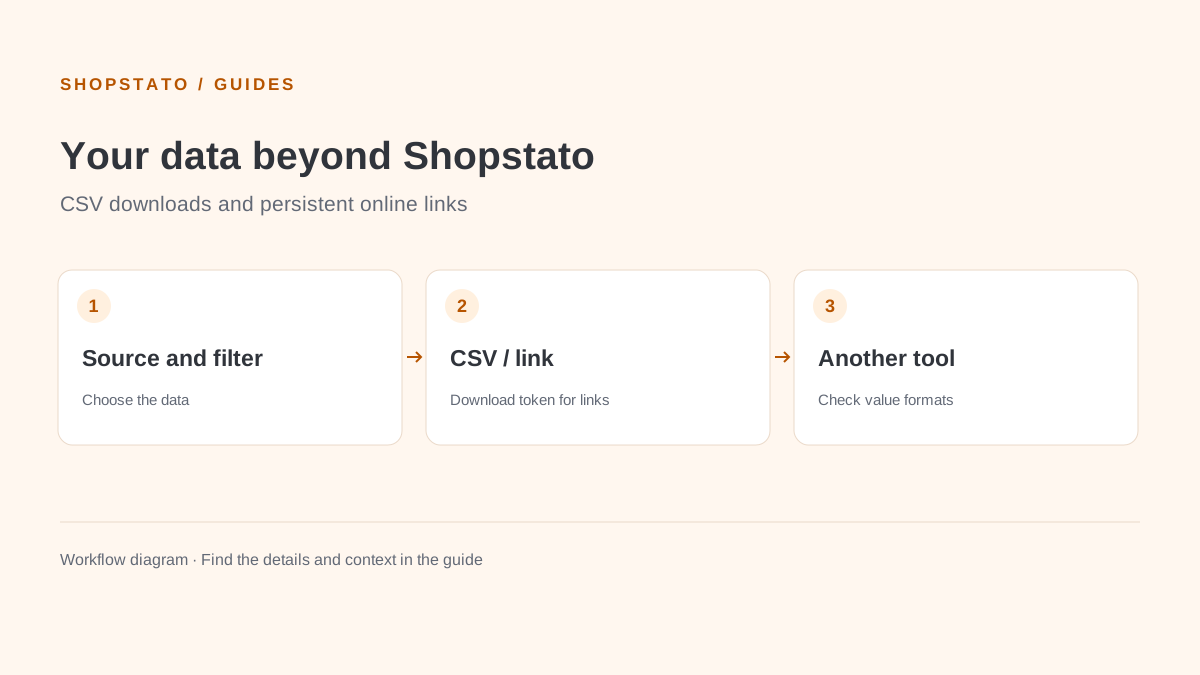
CSV connects Shopstato reports with spreadsheets and other tools. Persistent online links require a Download token in store settings.
What to prepare
Access to data exports and the CSV Exports module. Persistent links also require the store Download token.
Step by step
- Open data exports and verify module availability.
- Select the data source and required filters.
- Download the file and check headers, encoding and value formats in your destination tool.
- Use the Download token for a persistent link and share it only with an authorised recipient.
What to consider when interpreting the result
A tokenised link grants data access. If someone should no longer have access, change the token and update connected integrations.
Continue in the application
Application links require sign-in. Access to a report depends on your permissions and the relevant module.
Source: Shopstato help centre . This English guide adds practical context and examples from English video tutorials.