IntegrationsGuides
Transactions: find payments for the Shopstato service
A step-by-step guide
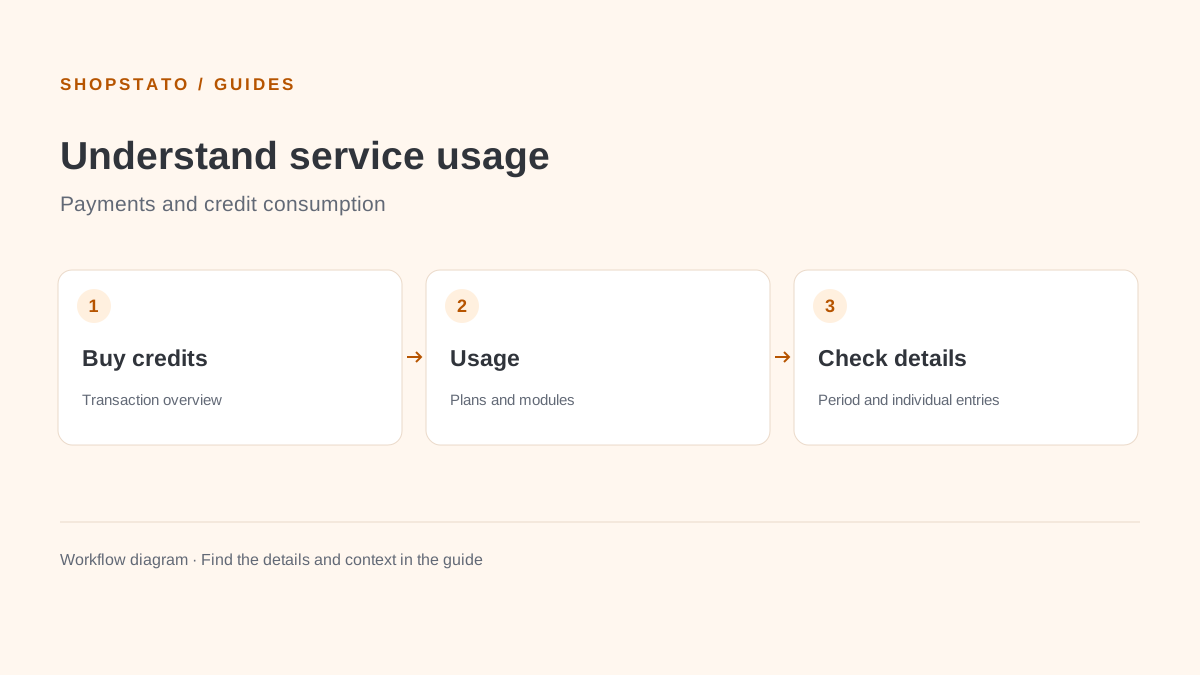
The account Transactions section lists payments associated with Shopstato. Use it to check credit purchases and find a particular service payment.
What to prepare
Access to your account transaction overview and enough information to identify the payment.
Step by step
- Open Transactions in your account.
- Find the matching record and review its available details, including payment method.
- If you need help, provide the transaction identifier to support without sharing access tokens.
What to consider when interpreting the result
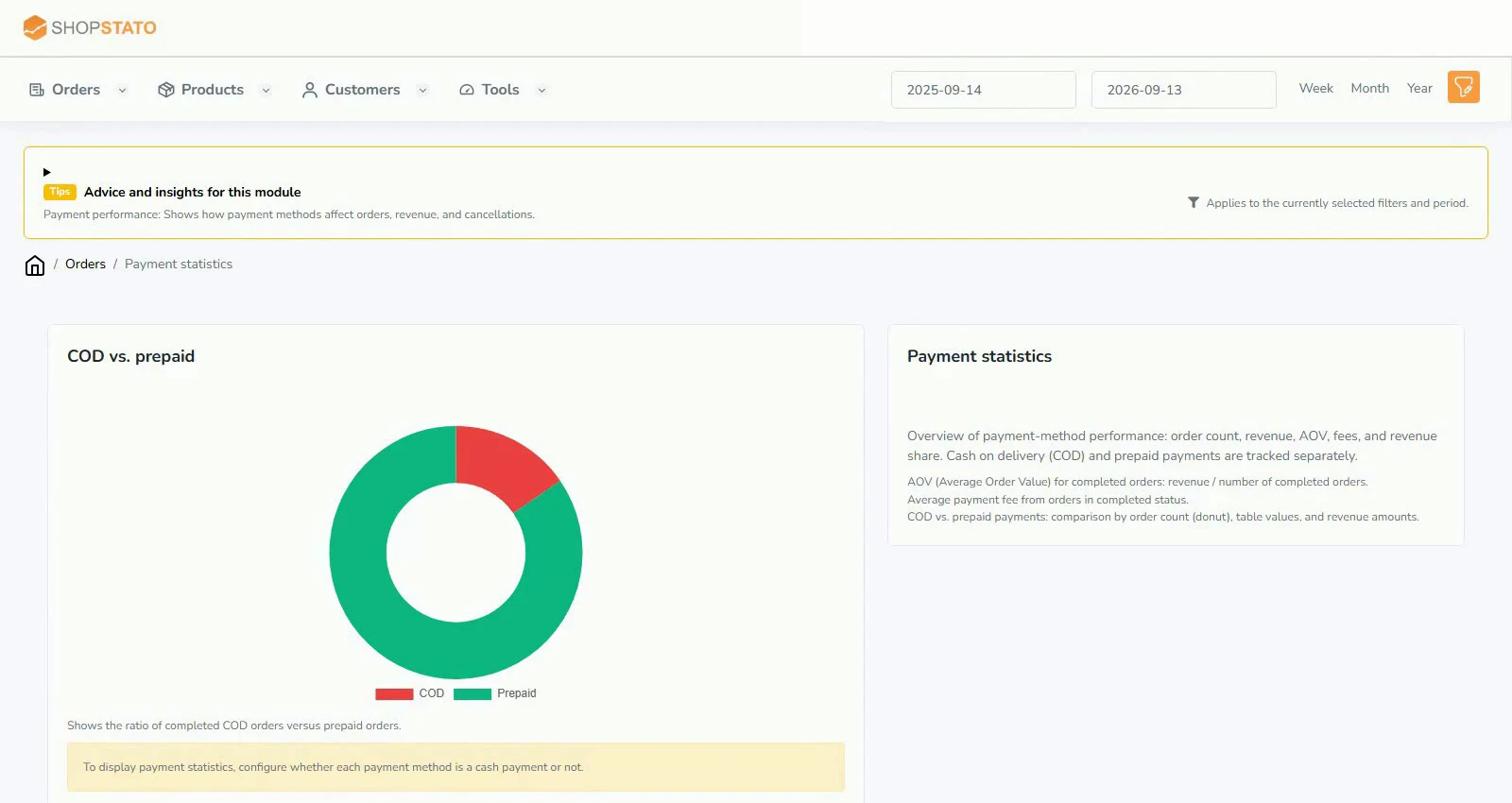
These are service payments. Use Payment statistics to analyse how customers pay in your own store.
Continue in the application
Application links require sign-in. Access to a report depends on your permissions and the relevant module.
Source: Shopstato help centre . This English guide adds practical context and examples from English video tutorials.