Profit & productsModules
Product parameters: find the colours, sizes and variants that sell
A step-by-step guide
Parameter analysis compares product variants instead of relying on a single bestseller list. It helps reveal which characteristics contribute to sales.
What to prepare
Consistent product parameters and matched order items. Missing or inconsistent values can split one characteristic into several groups.
Step by step
- Check the completeness and naming of product parameters.
- Choose the parameter and period to analyse.
- Compare quantities, revenue and the share of individual values.
- Open the underlying products and check stock availability before interpreting differences.
An example from the application
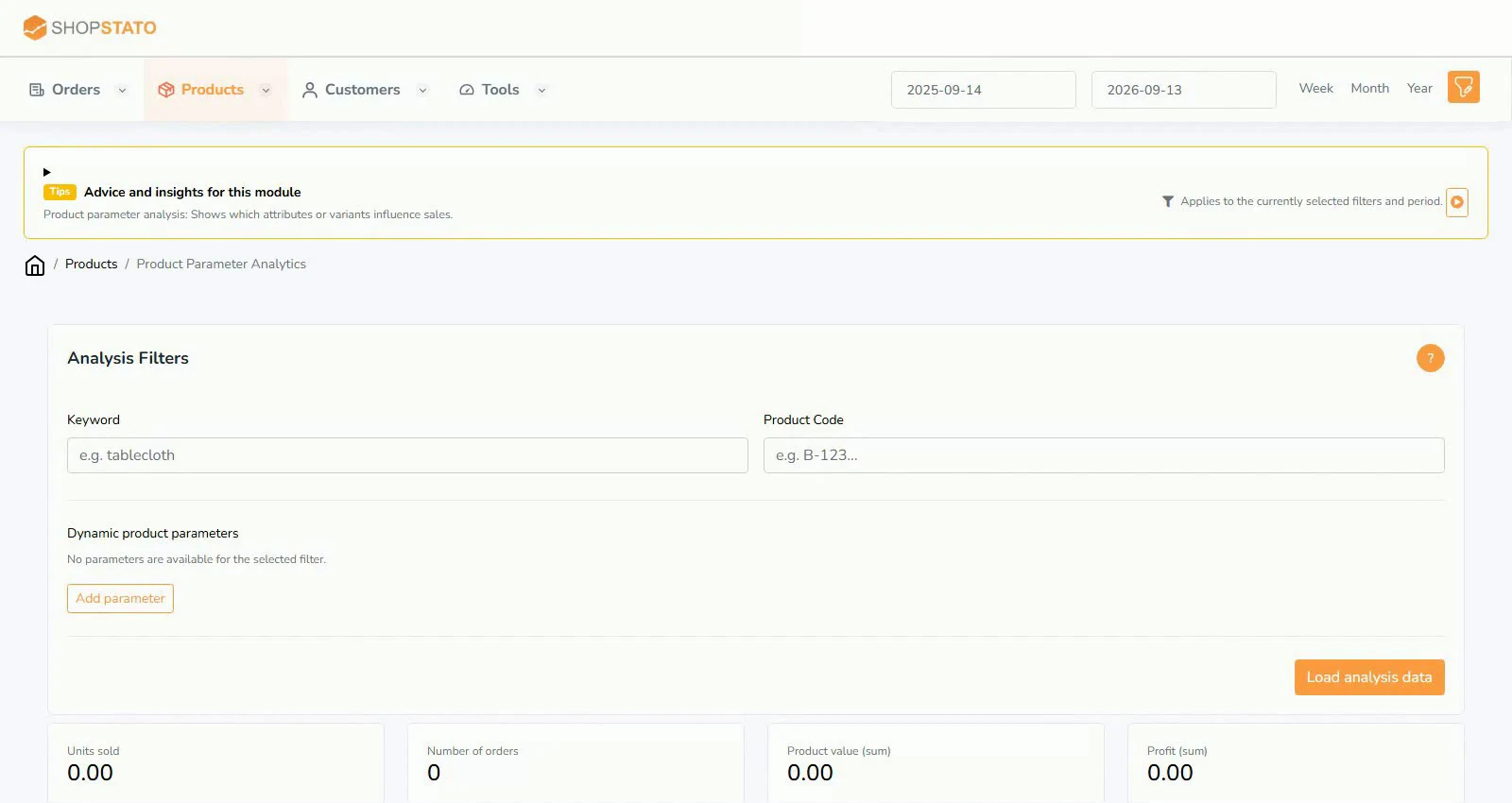 Enlarge screenshot ↗
What to consider when interpreting the result
A weak variant may have been unavailable rather than unwanted. Read sales together with stock and compare equivalent groups.
Continue in the application
Application links require sign-in. Access to a report depends on your permissions and the relevant module.
Source: Shopstato help centre . This English guide adds practical context and examples from English video tutorials.