Getting started with the Profit module
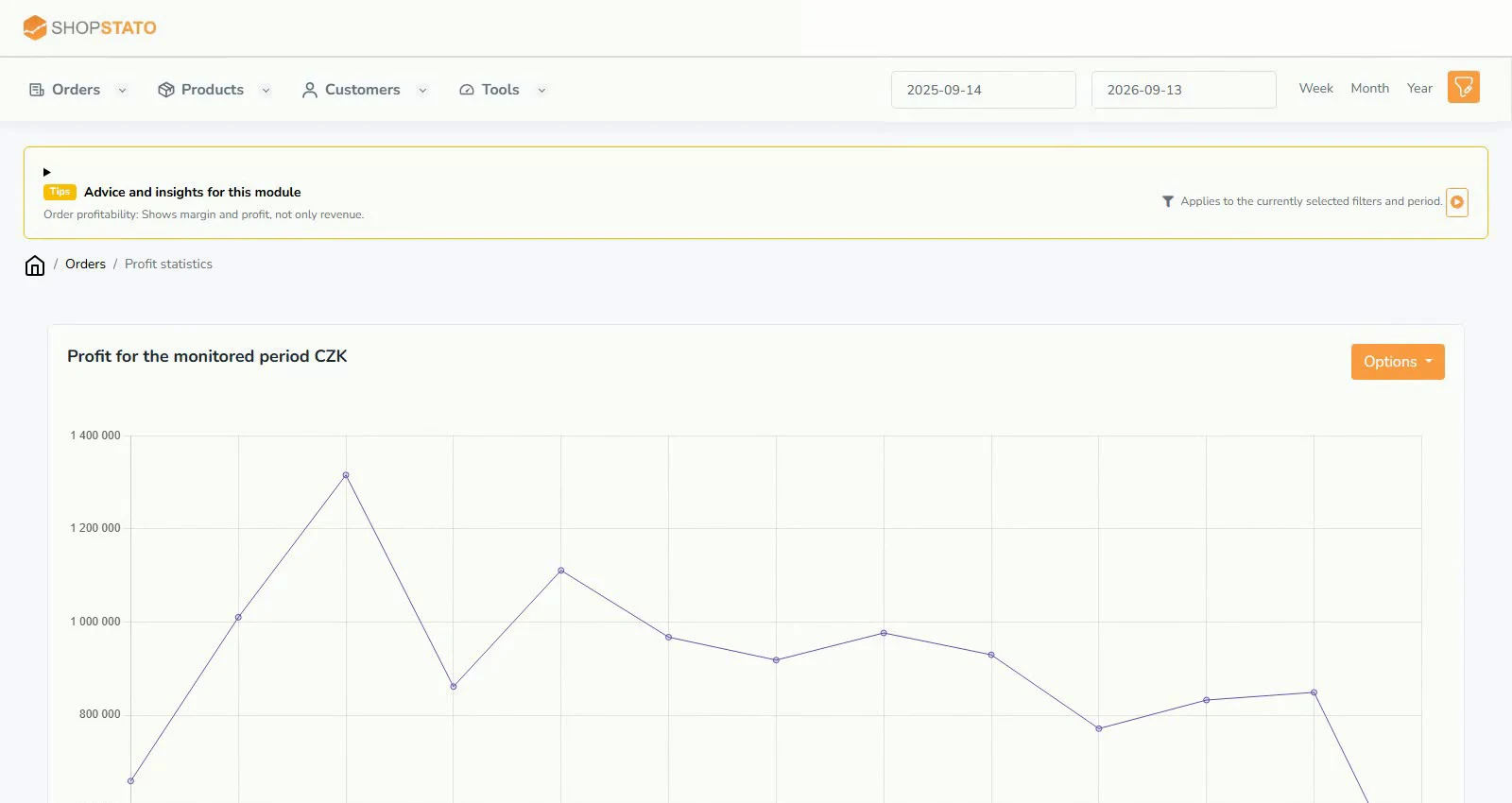
The Profit module adds purchase costs to your sales data. Review the contribution of individual products and orders instead of looking only at revenue.
The original report describes the difference between selling and purchase prices excluding VAT, with shipping excluded from the order calculation. Check the current report definition and remember that this is not automatically your complete company accounting profit.
Purchase prices come first
The module requires purchase prices. Check whether your platform connection provides them; otherwise use the CSV import in Shopstato.
- Prepare product code or name; purchase price excluding VAT; purchase price including VAT; VAT rate.
- Use semicolon separators, decimal commas and UTF-8 encoding as specified by the import form.
- Upload the file and allow processing to finish. Large files can take several minutes.
- Verify product matching and activate or open the Profit module according to its current availability.
Check the first results
Review several products whose purchase costs you know. Missing or incorrectly matched costs can distort the result even when revenue looks correct.
Use the purchase price import guide and the profitability guide for detailed steps.