Profit & productsModules
Profitability: move from high revenue to product contribution
A step-by-step guide
High sales do not guarantee a good result. The Profit module combines sales data with purchase prices to assess orders and products.
What to prepare
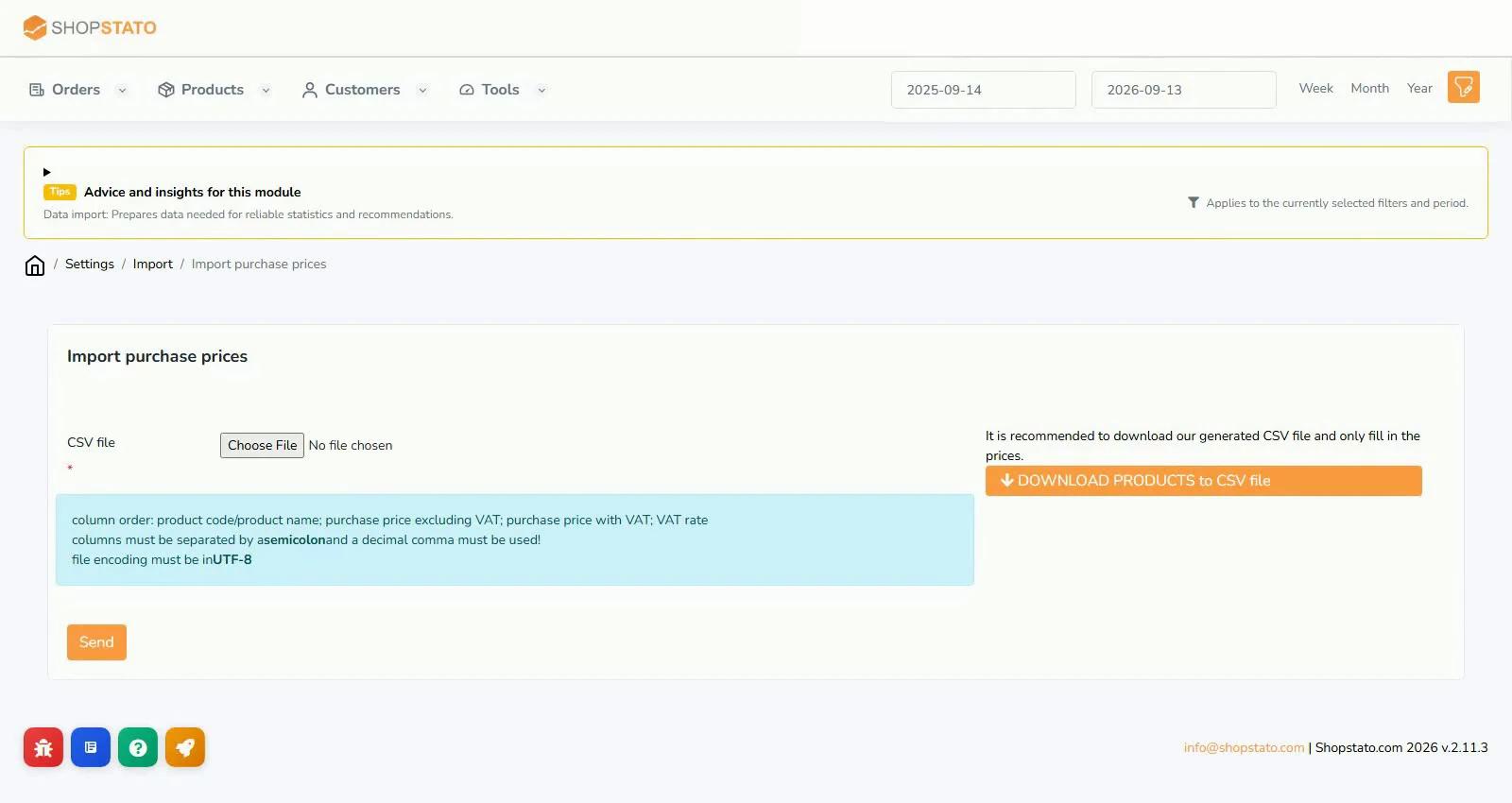
Imported purchase prices correctly matched to products, consistent VAT treatment and appropriate order statuses.
Step by step
- Add purchase prices and verify matching.
- Check which order statuses are included.
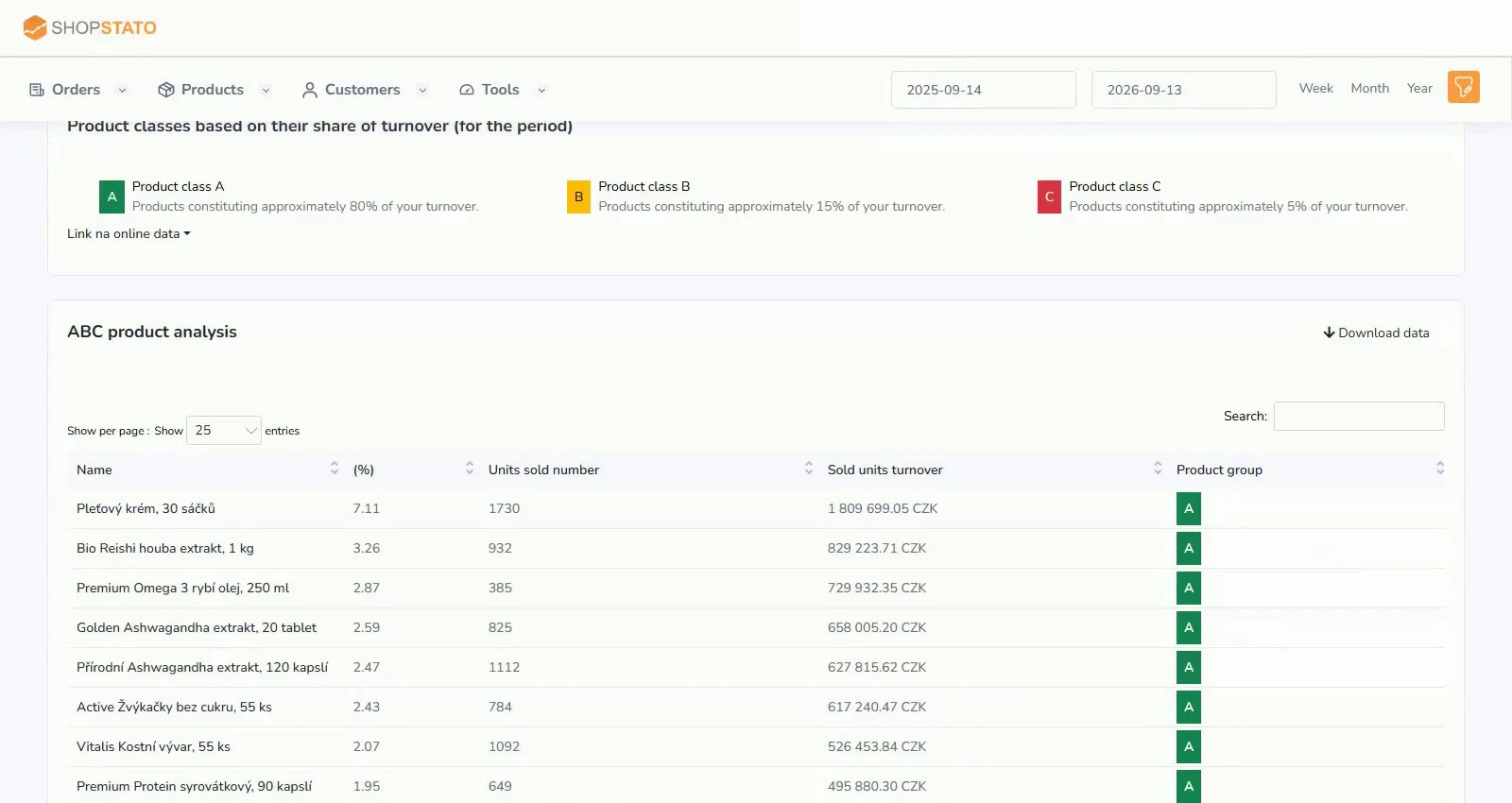
- Start with high-revenue, low-margin products and orders.
- Complete missing costs before changing discounts or your assortment based on incomplete results.
An example from the application
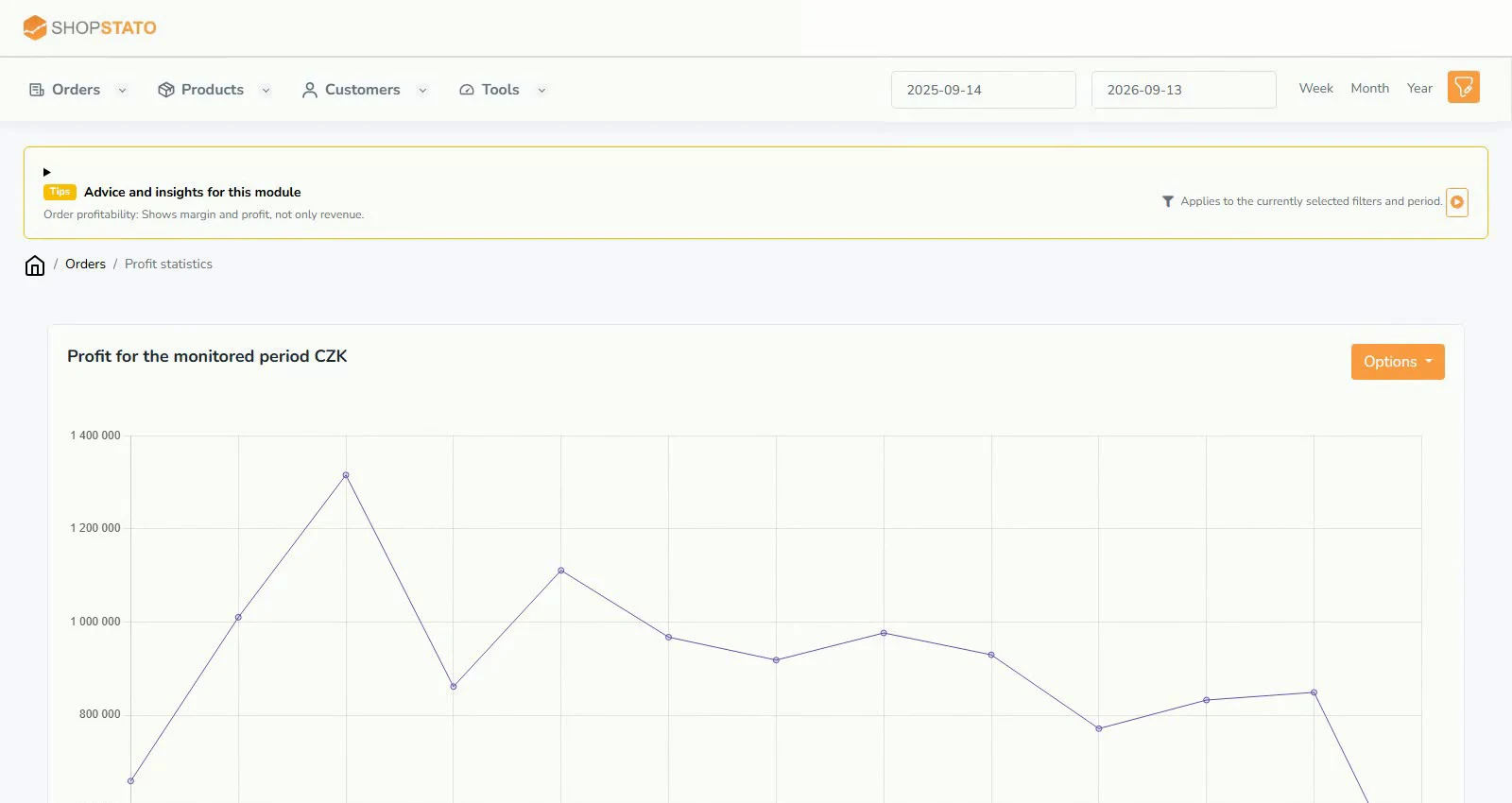 Enlarge screenshot ↗
What to consider when interpreting the result
Product profitability is not automatically the company’s accounting result. Check which costs are included when assessing overall performance.
Continue in the application
Application links require sign-in. Access to a report depends on your permissions and the relevant module.
Source: Shopstato help centre . This English guide adds practical context and examples from English video tutorials.