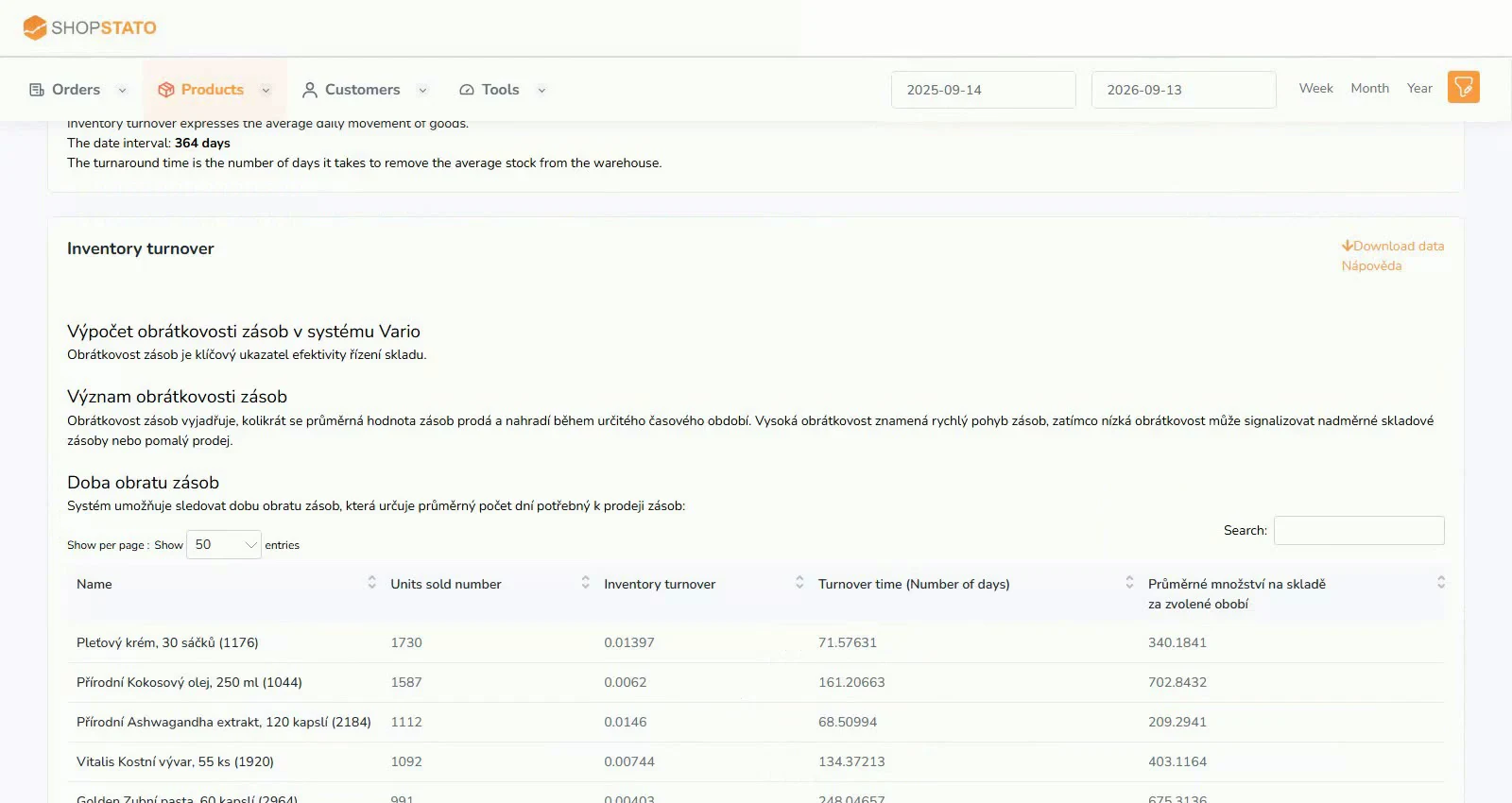
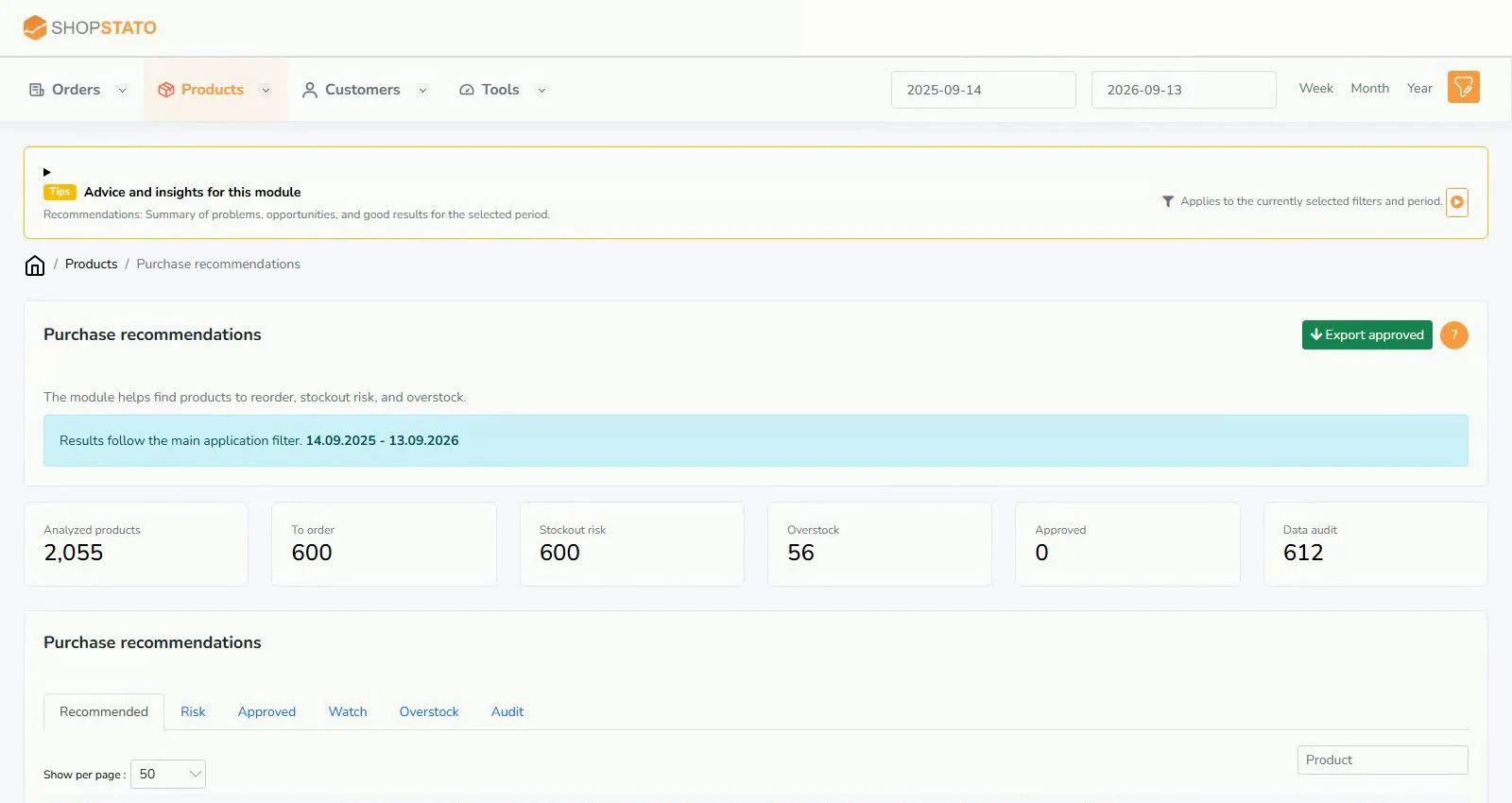
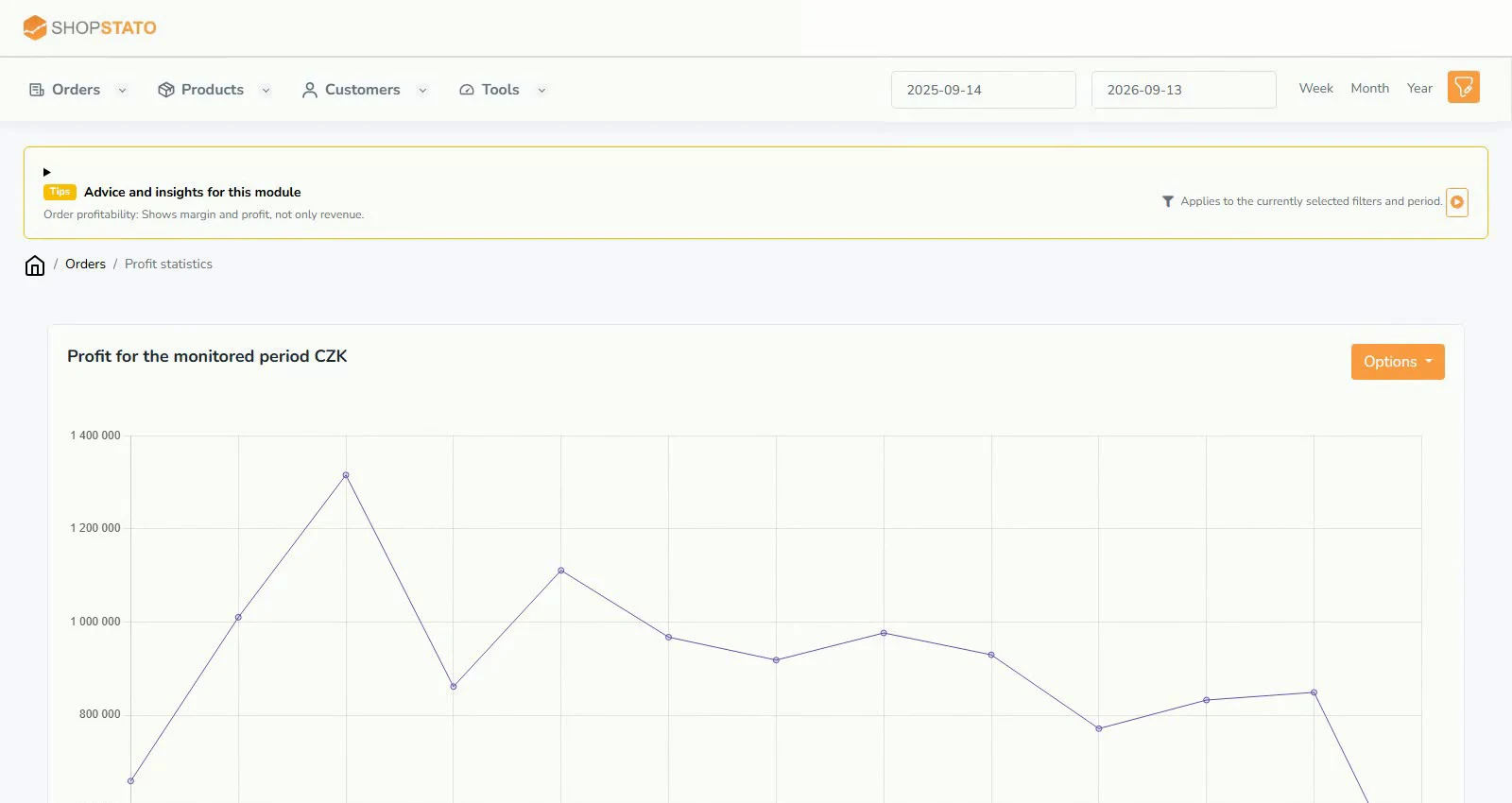
InventoryModules
ABC product analysis: focus on the items that matter
A step-by-step guide
Products do not contribute equally to revenue. ABC analysis ranks your assortment to show where availability matters most and where stock deserves review.
What to prepare
Sufficient sales history, correct order statuses and current inventory for stock decisions.
Step by step
- Choose a representative period and order statuses.
- Review group A and check product availability.
- Look for promising group B products and check their trends.
- Compare the low contribution of group C with the quantity and value held in stock.
An example from the application
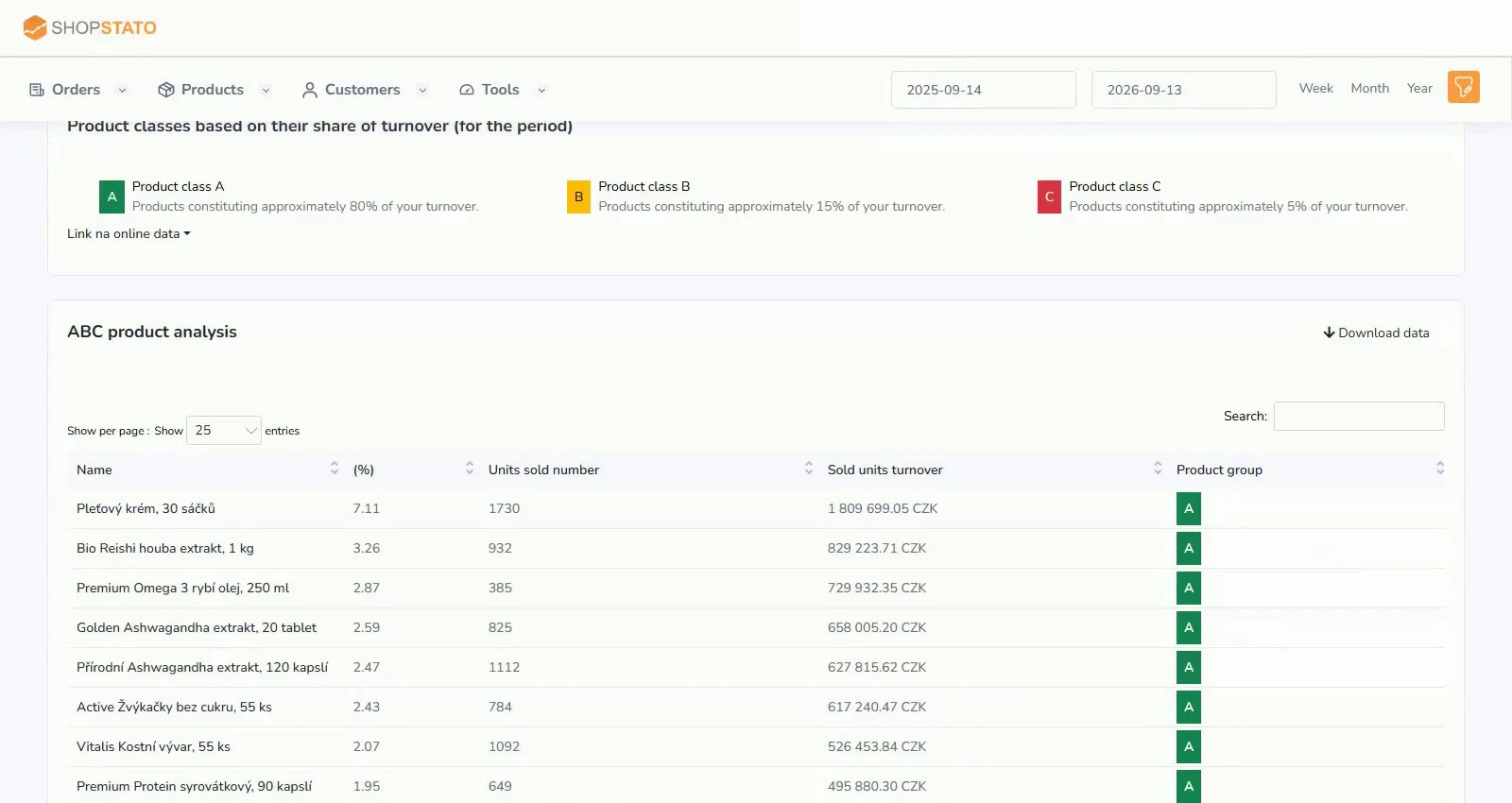 Enlarge screenshot ↗
What to consider when interpreting the result
Revenue ranking is only part of the picture. A high-revenue product can have a low margin; include purchase costs and profitability in your decision.
Continue in the application
Application links require sign-in. Access to a report depends on your permissions and the relevant module.
Source: Shopstato help centre . This English guide adds practical context and examples from English video tutorials.