OrdersGuides
Payment statistics: compare cash on delivery and advance payments
A step-by-step guide
Payment methods differ in usage and order value. Compare order counts, revenue, AOV, fees and revenue share, including cash on delivery versus advance payments.
What to prepare
Consistent payment method names and the same reporting period and statuses as your shipping report.
Step by step
- Select a common period and statuses.
- Compare order counts and revenue by payment method.
- Add AOV and available fee data.
- Review cash on delivery separately from advance payments and check significant differences against orders.
An example from the application
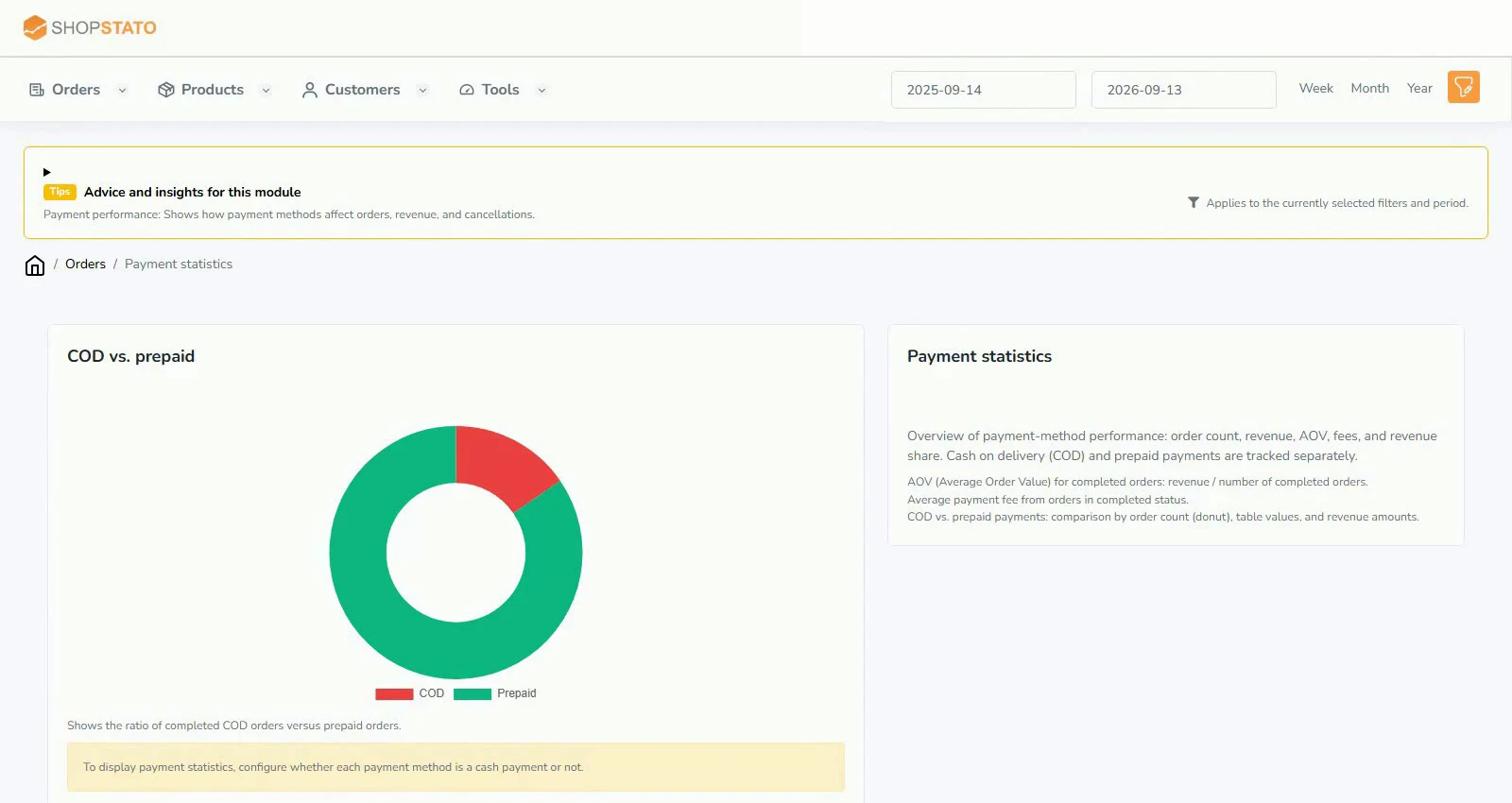 Enlarge screenshot ↗
What to consider when interpreting the result
More orders do not necessarily mean a better economic contribution. Check which fee information is actually available to the application.
Continue in the application
Application links require sign-in. Access to a report depends on your permissions and the relevant module.
Source: Shopstato help centre . This English guide adds practical context and examples from English video tutorials.