Store growthModules
Sales forecasting: prepare for the next three months
A step-by-step guide
Historical trends and seasonality help estimate future revenue. Shopstato forecasts the next three months to support stock and capacity planning.
What to prepare
Complete, consistent history, ideally at least 12 months, with appropriate order statuses and cancelled orders excluded.
Step by step
- Verify the completeness and consistency of historical orders.
- Check order statuses and cancellations.
- Read period growth, trend slope and the forecast curve together.
- Adjust your plan for known future changes such as a promotion or supply interruption.
An example from the application
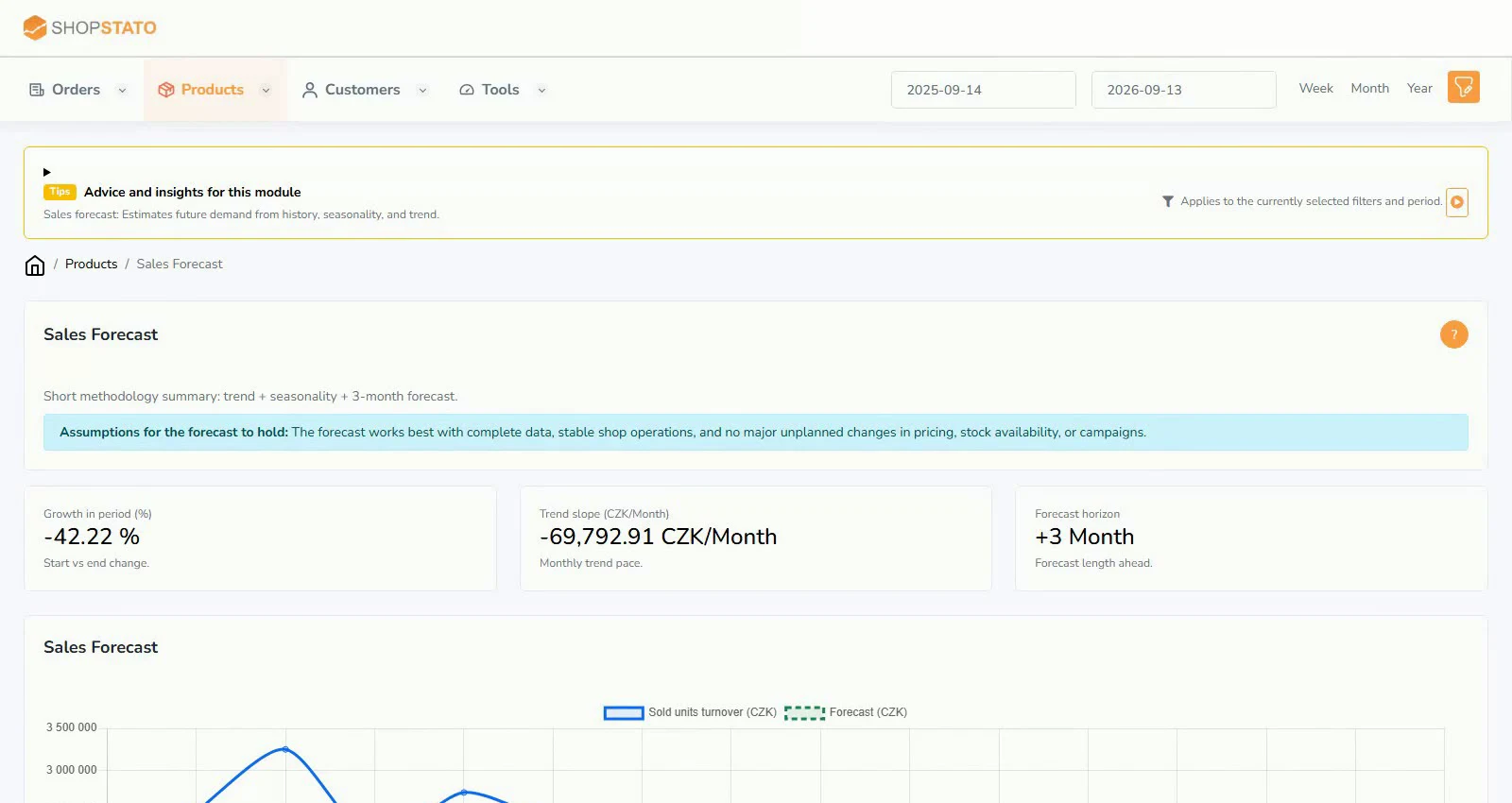 Enlarge screenshot ↗
What to consider when interpreting the result
A statistical model uses history. It does not automatically know about future price changes, campaigns or new products; the curve is not a promise.
Continue in the application
Application links require sign-in. Access to a report depends on your permissions and the relevant module.
Source: Shopstato help centre . This English guide adds practical context and examples from English video tutorials.