CustomersGuides
Customer lifetime statistics: see the whole relationship
A step-by-step guide
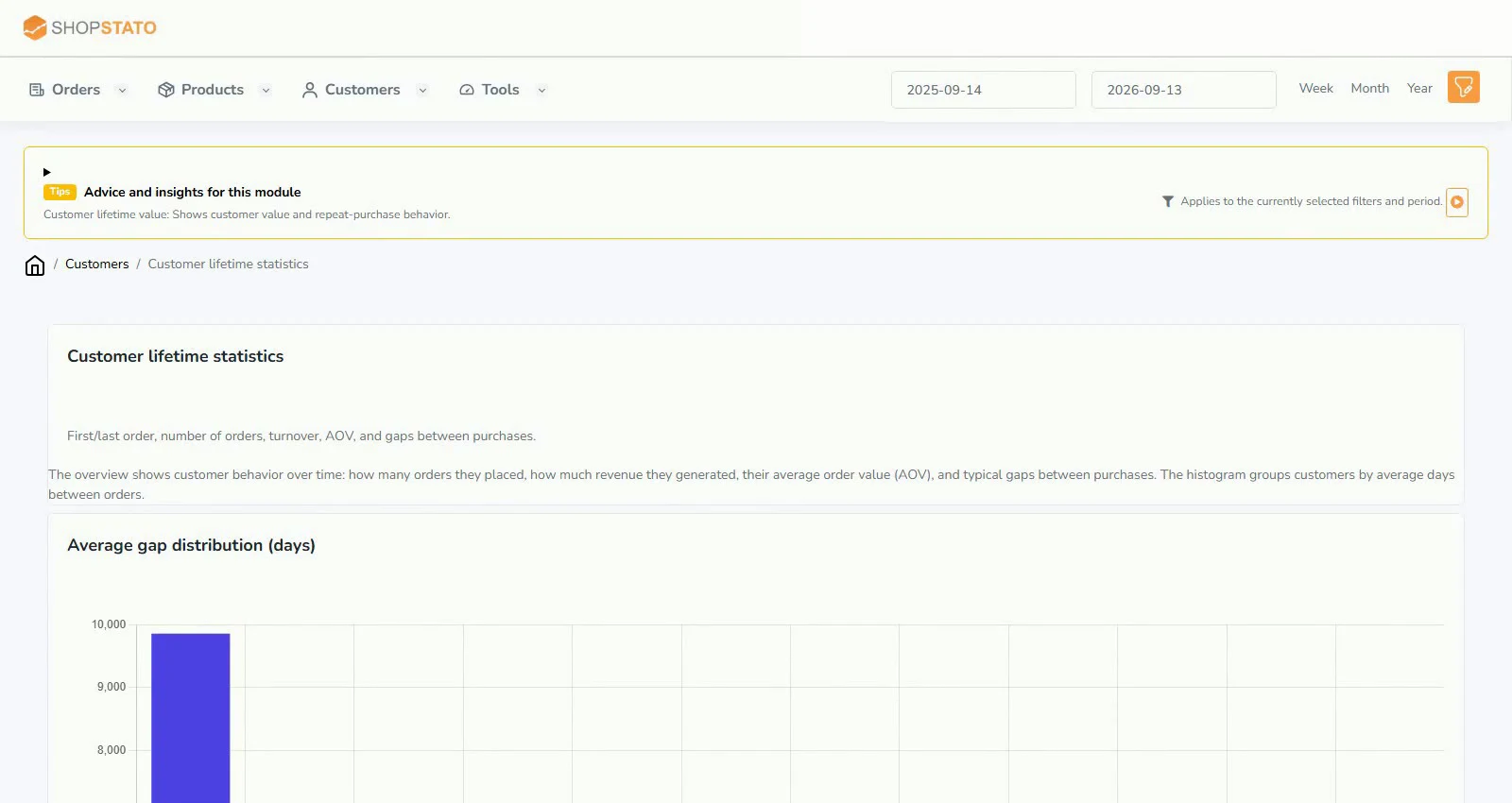
First and last purchase dates, order count, revenue, AOV and purchase gaps describe the relationship with each customer.
What to prepare
Historical orders linked to the same customer identity.
Step by step
- Find a customer and check the first and last purchase dates.
- Review order count, total revenue and AOV.
- Look at gaps between purchases and any changes in regularity.
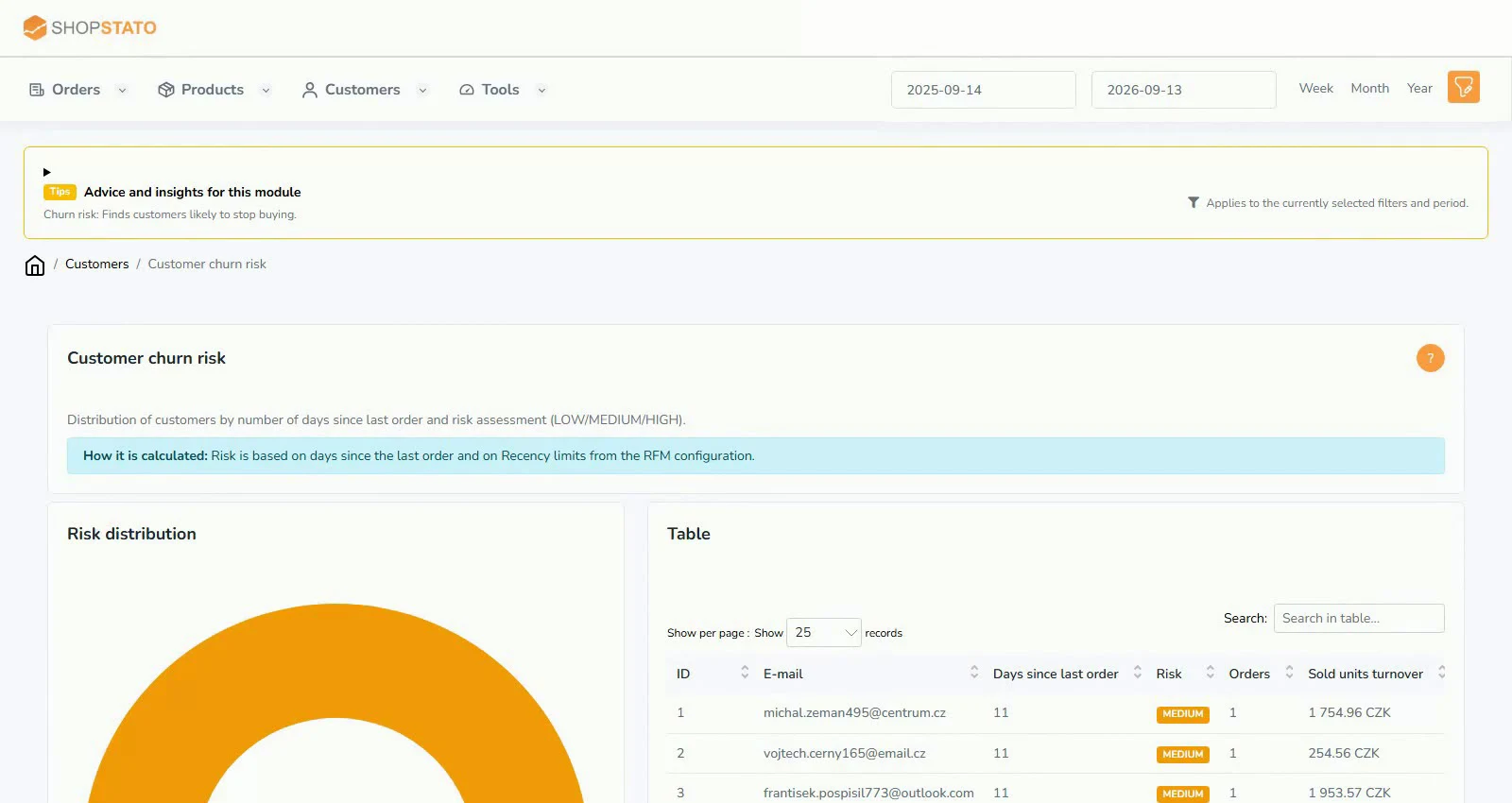
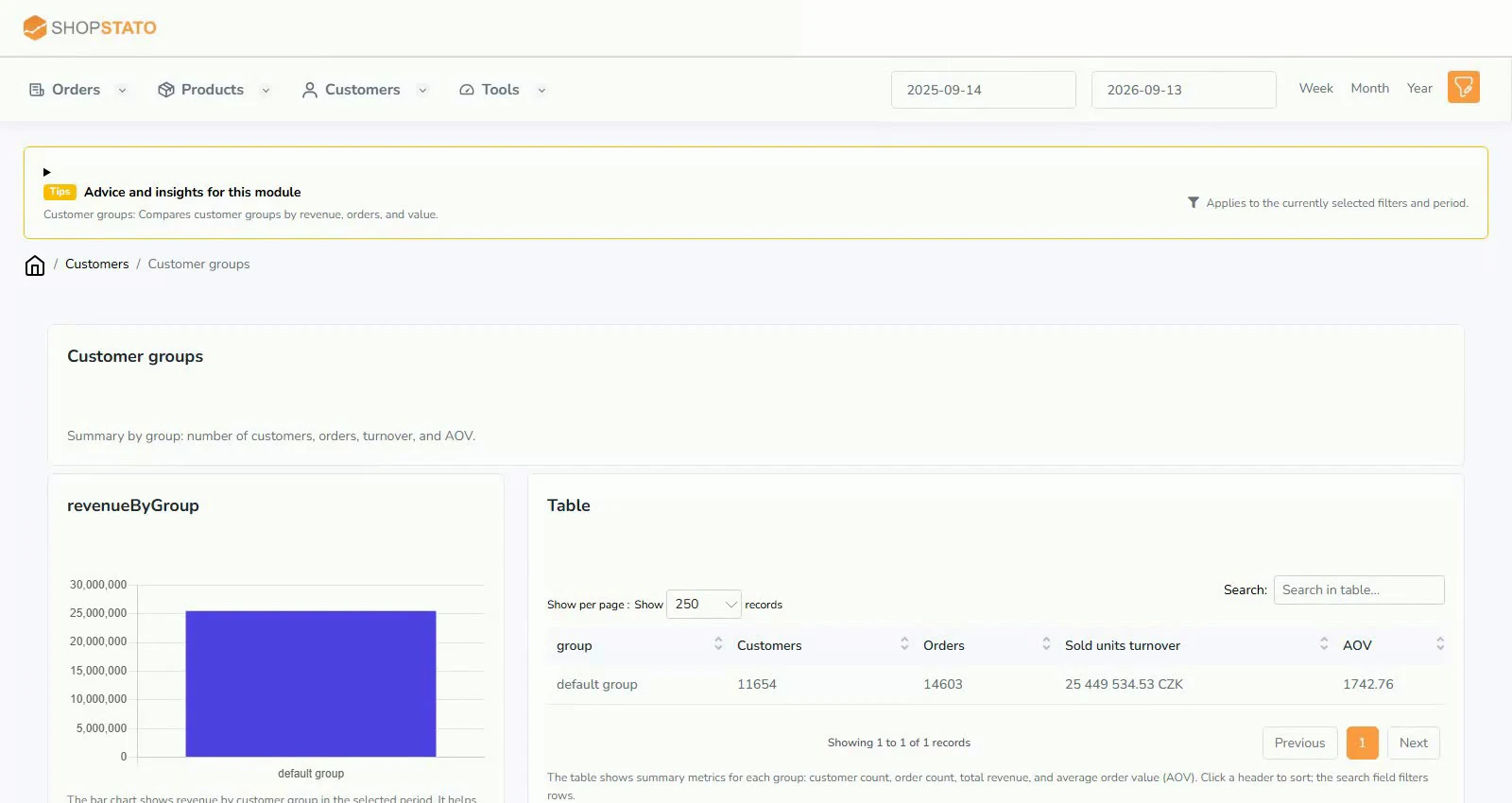
- Compare the result with customer groups, CLV and churn risk.
An example from the application
 Enlarge screenshot ↗
What to consider when interpreting the result
Lifetime statistics describe past behaviour. They do not guarantee future purchases; also consider how recent the last order is.
Continue in the application
Application links require sign-in. Access to a report depends on your permissions and the relevant module.
Source: Shopstato help centre . This English guide adds practical context and examples from English video tutorials.